



ASUS MONITOR 15.6" MB16ACV ZenScreen
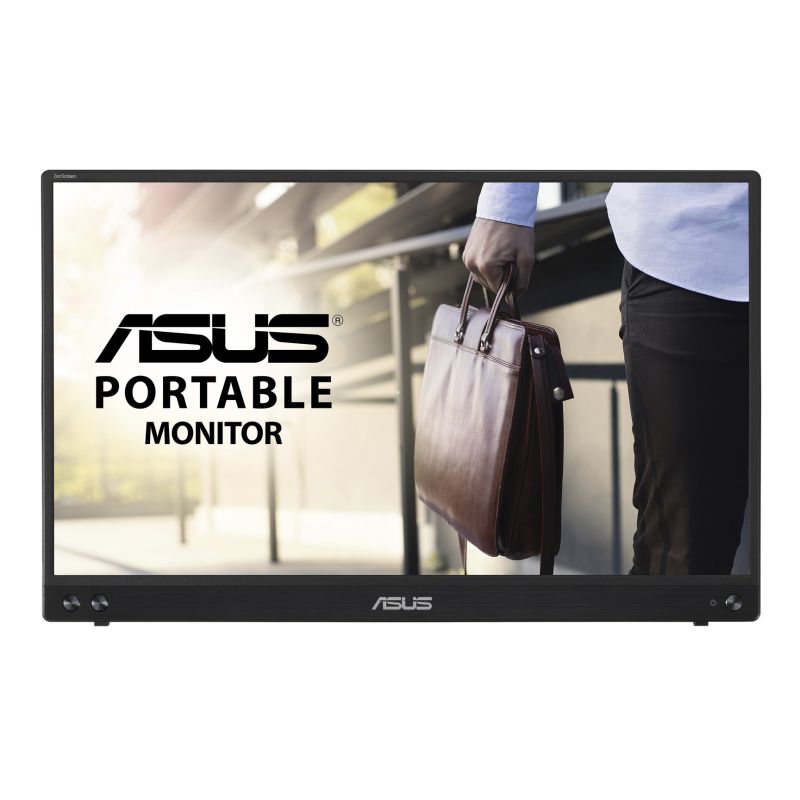
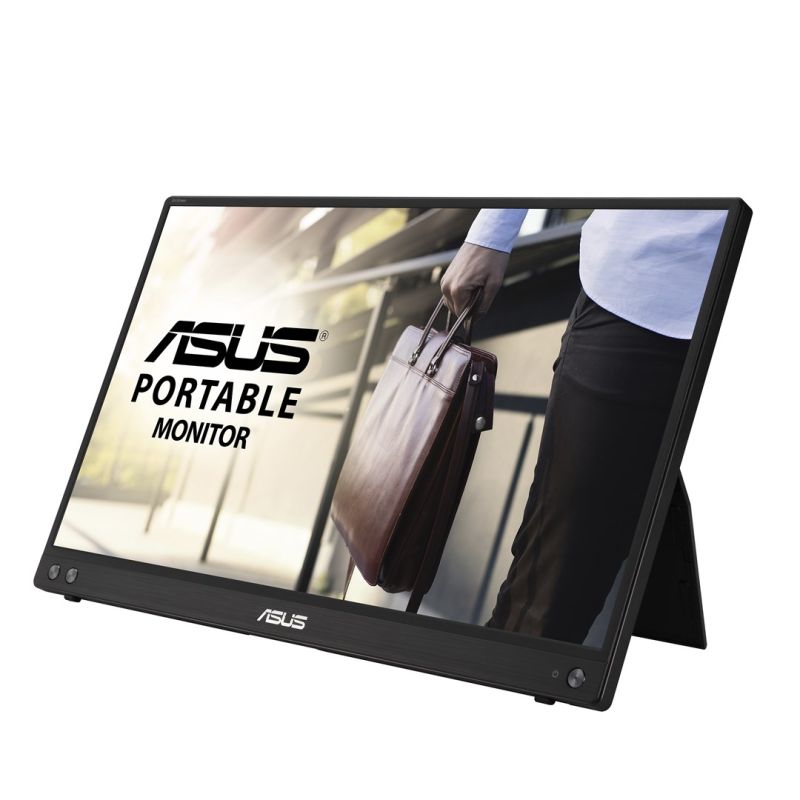

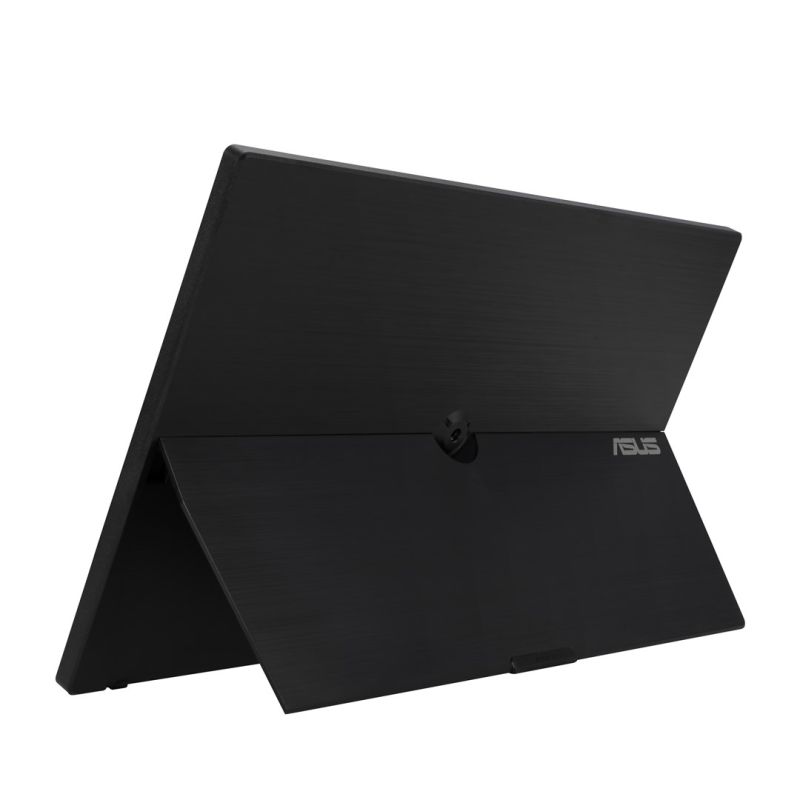
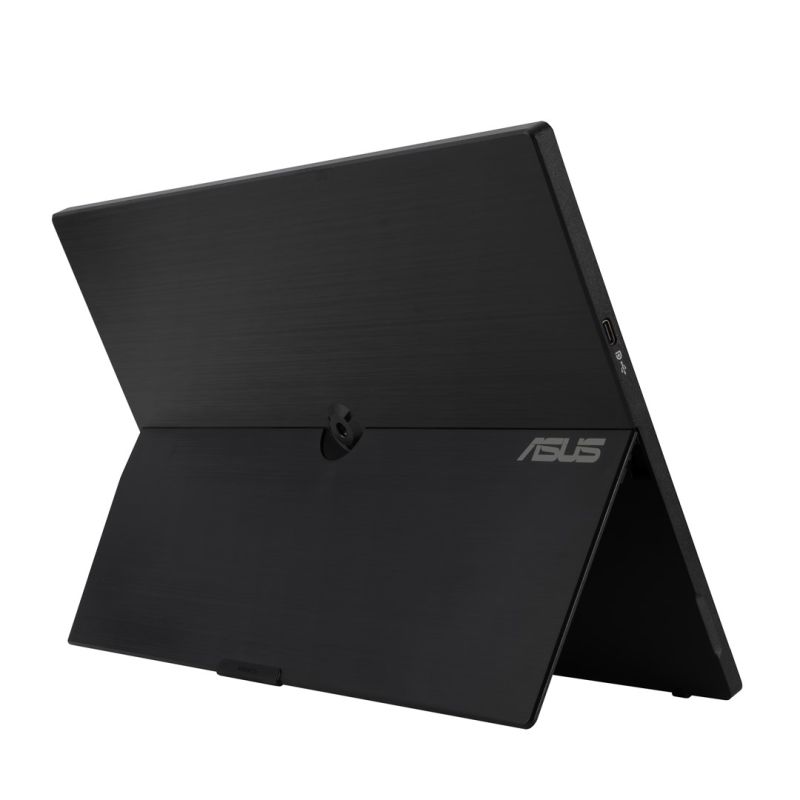
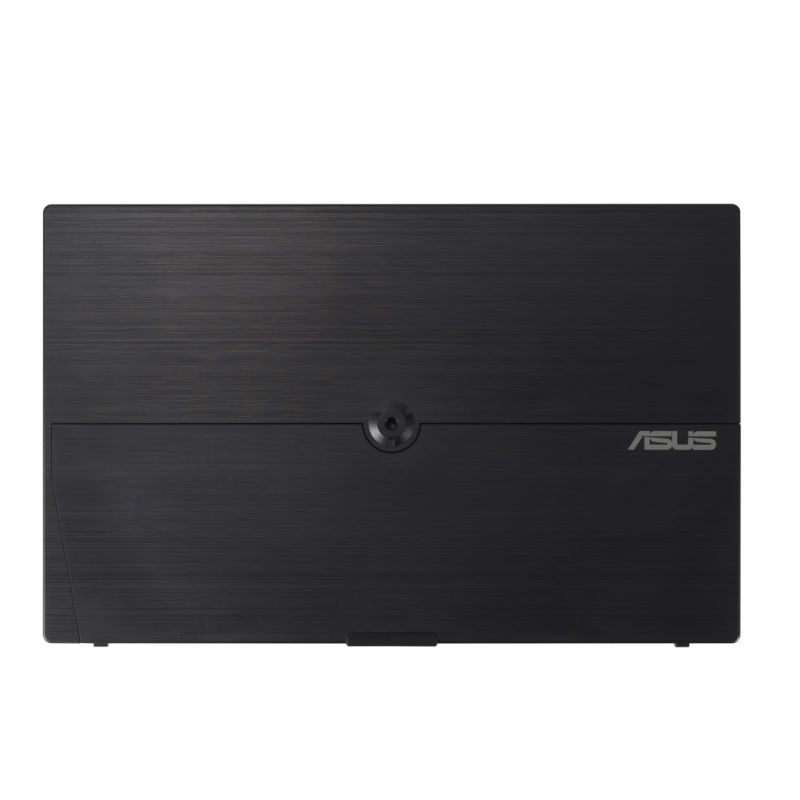
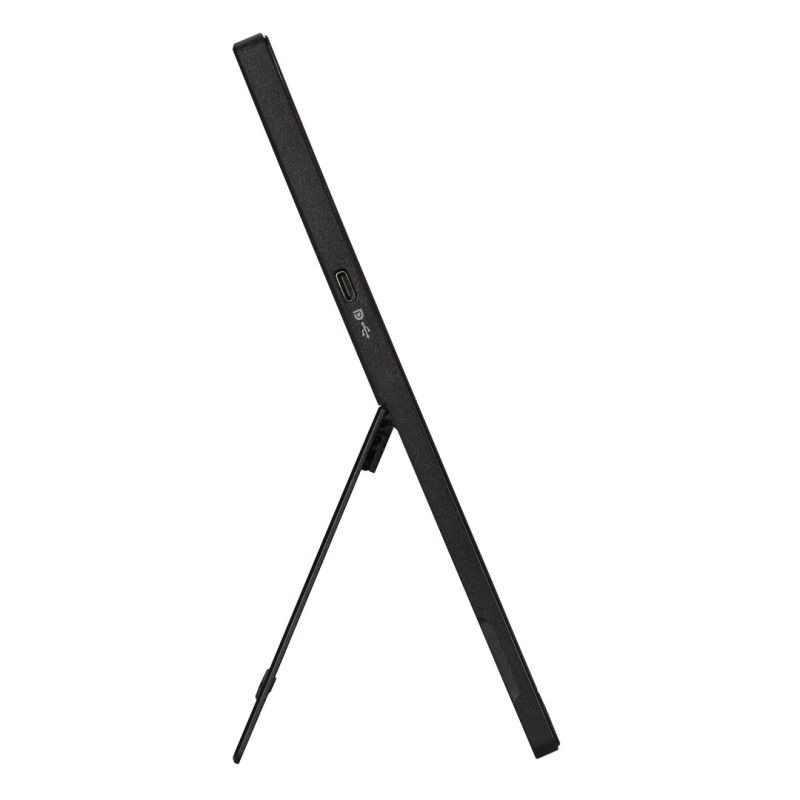
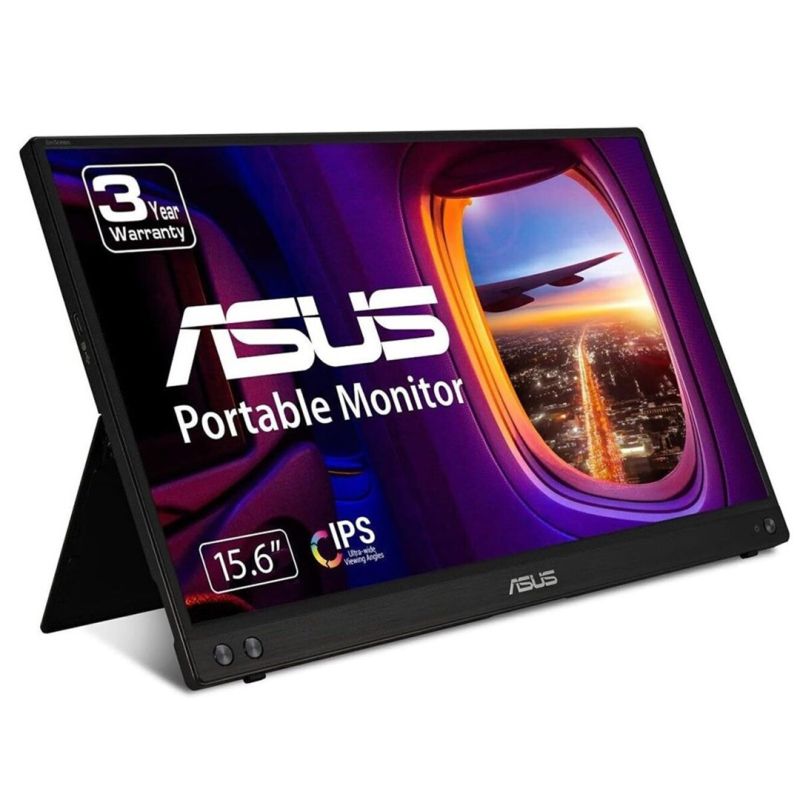
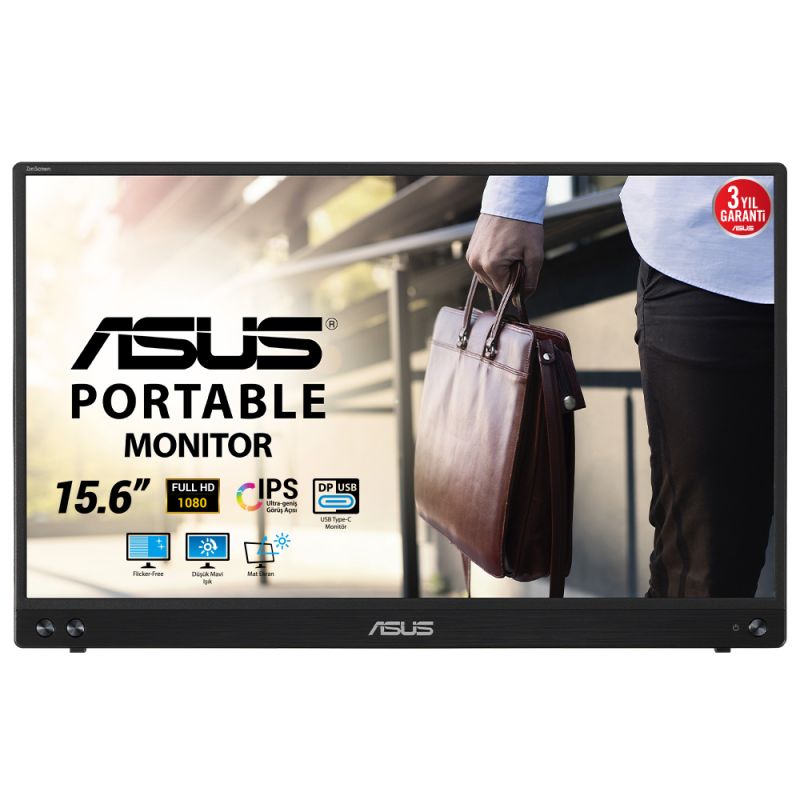
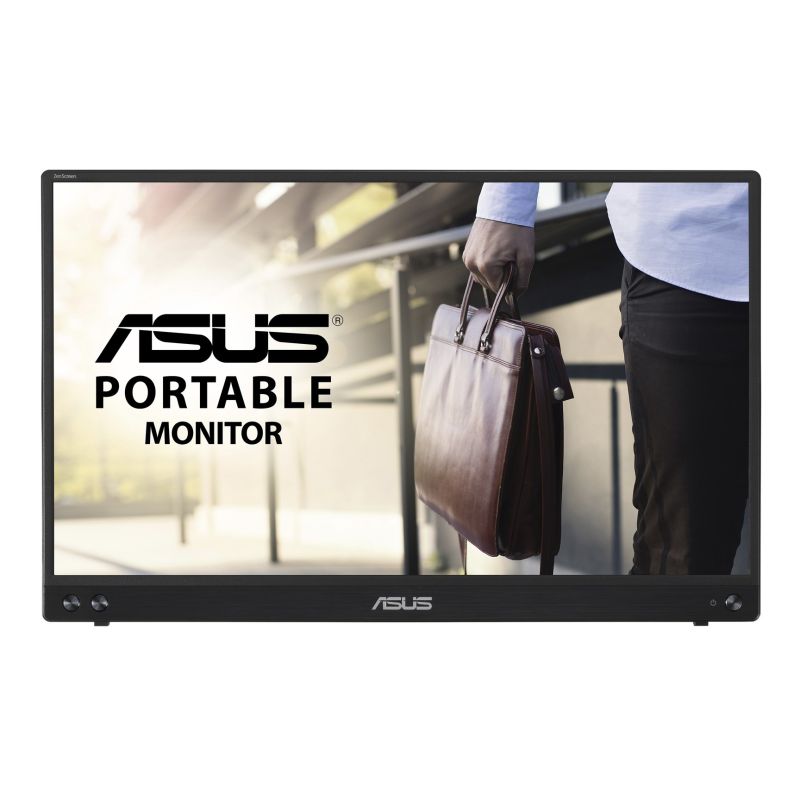
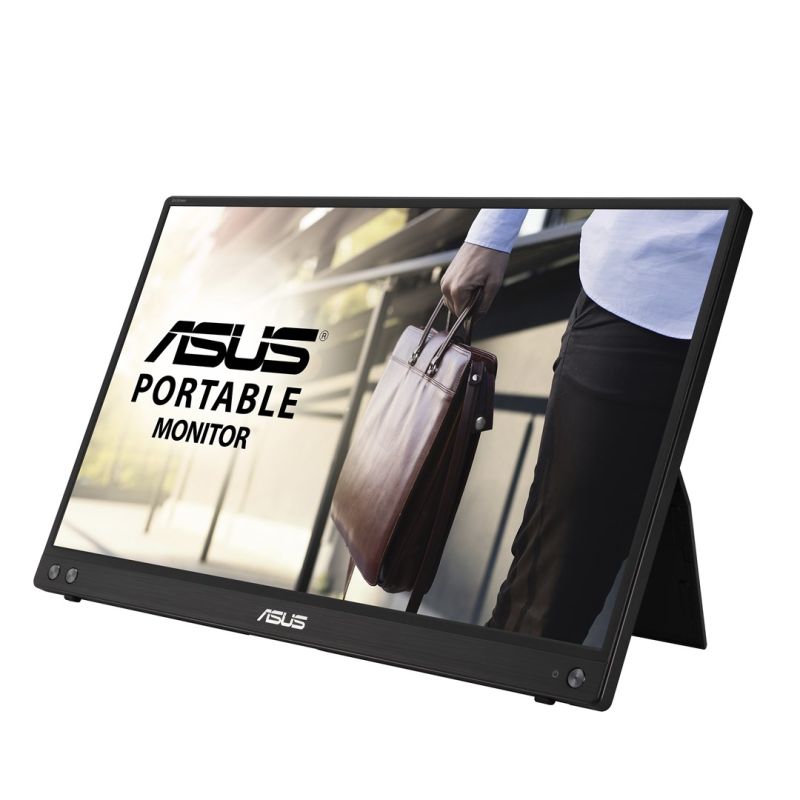

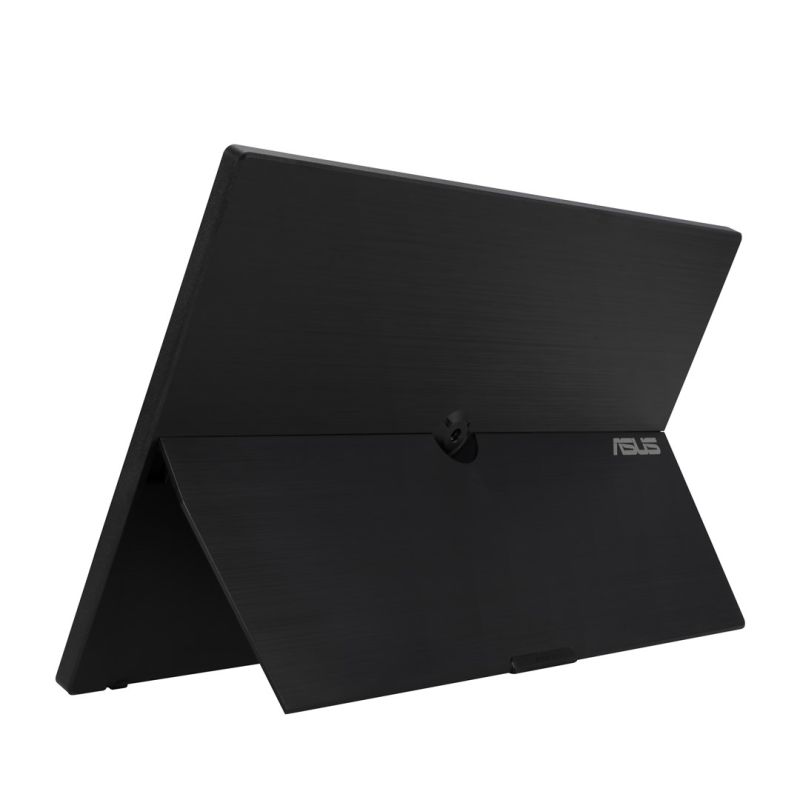
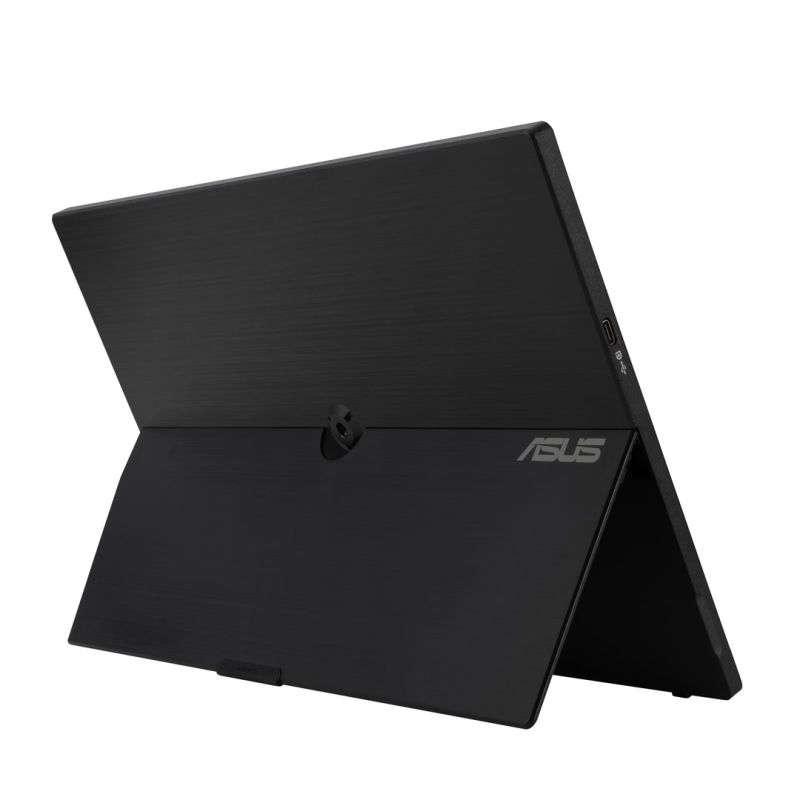
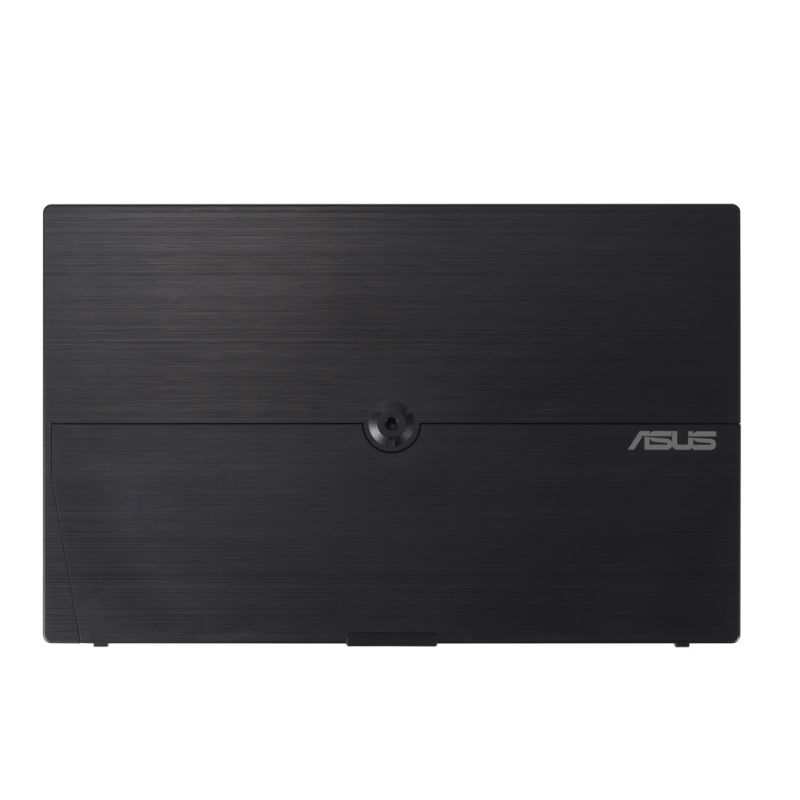
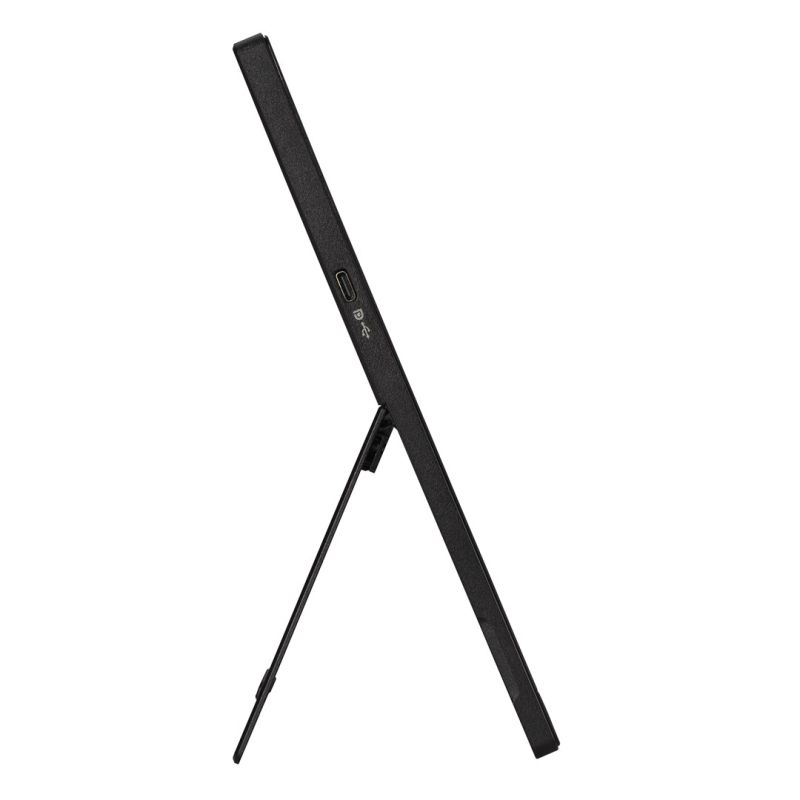
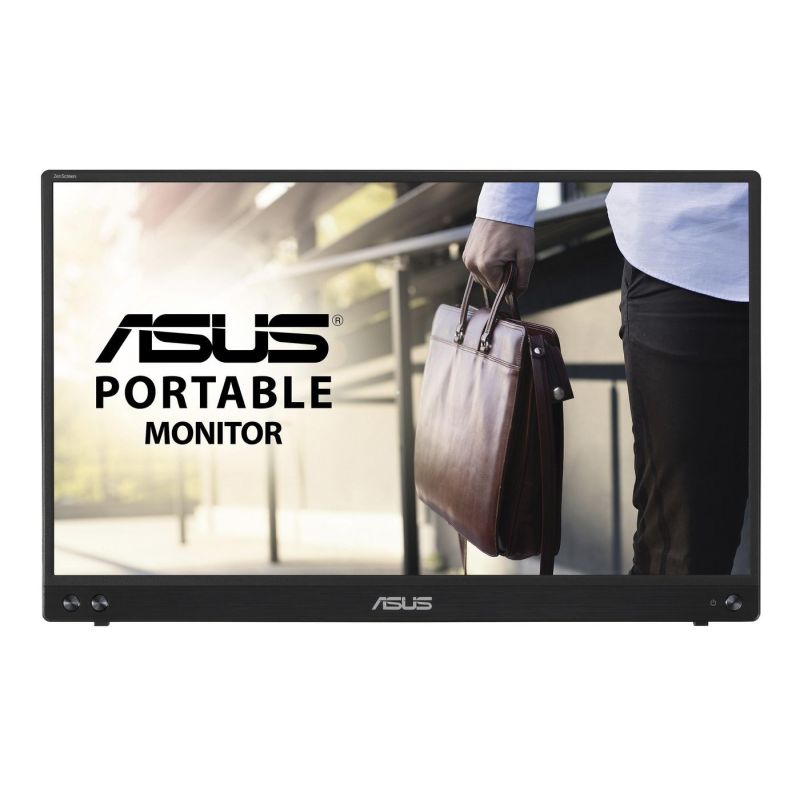
ASUS MONITOR 15.6" MB16ACV ZenScreen


ASUS MONITOR 15.6" MB16ACV ZenScreen
PRICE:
241,99
€
IN A WAREHOUSE
5 pcs
We'll ship this product in 3 days.
FREE EUROPE SHIPPING FROM 149 €!
30 DAYS FOR A RETURN!
Sign up and unlock up to 10% off!

- Design
- Product color: Black
- Power
- European Product Registry for Energy Labeling (EPREL) code: 399648
- AC input frequency: 50 - 60 Hz
- Energy Efficiency Scale: From A to G
- AC input voltage: 100 - 240 V
- Power consumption: 15 W
- Off mode: 0.3 W
- Energy efficiency class (SDR): B
- Energy consumption (SDR) per 1000 hours: 6 kWh
- Weight and dimensions
- Device width (with base): 357.9 mm
- Device height (with base): 224.8 mm
- Weight (with stand): 830 g
- Device depth (with base): 10.5 mm
- Network
- Wi-Fi: No
- Efficiency
- AMD FreeSync: No
- NVIDIA G-SYNC: No
- Packaging data
- Package depth: 82 mm
- Weight with packaging: 2.7 kg
- Package height: 283 mm
- Package width: 433 mm
- Display
- Maximum refresh rate: 60 Hz
- Screen diagonal: 15.6"
- Touchscreen: No
- Screen shape: Flat
- Contrast ratio (typical): 800:1
- Response time (typical): 5 ms
- Native aspect ratio: 16:9
- Matrix type: IPS
- HD type: Full HD
- Resolution: 1920 x 1080 px
- Display technology: LED
- Multimedia
- Built-in speakers: No
- Built-in camera: No
- Ergonomics
- Height adjustment: No
- Kensington Lock: No
- VESA Standard: No
- Ports and interfaces
- HDMI: No
- HDCP: Yes
- Headphone output: No
- Logistics data
- Harmonized System (HS) code: 85285210
- Safety warning
- Warnings
- Place the monitor on a flat and stable surface to avoid tipping and damage.
- Unplug the monitor from the power source before cleaning.
- Do not disassemble the monitor housing to avoid the risk of electric shock.
- Warnings
| Name | Details |
|---|---|
| Category | Computers and accessories |
| Producer | Asus |
| Department | Electronics |