



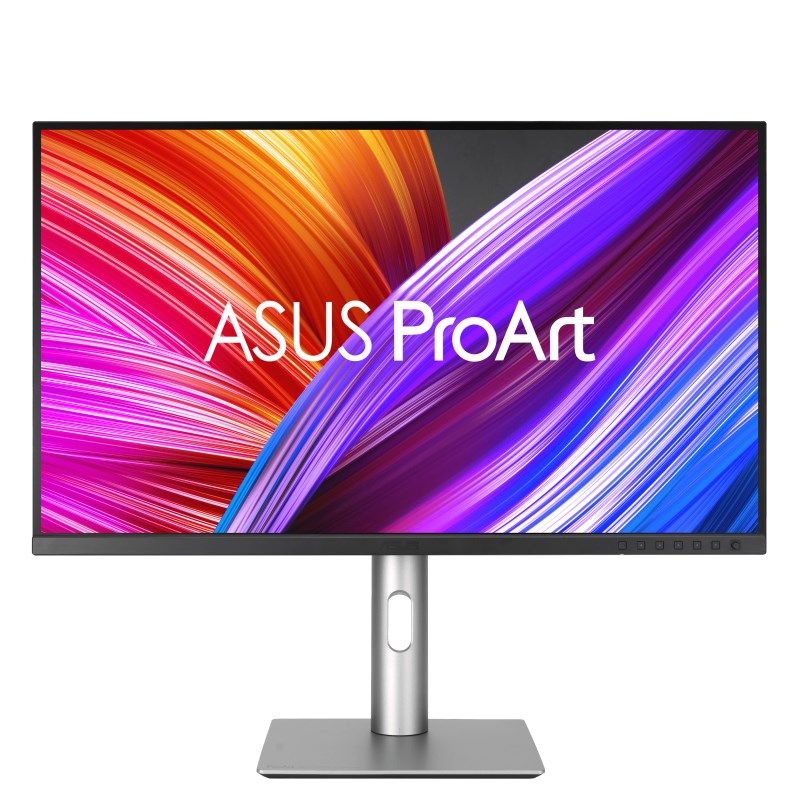
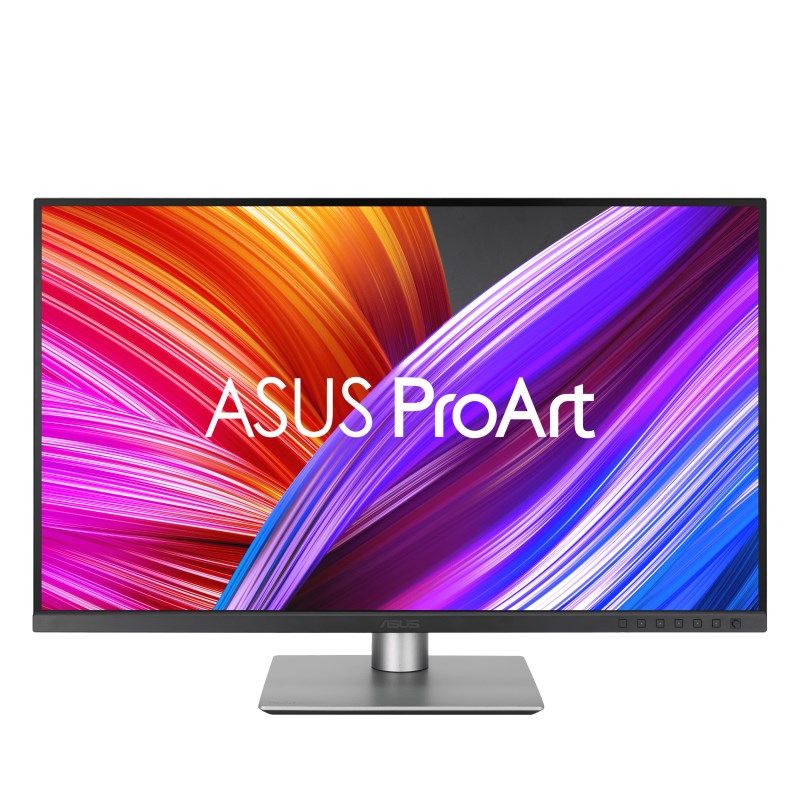
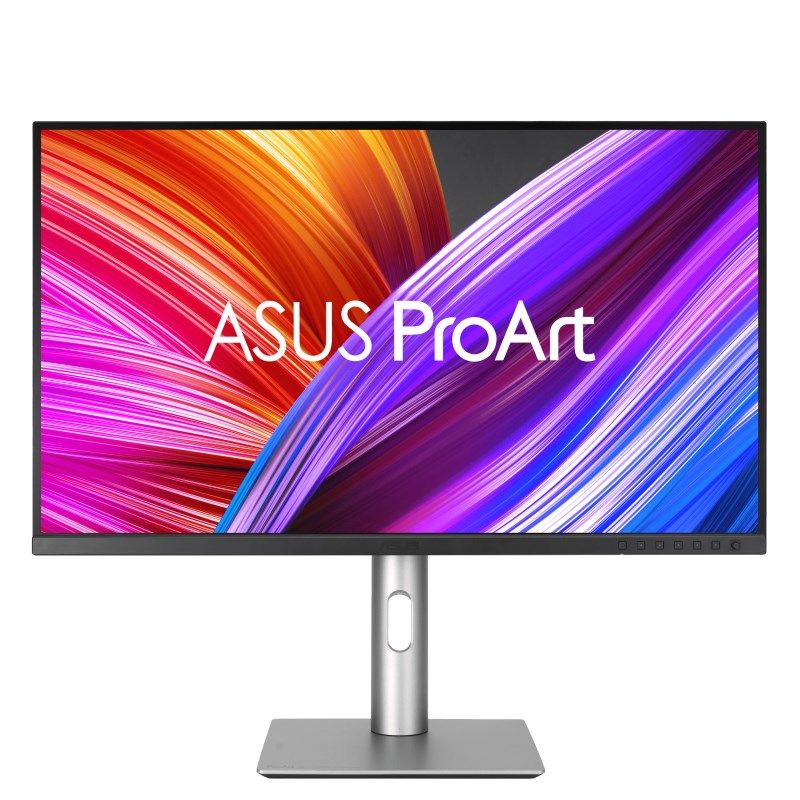
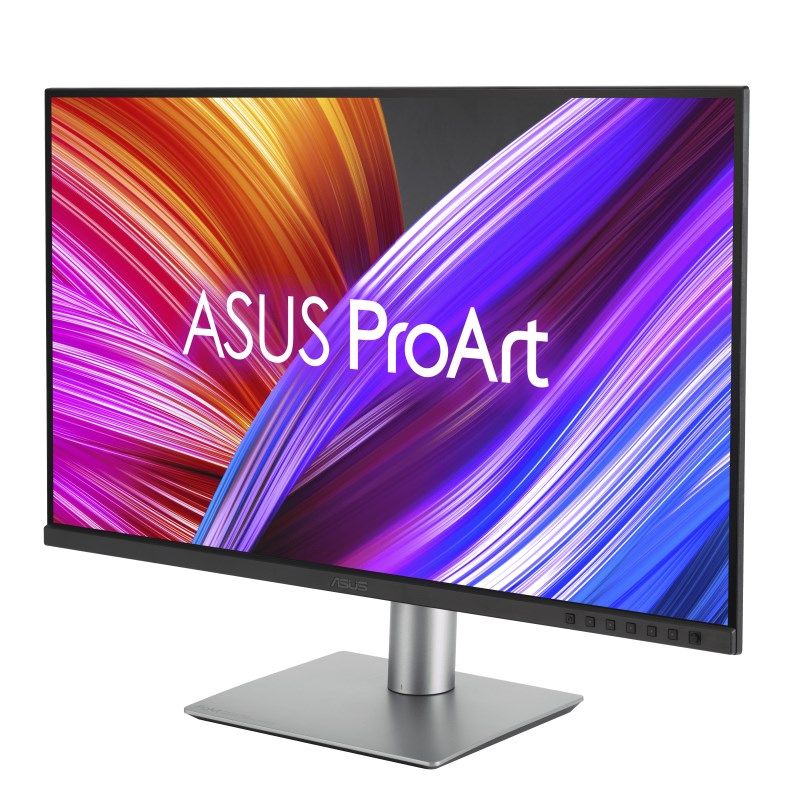
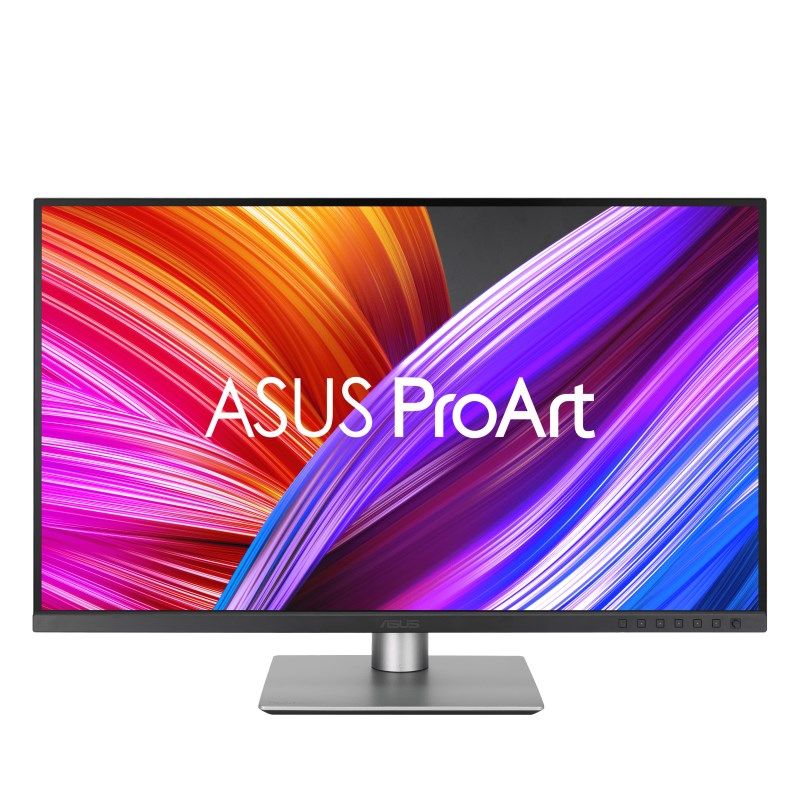
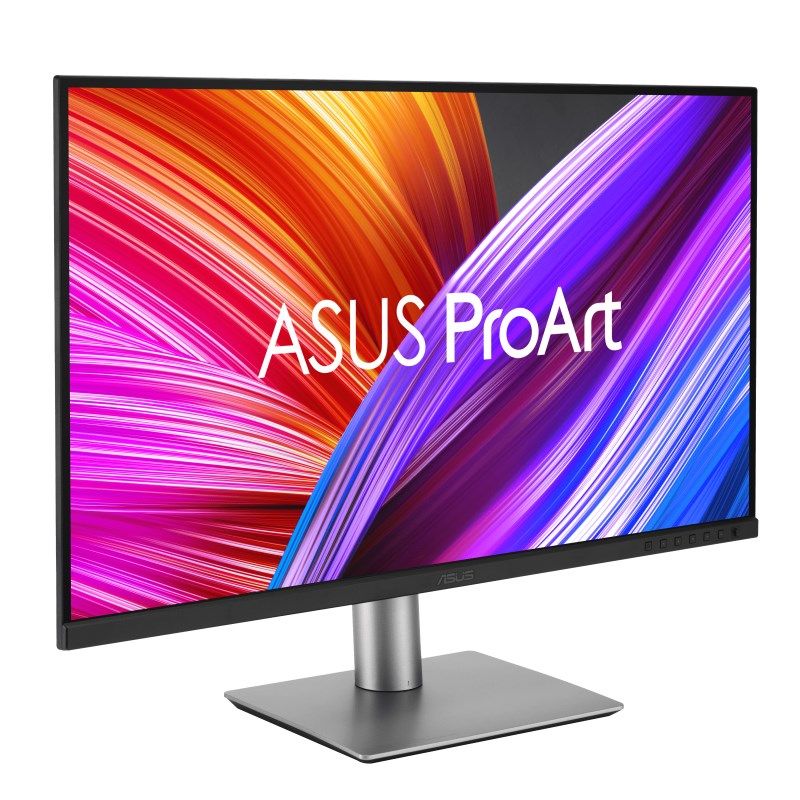
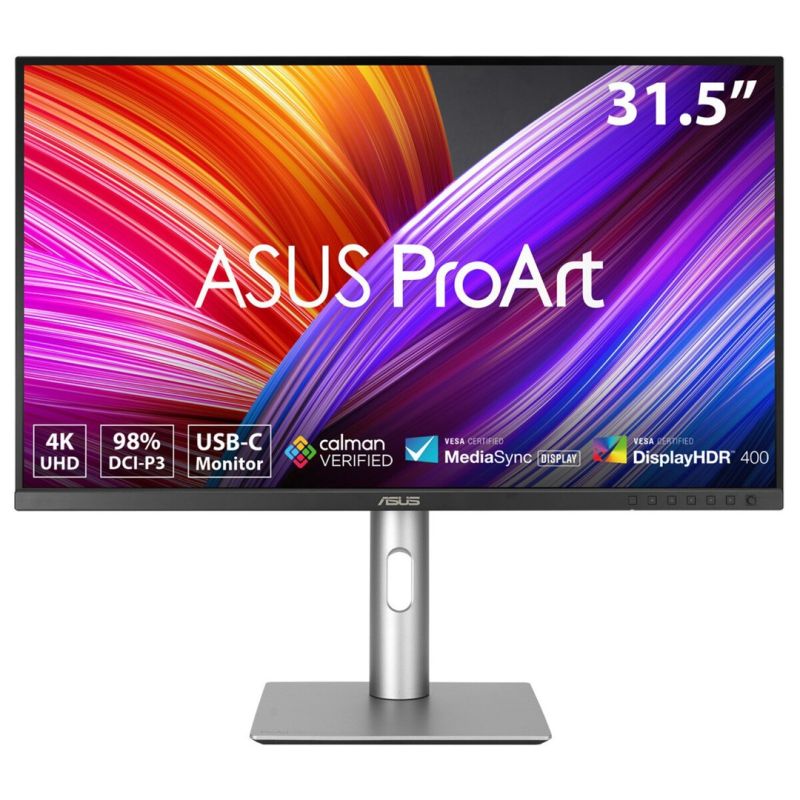
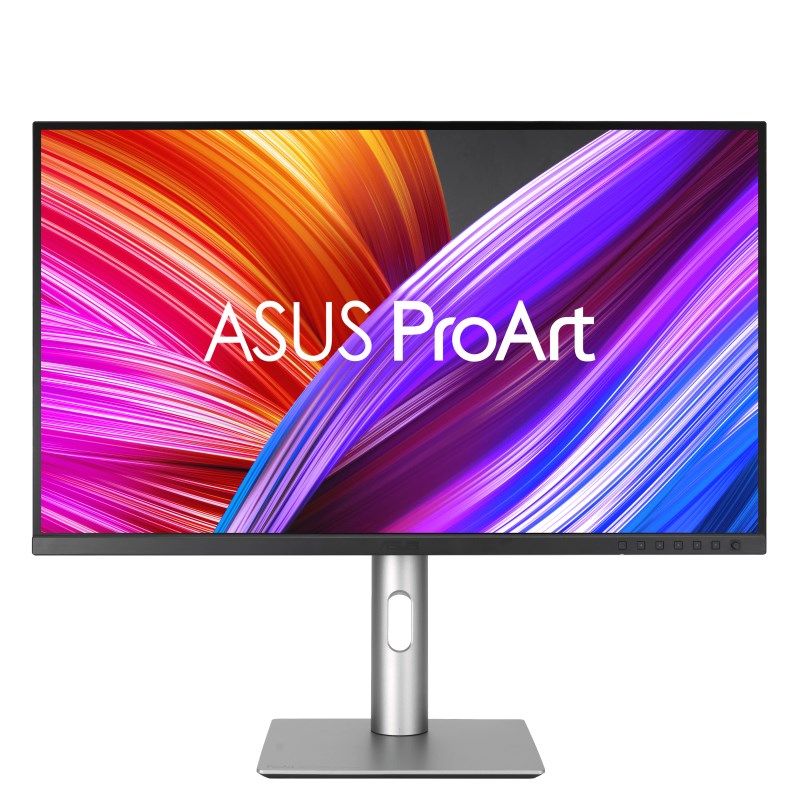
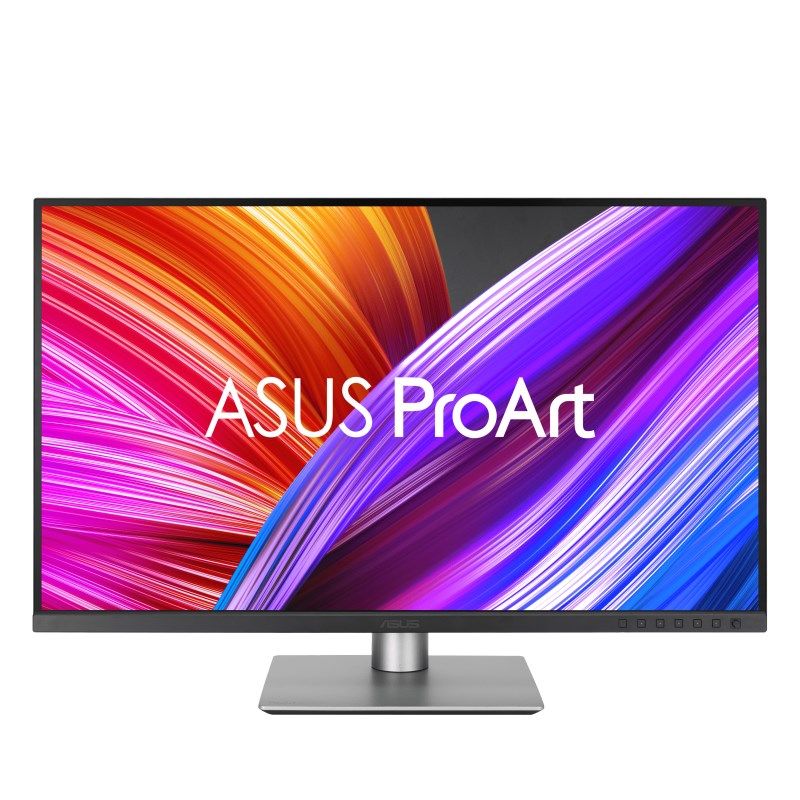
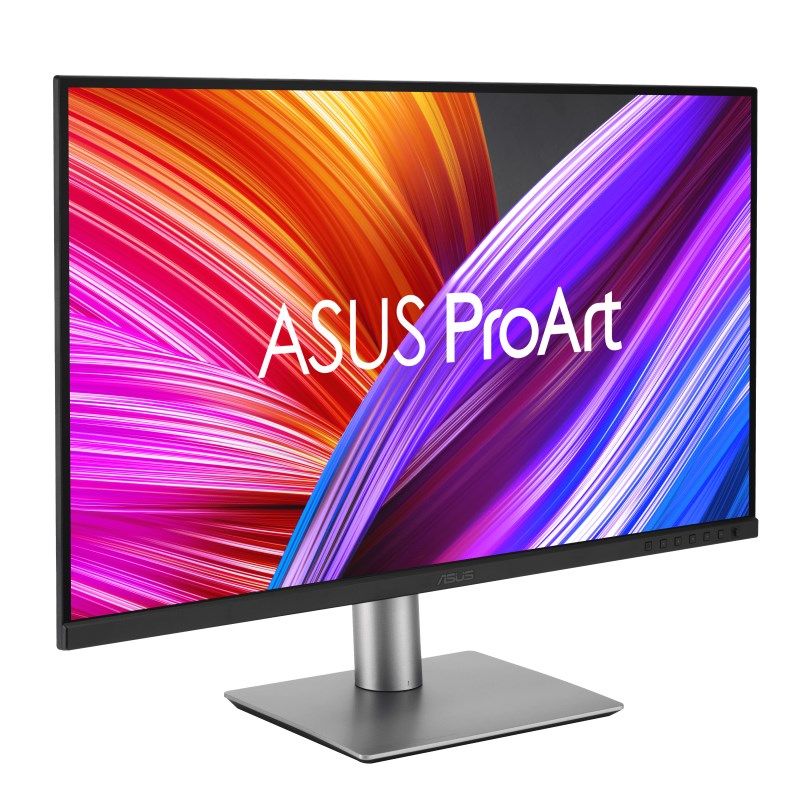
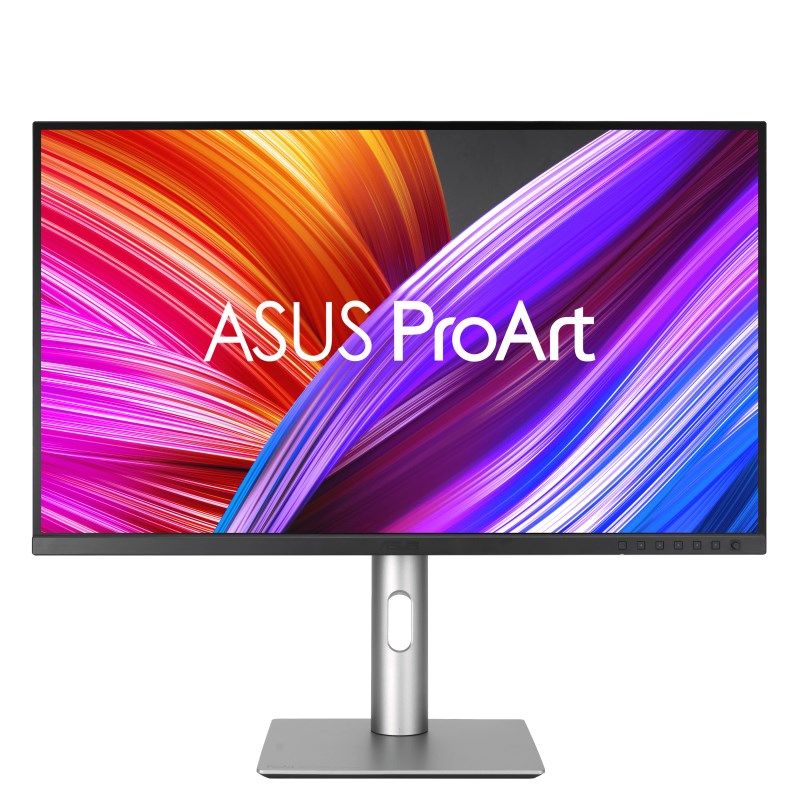
ASUS ProArt PA329CRV Computer Monitor 80 cm (31.5") 3840 x 2160 px 4K Ultra HD LCD Black
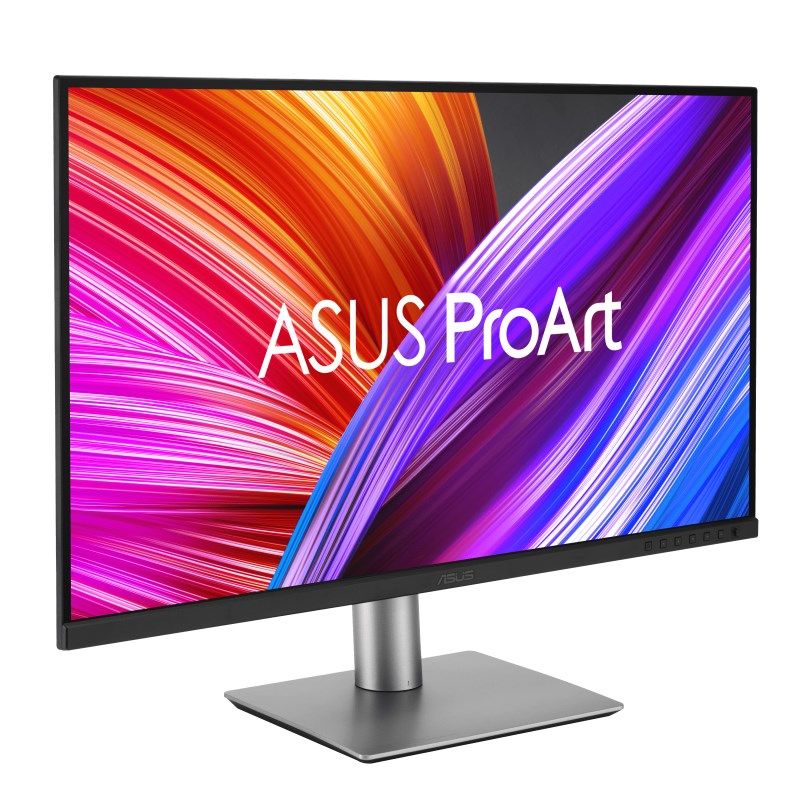
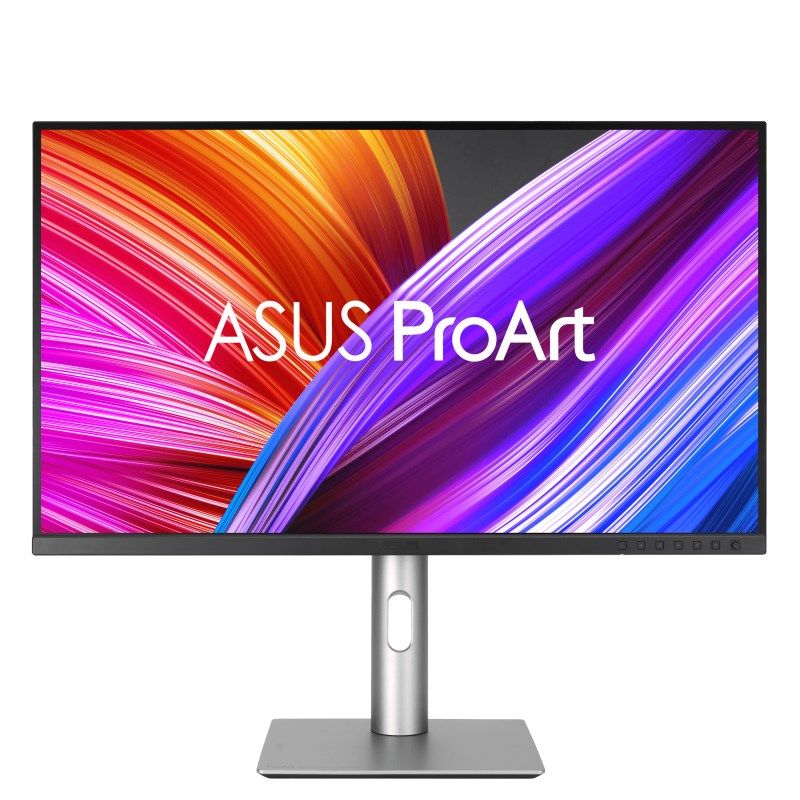
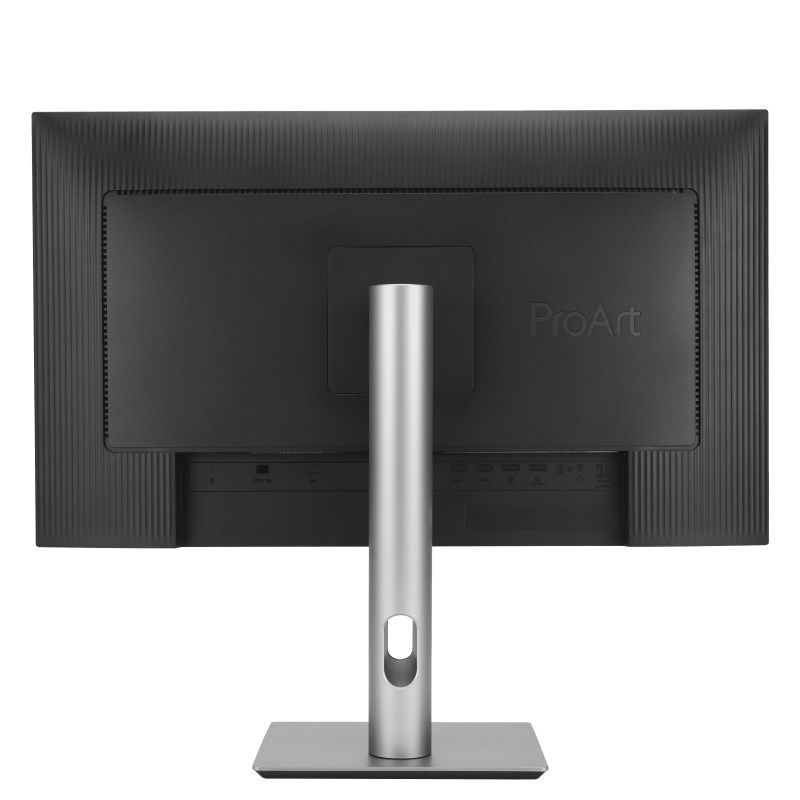
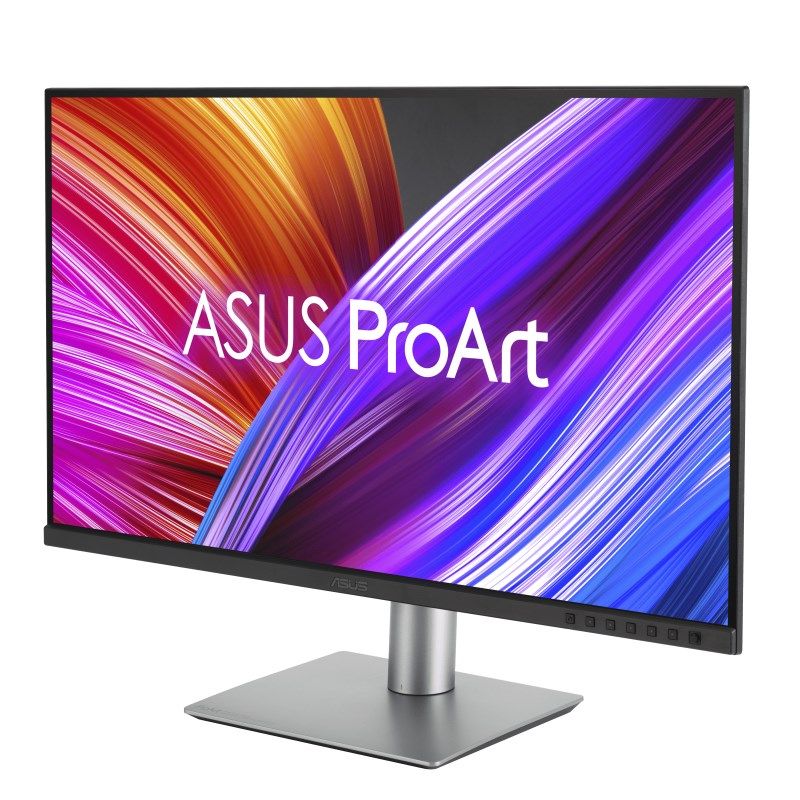
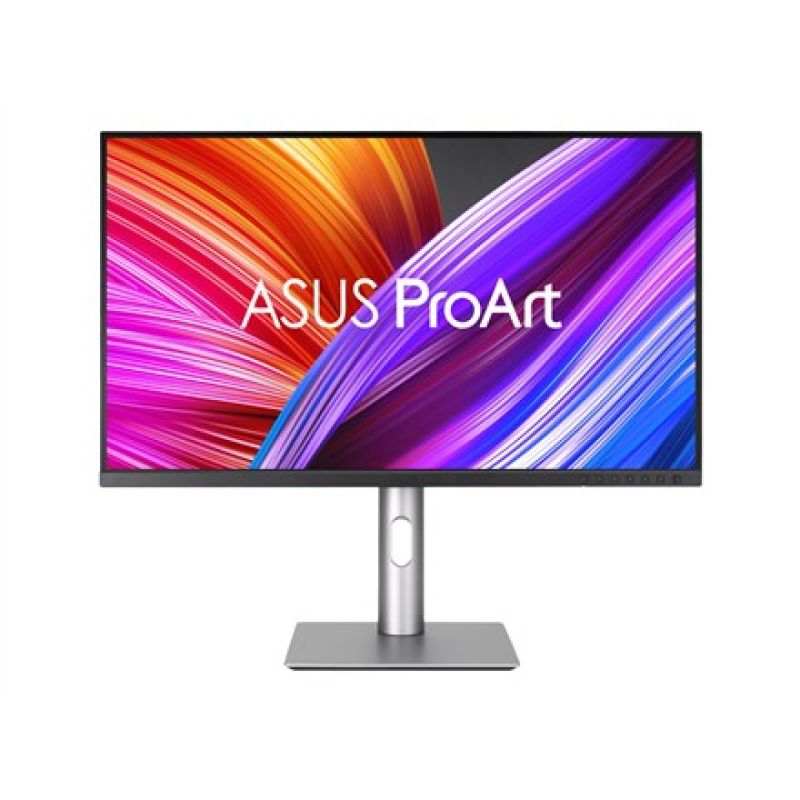
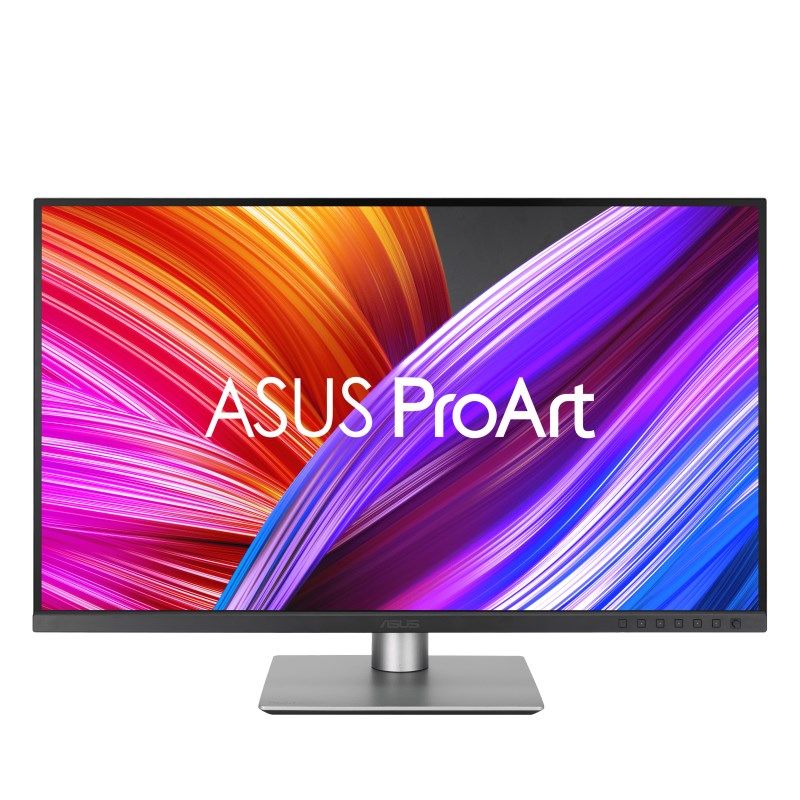
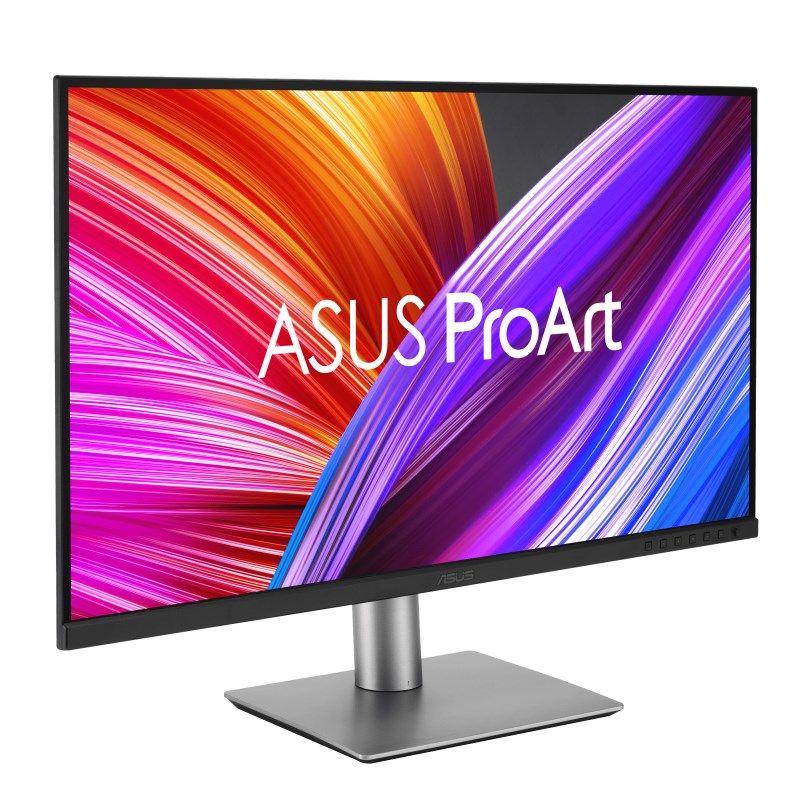

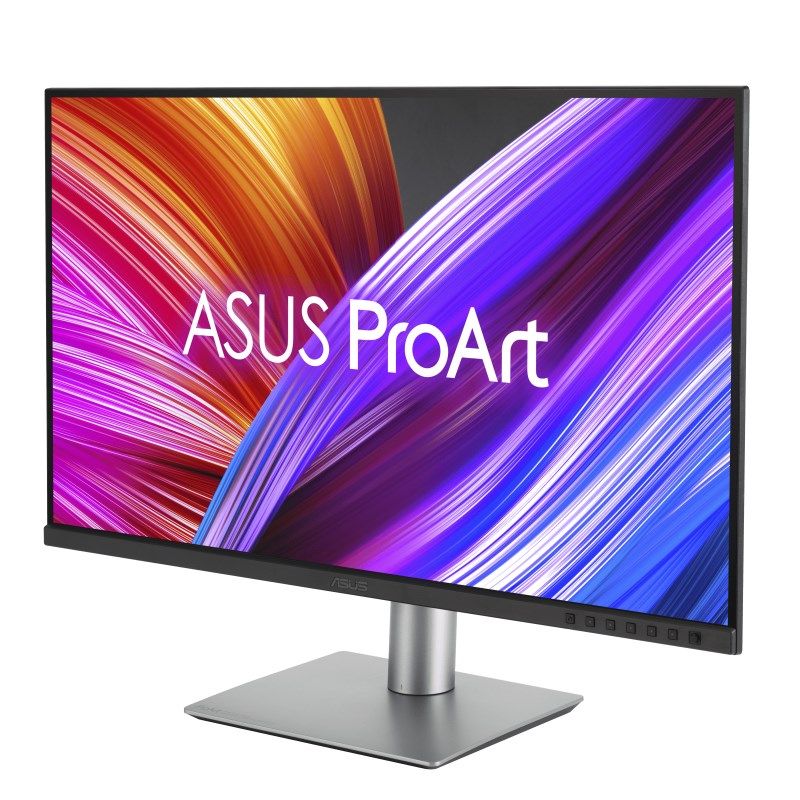
ASUS ProArt PA329CRV Computer Monitor 80 cm (31.5") 3840 x 2160 px 4K Ultra HD LCD Black


ASUS ProArt PA329CRV Computer Monitor 80 cm (31.5") 3840 x 2160 px 4K Ultra HD LCD Black
PRICE:
1501,99
€
IN A WAREHOUSE
above 10 pcs
We'll ship this product in 9 days.
FREE EUROPE SHIPPING FROM 149 €!
30 DAYS FOR A RETURN!
Sign up and unlock up to 10% off!

- Design
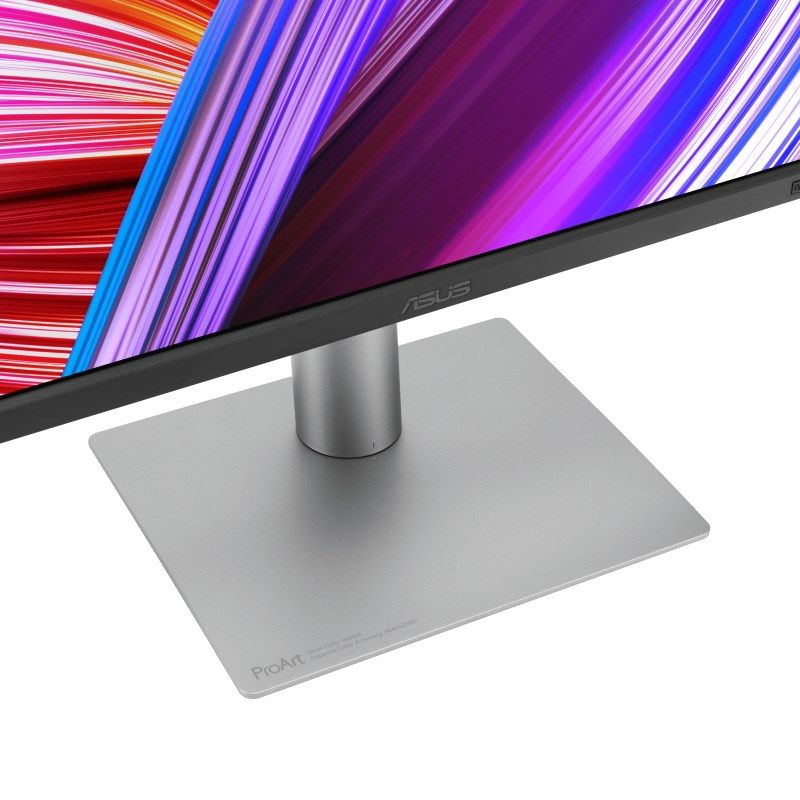
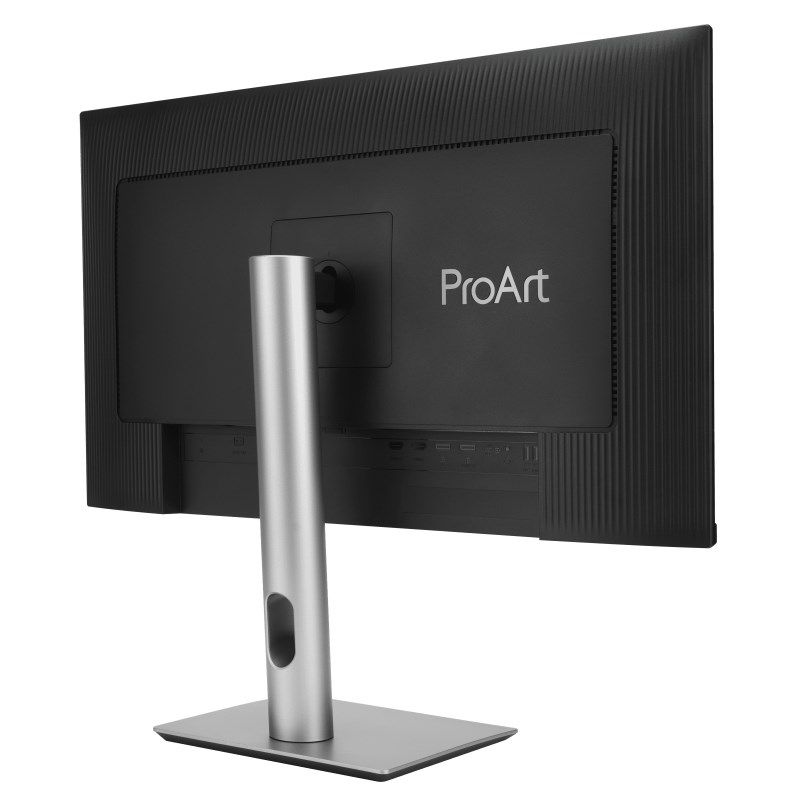
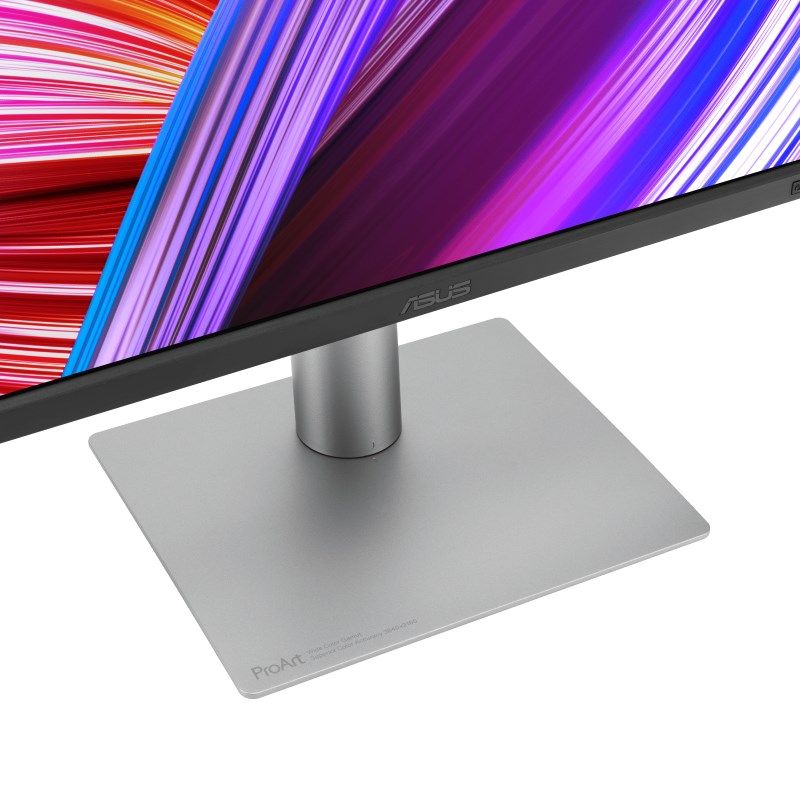
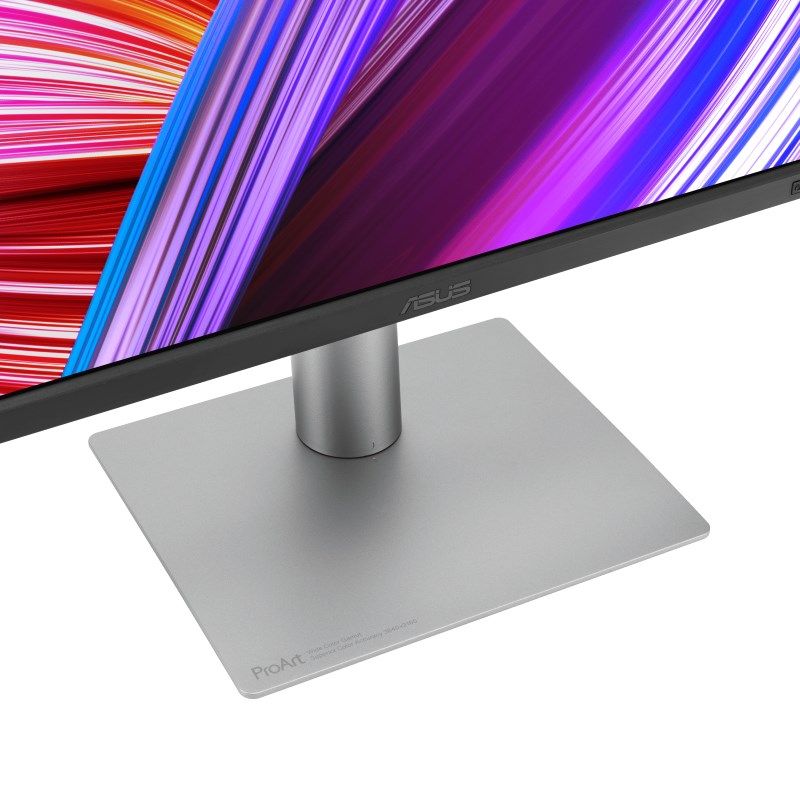
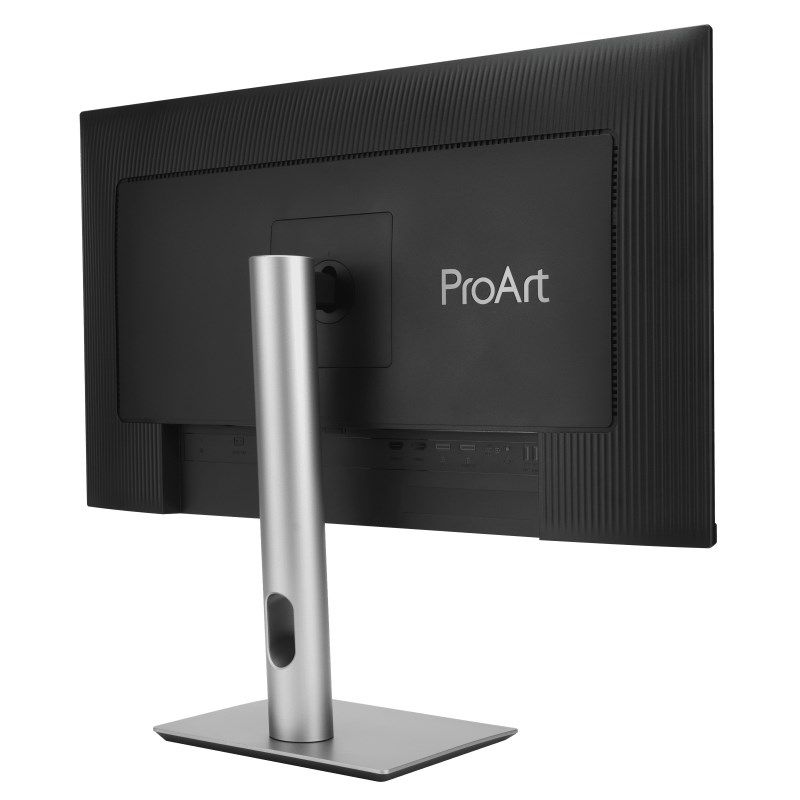
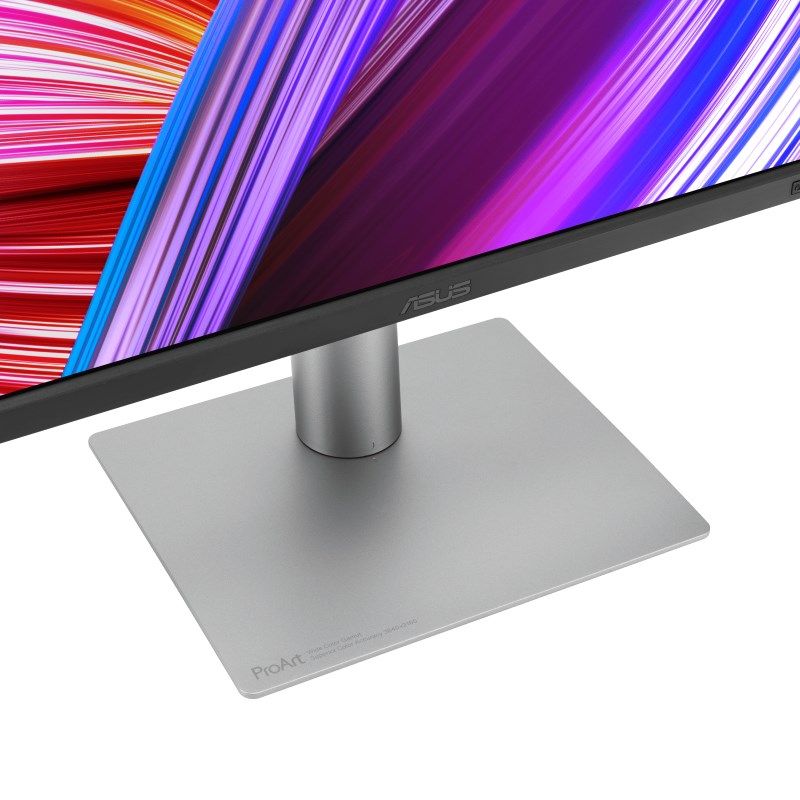
- Leg color: Silver
- Product color: Black
- Market positioning: Photo editing
- Power
- Energy Efficiency Scale: From A to G
- Energy consumption (SDR) per 1000 hours: 25 kWh
- Energy efficiency class (HDR): G
- Energy consumption (HDR) per 1000 hours: 40 kWh
- Energy efficiency class (SDR): E
- Off mode: 0 W
- AC input frequency: 50 - 60 Hz
- AC input voltage: 100 - 240 V
- Power consumption in energy-saving mode: 0.5 W
- Power consumption: 26.22 W
- Weight and dimensions
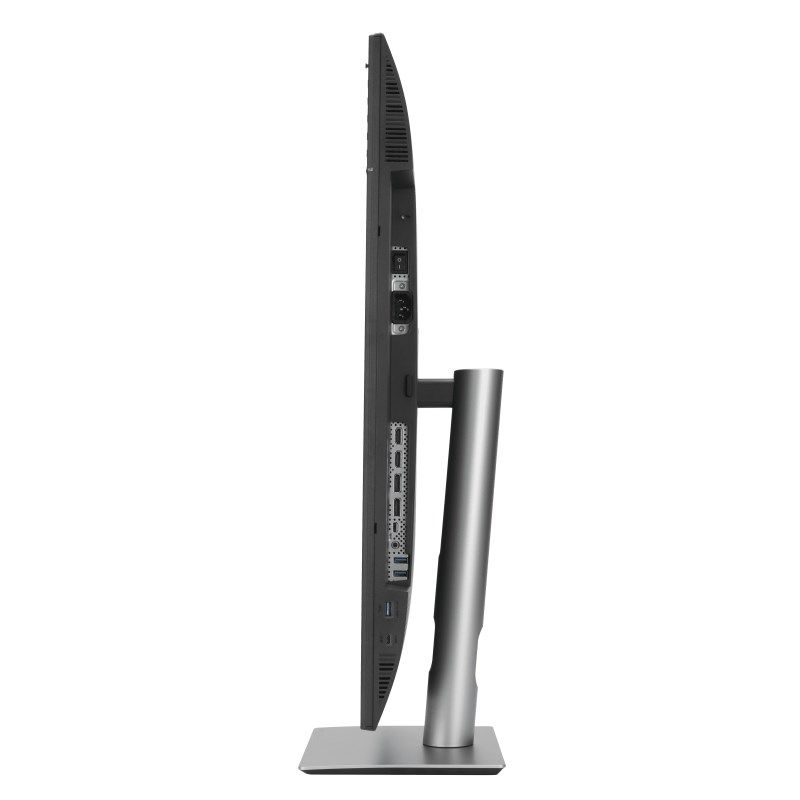
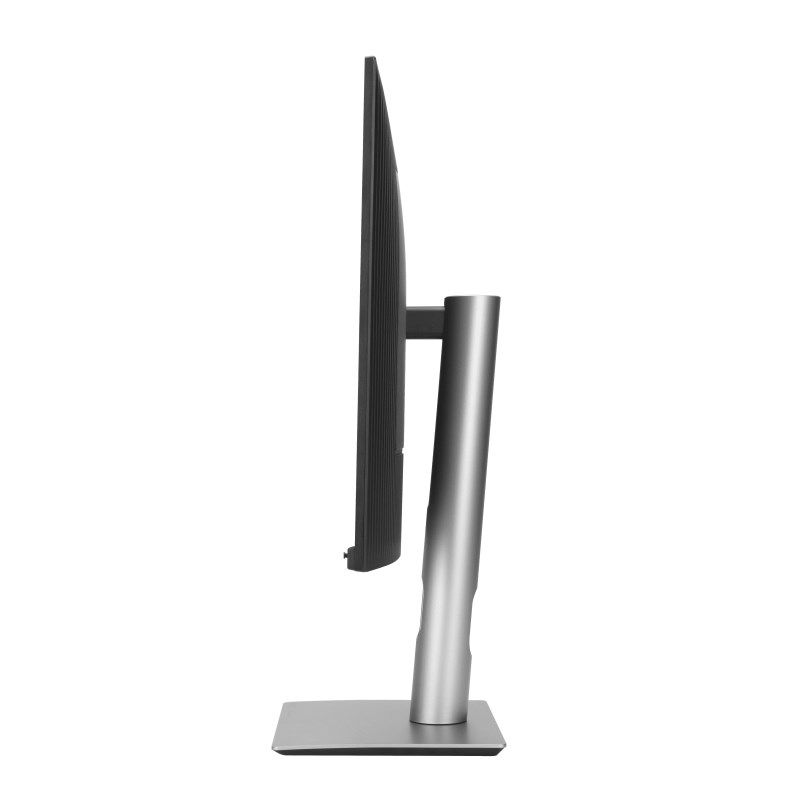
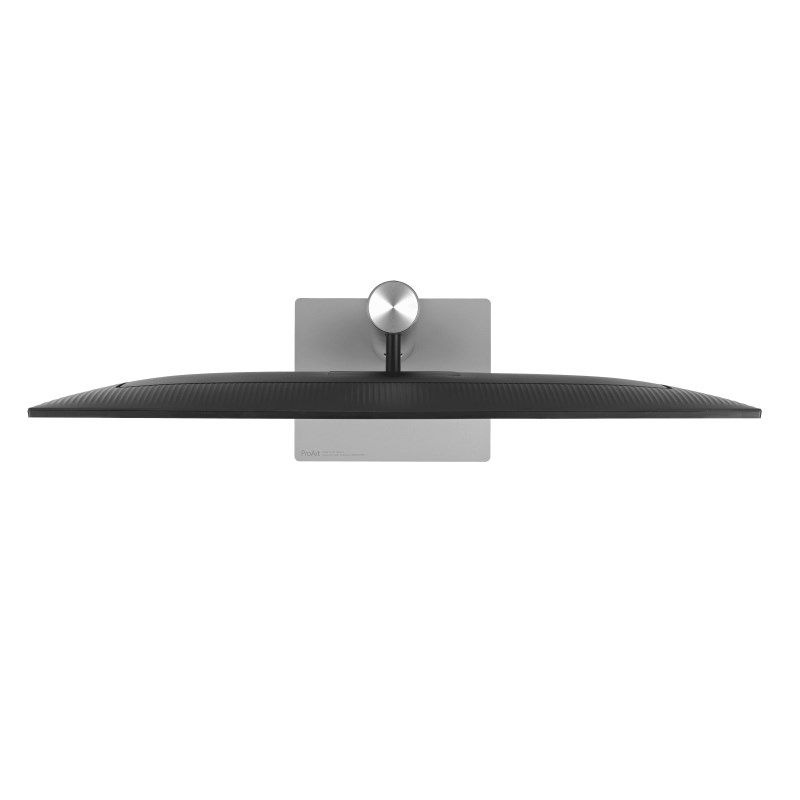
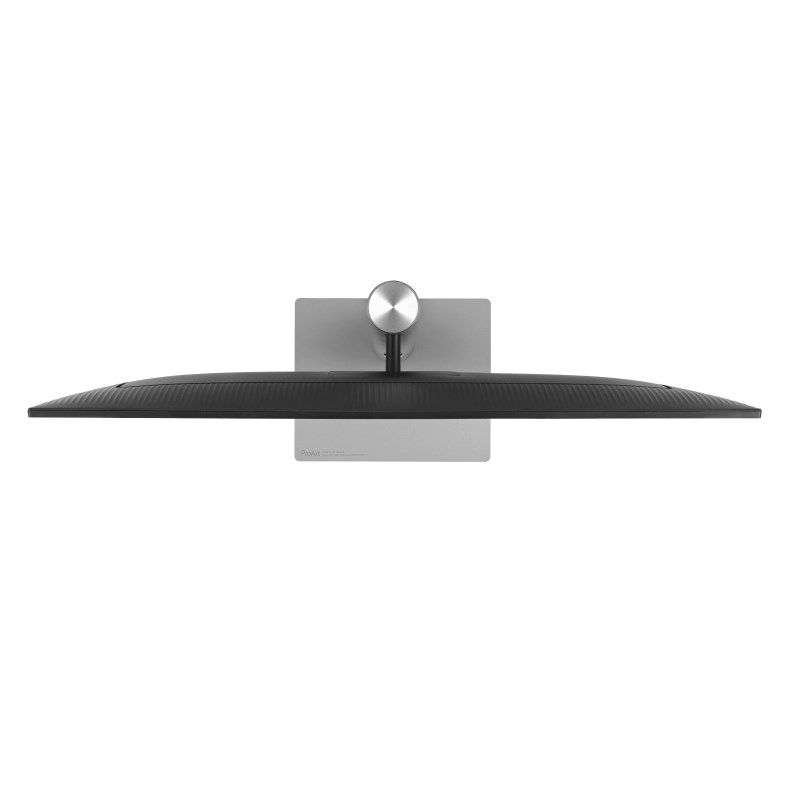
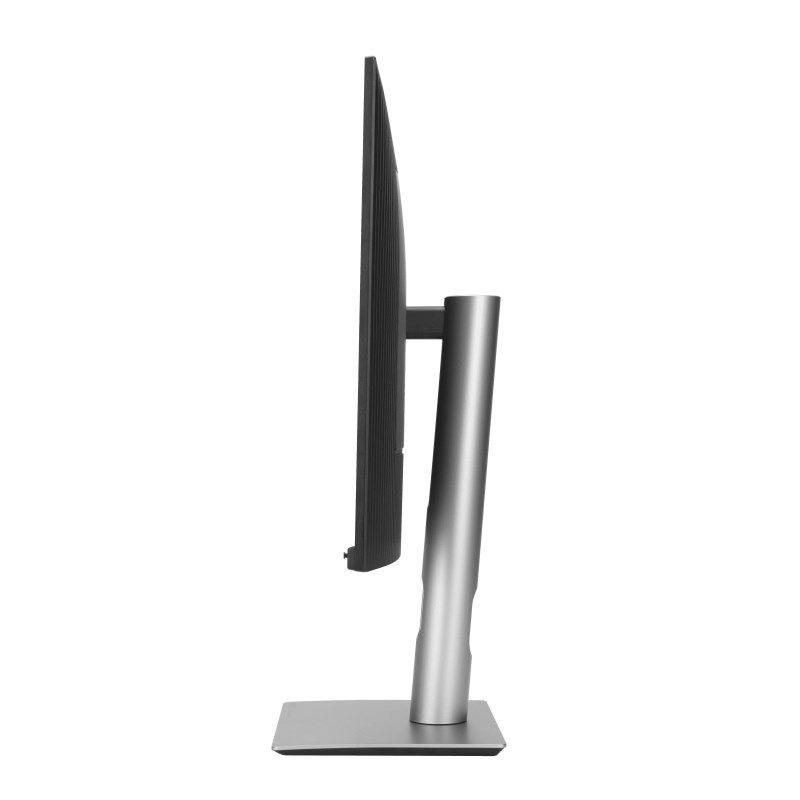
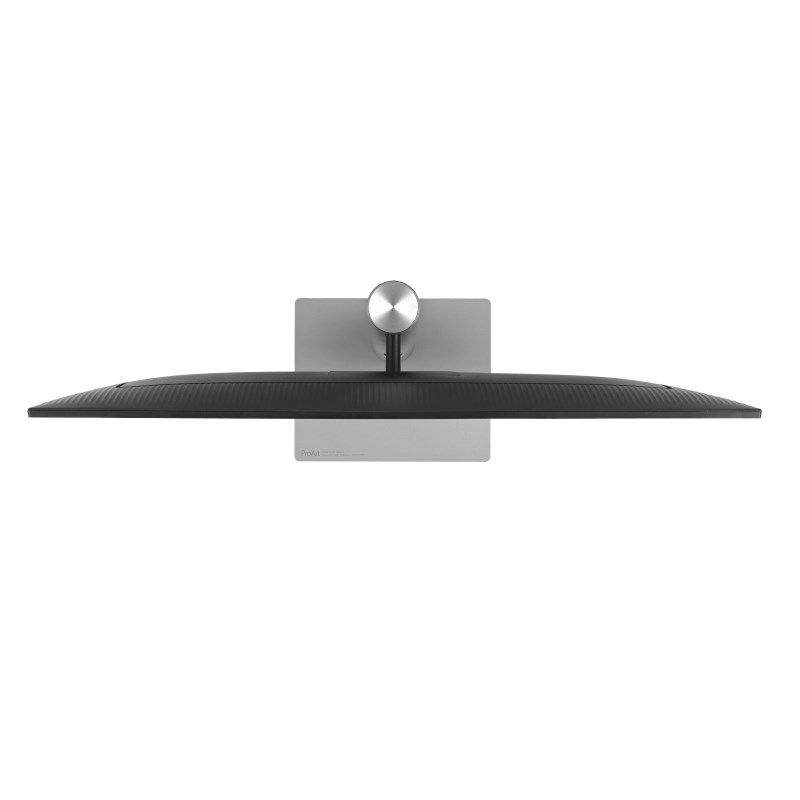
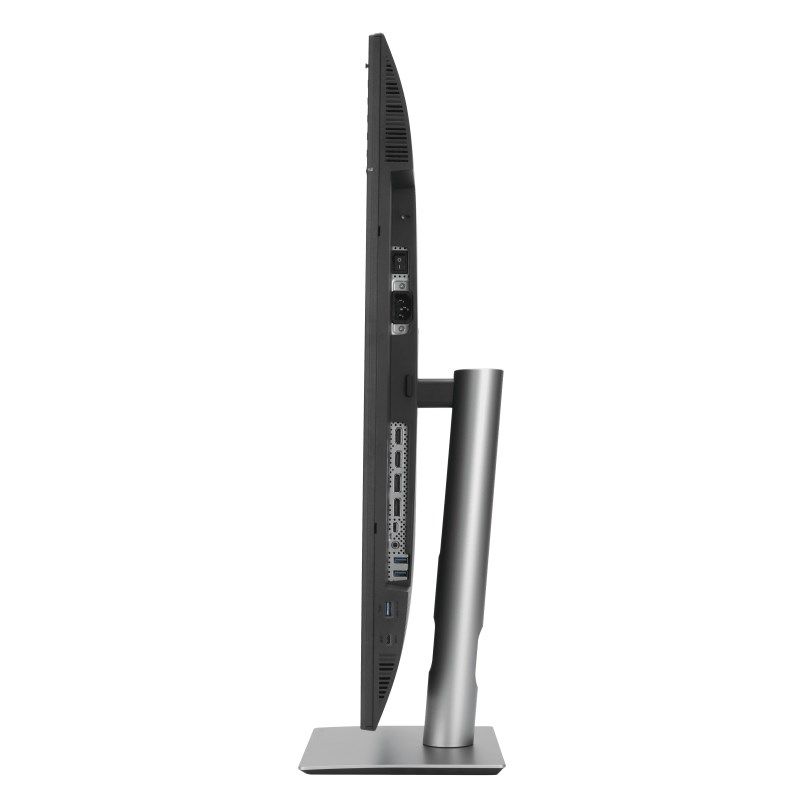
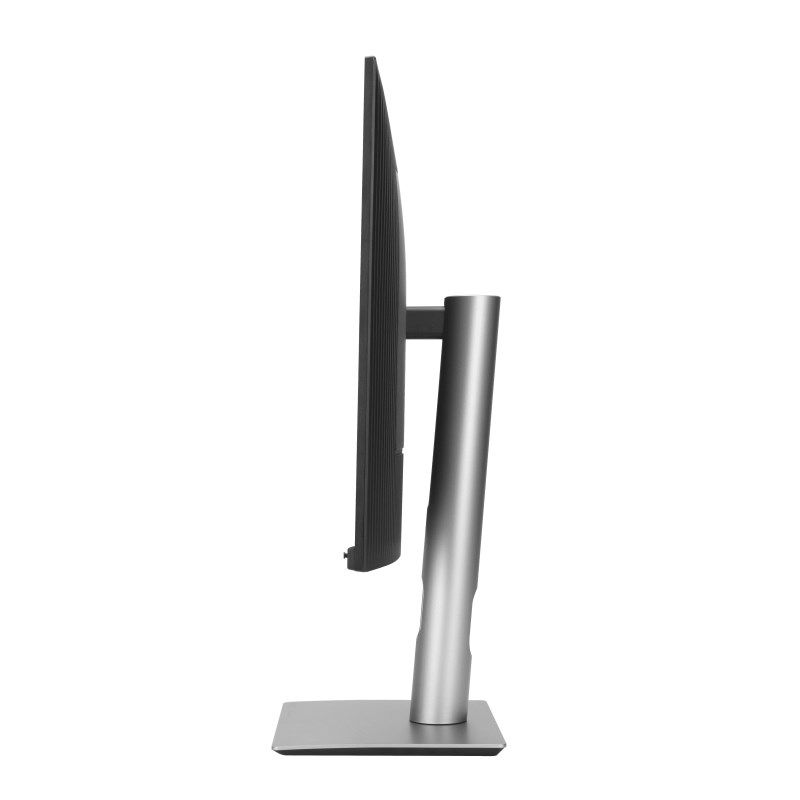
- Depth (without base): 44.7 mm
- Weight (with base): 9.9 kg
- Width (without base): 713.8 mm
- Height (without stand): 419.3 mm
- Weight (without stand): 6.7 kg
- Device height (with base): 617.7 mm
- Device depth (with base): 240 mm
- Device width (with base): 713.8 mm
- Efficiency
- Flicker-free technology: Yes
- Low blue light technology: Yes
- Packaging data
- Package width: 828 mm
- Package depth: 142 mm
- Packaging type: Box
- Weight with packaging: 14.2 kg
- Package height: 509 mm
- Display
- Pixel density: 140 ppi
- Maximum refresh rate: 60 Hz
- sRGB coverage (typical): 100%
- Matte screen: Yes
- Color palette: 98%
- High Dynamic Range (HDR) technology: High Dynamic Range 10 (HDR10)
- Display brightness (peak): 400 cd/m²
- High Dynamic Range (HDR) Support: Yes
- Color gamut standard: DCI-P3
- HD type: 4K Ultra HD
- Touchscreen: No
- Contrast ratio (dynamic): 3000:1
- Native aspect ratio: 16:9
- Viewing angle (vertical): 178°
- Response time (typical): 5 ms
- Spot size: 0.182 x 0.182 mm
- Screen diagonal: 31.5"
- Display colors: 1.073 billion colors
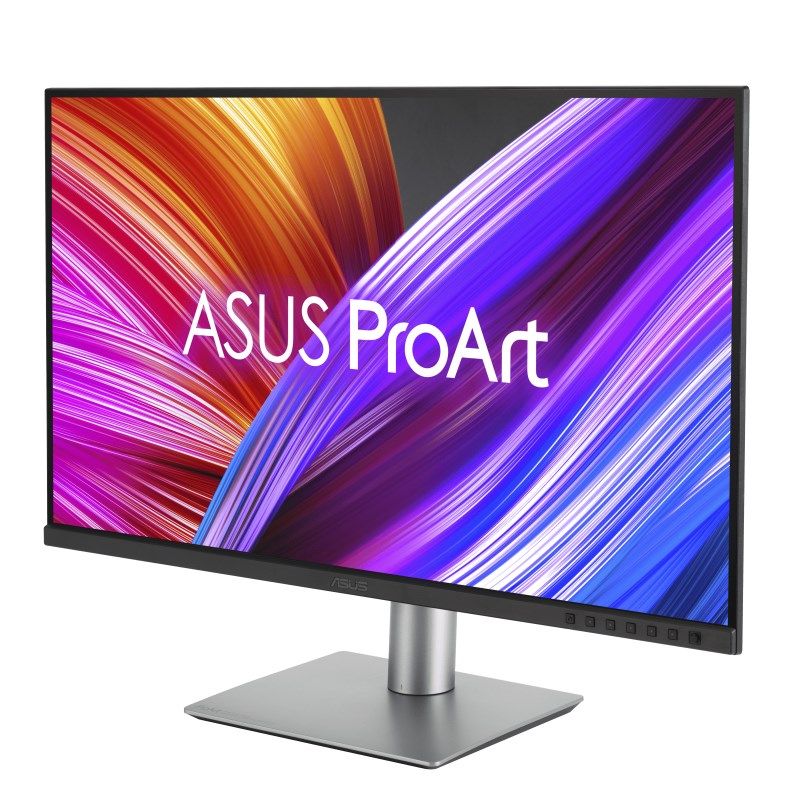
- Screen shape: Flat
- Horizontal refresh rate: 15 - 135 kHz
- Display brightness (typical): 350 cd/m²
- Horizontal viewing angle: 178°
- Resolution: 3840 x 2160 px
- Vertical refresh rate: 48 - 60 Hz
- Backlight type: LED
- Image size (vertical): 39.2 cm
- Matrix type: IPS
- Contrast ratio (typical): 1000:1
- Display technology: LCD
- Image size (horizontal): 69.7 cm
- Multimedia
- Built-in camera: No
- Output power (RMS): 4 W
- Number of speakers: 2
- Built-in speakers: Yes
- Ergonomics
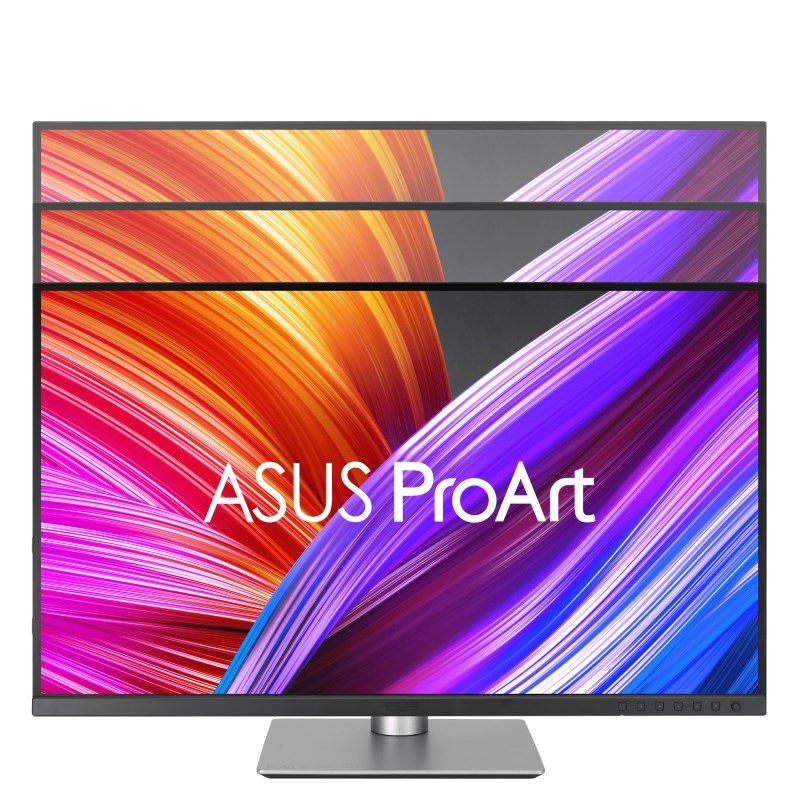
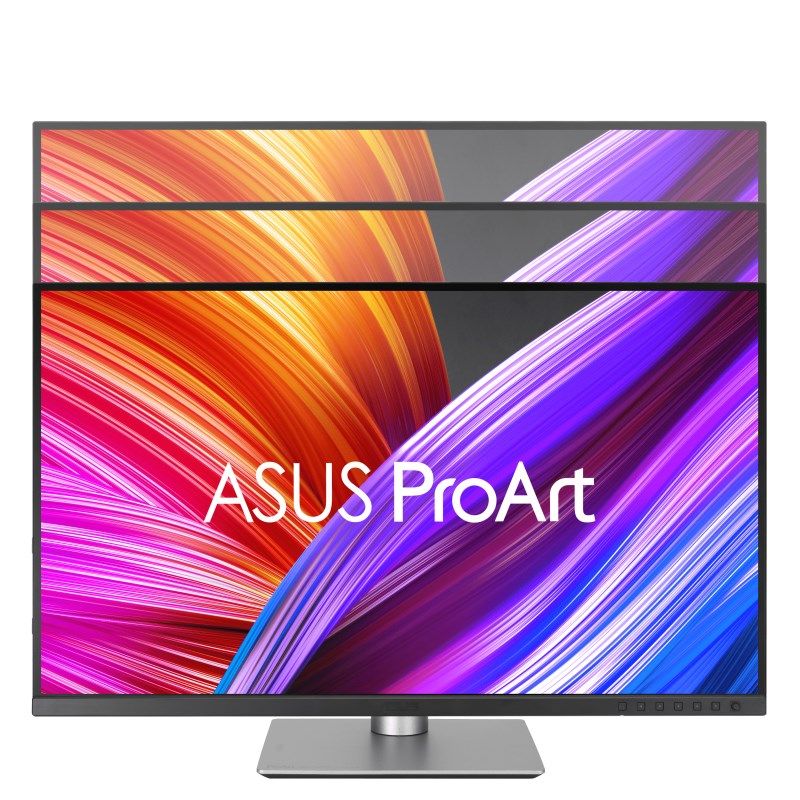
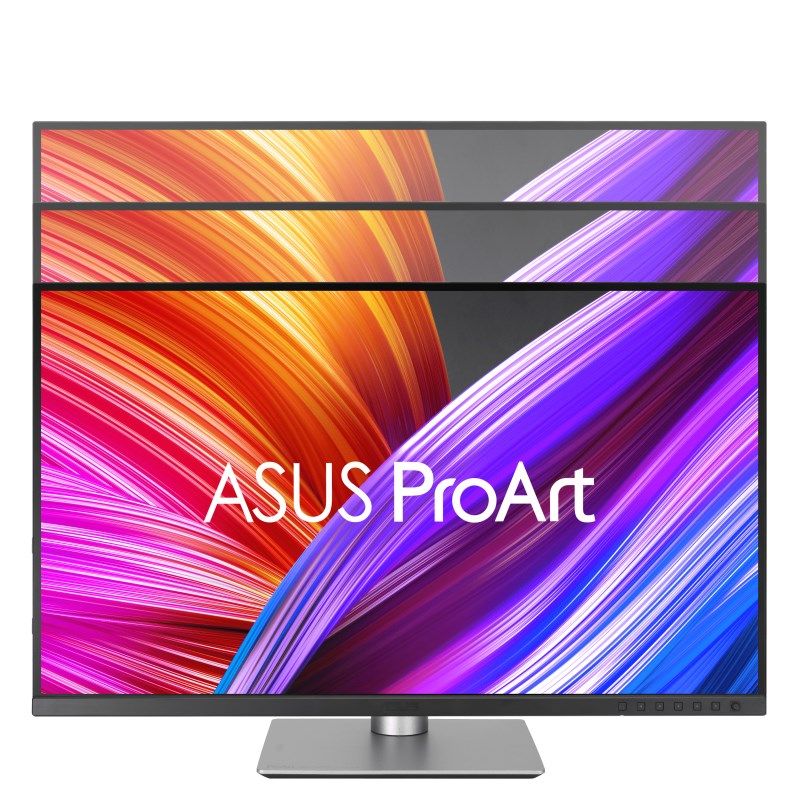
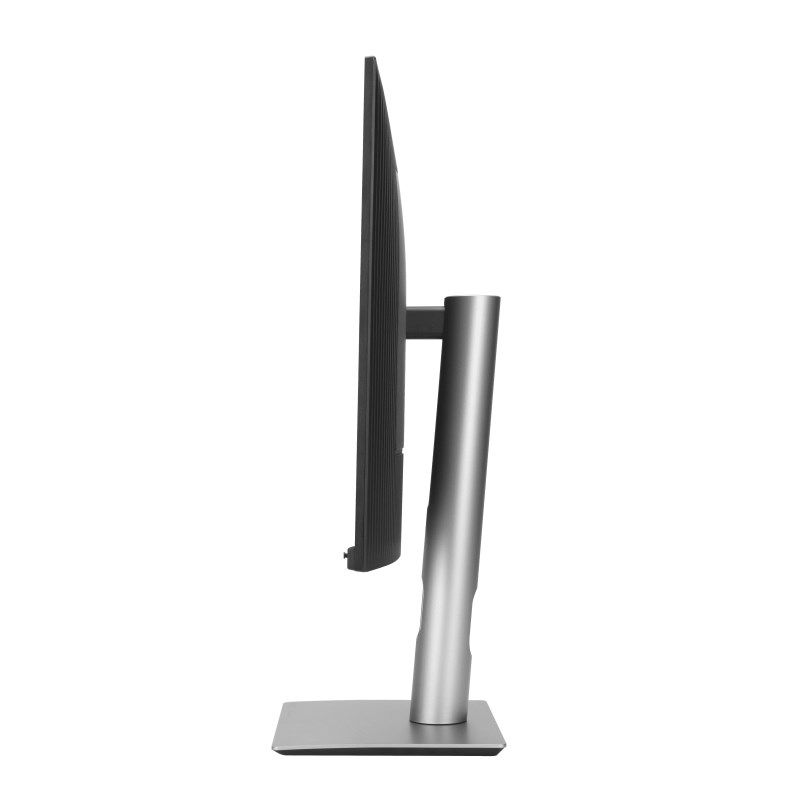
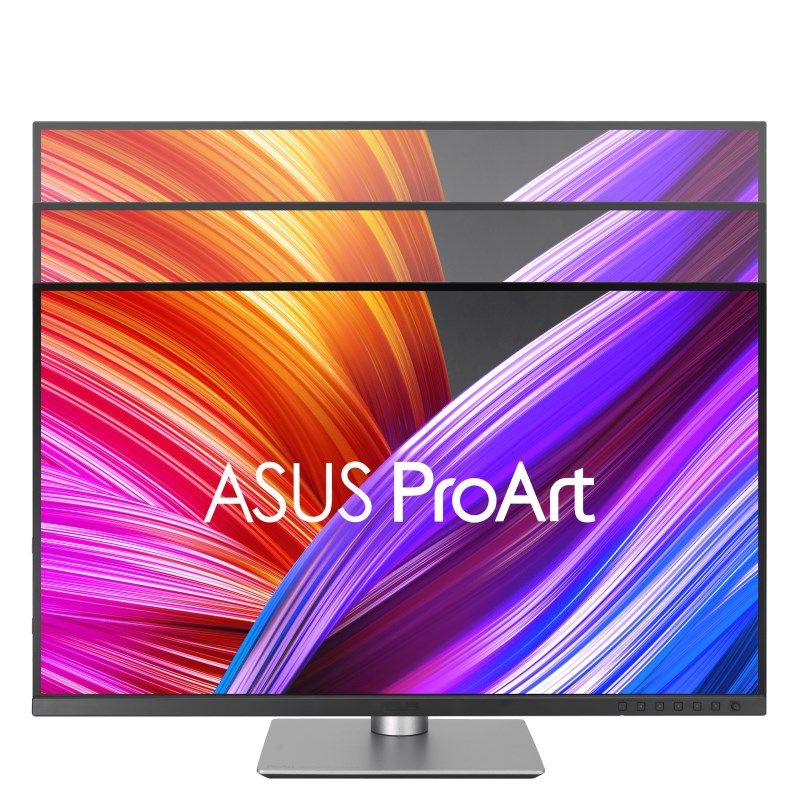
- Adjustable height (max): 13 cm
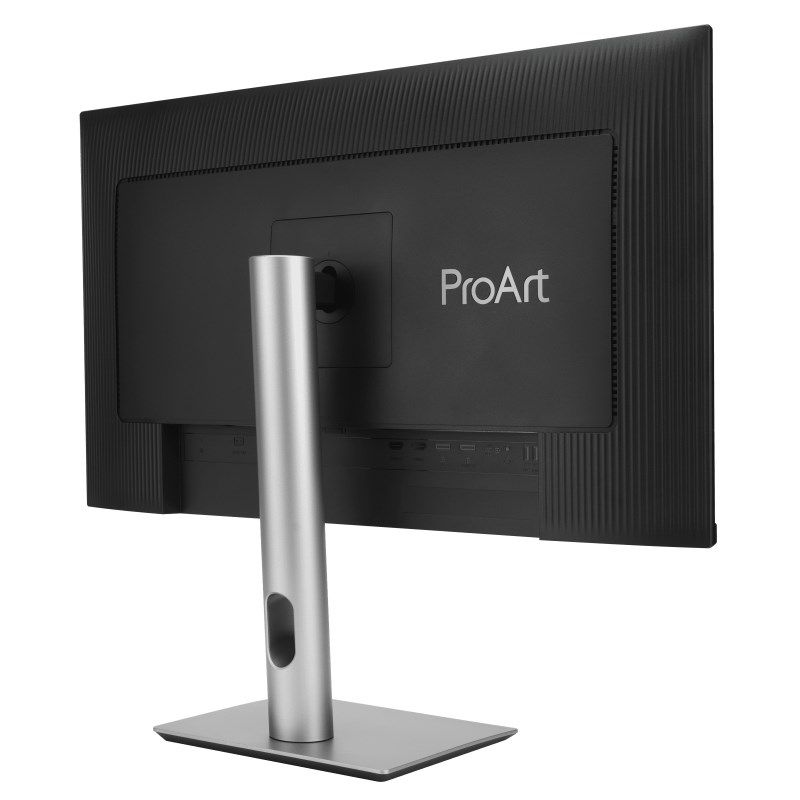
- Wall mountable: Yes
- Cable lock slot type: Kensington
- Kensington Lock: Yes
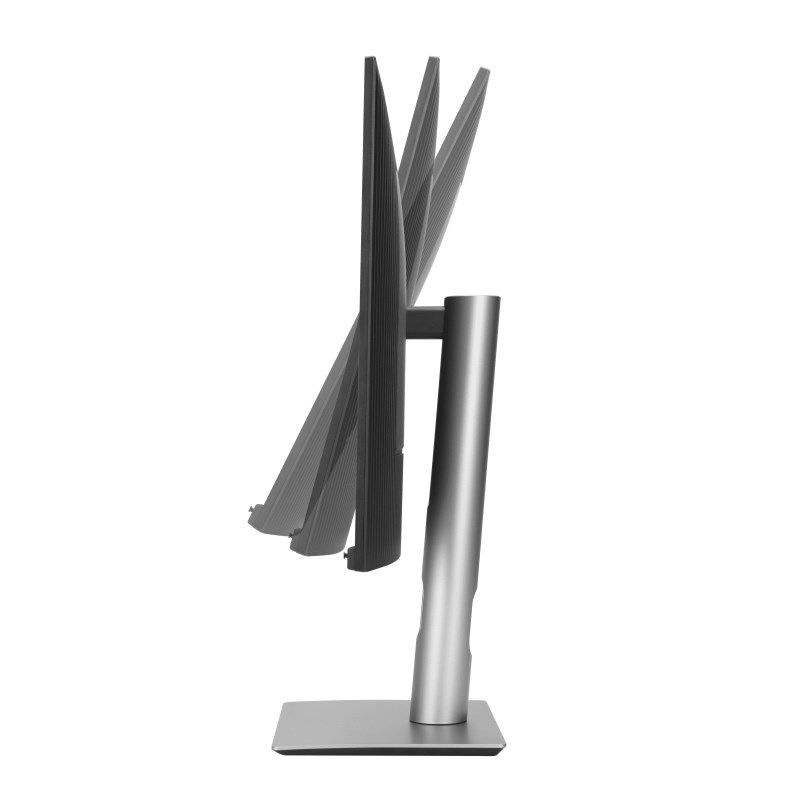
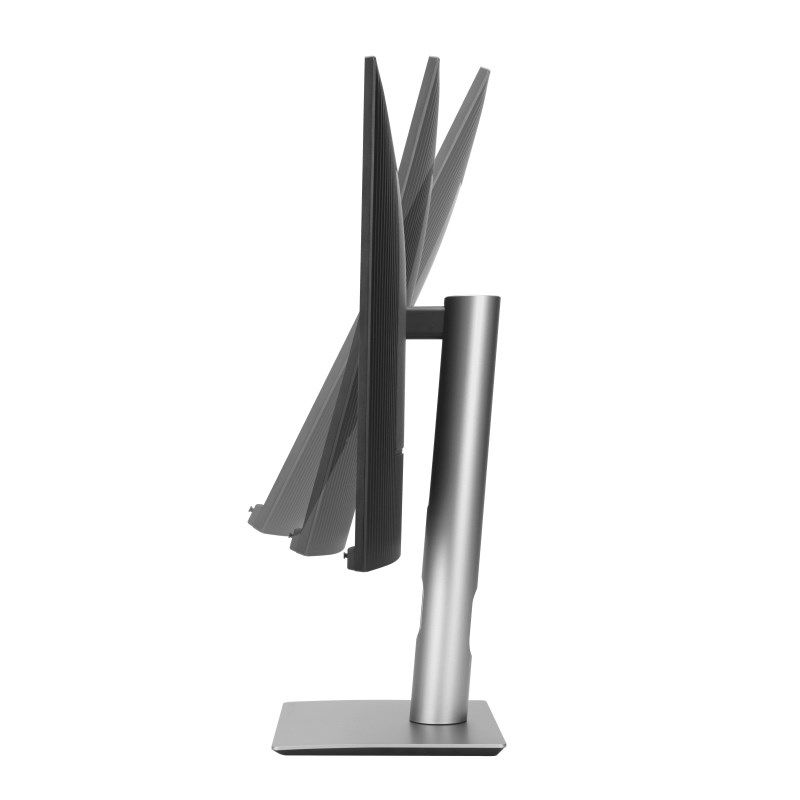
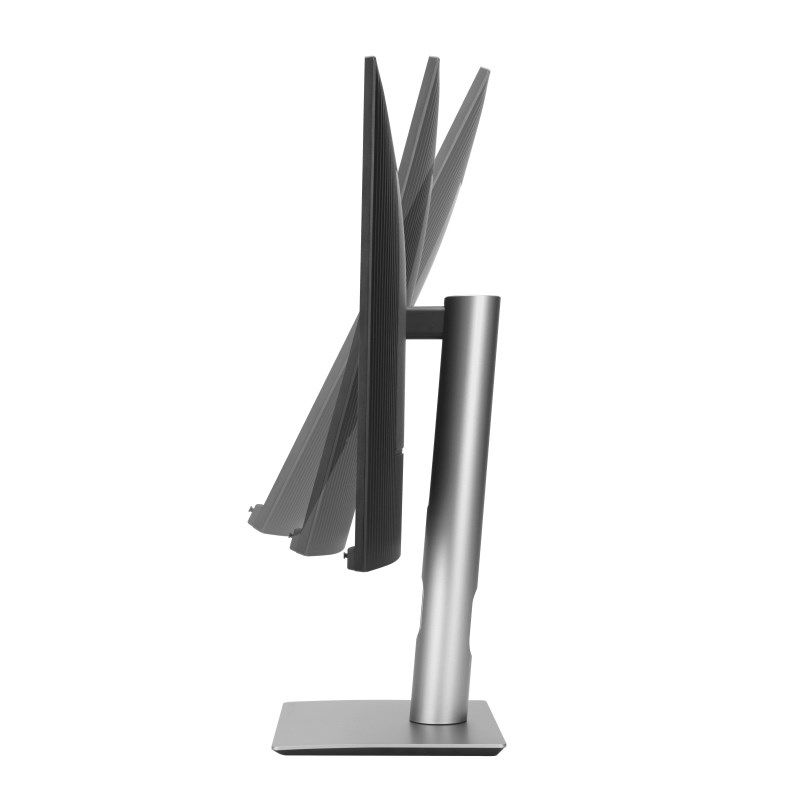
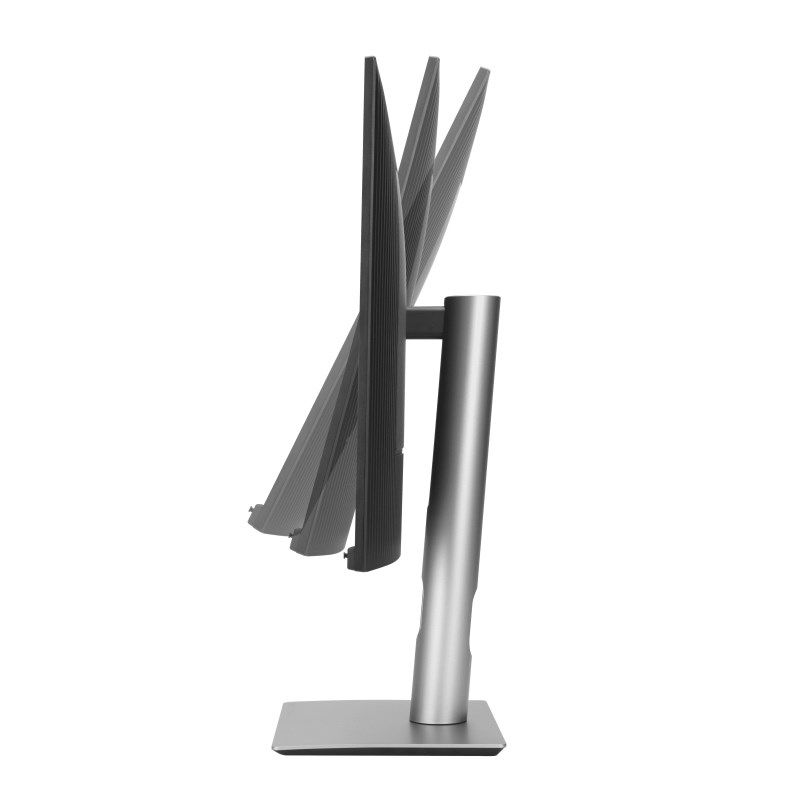
- Tilt angle range: -5 - 23°
- Panel mounting interface: 100 x 100 mm
- Tilt adjustment: Yes
- VESA Standard: Yes
- Height adjustment: Yes
- Rotatable: Yes
- Rotation axis: Yes
- Rotation angle around the axis: -90 - 90°
- Rotatable: -30 - 30°
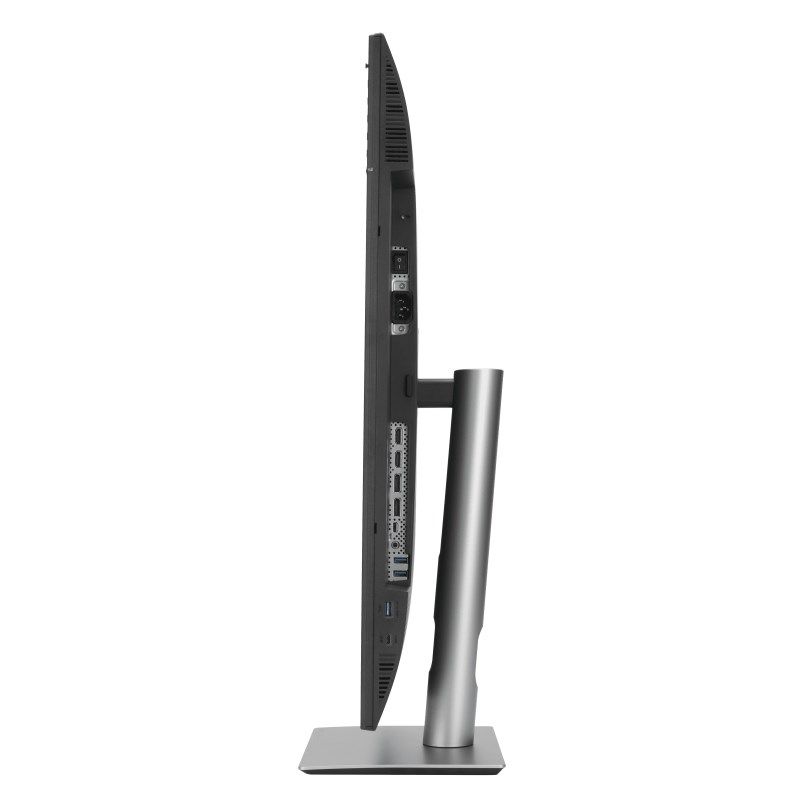
- Ports and interfaces
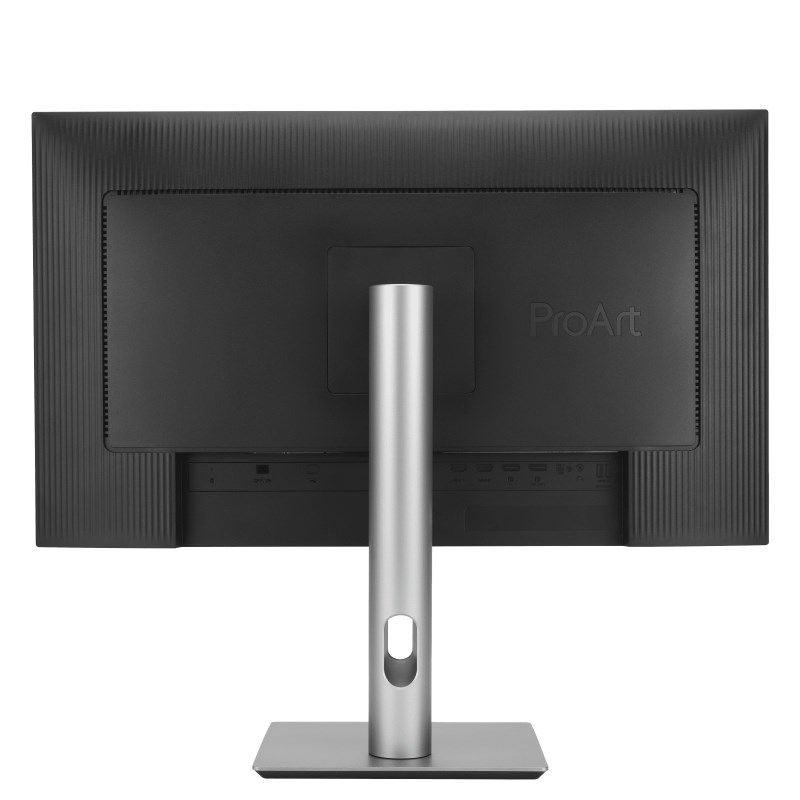
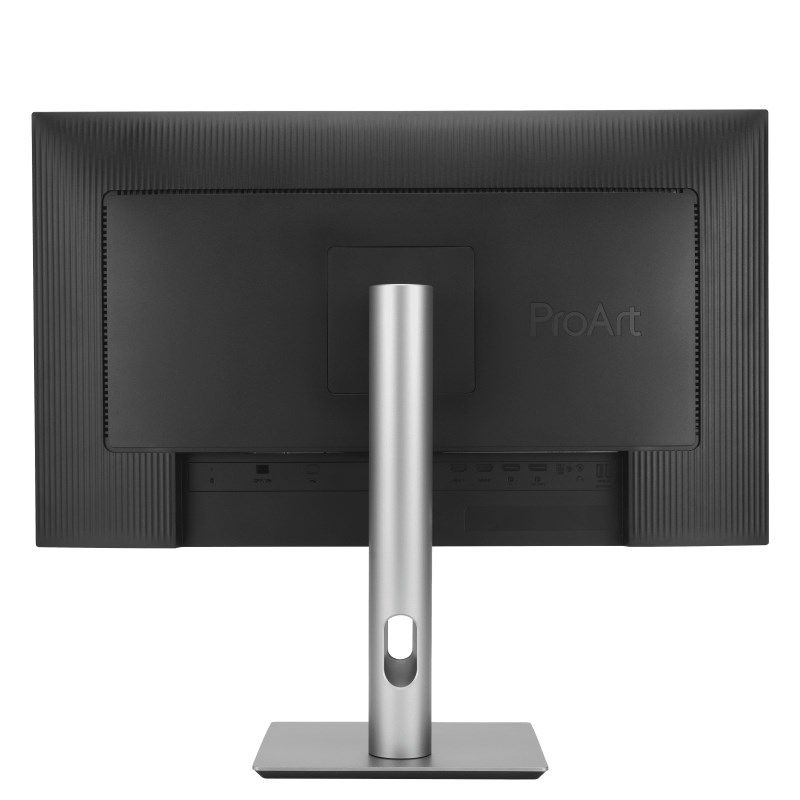
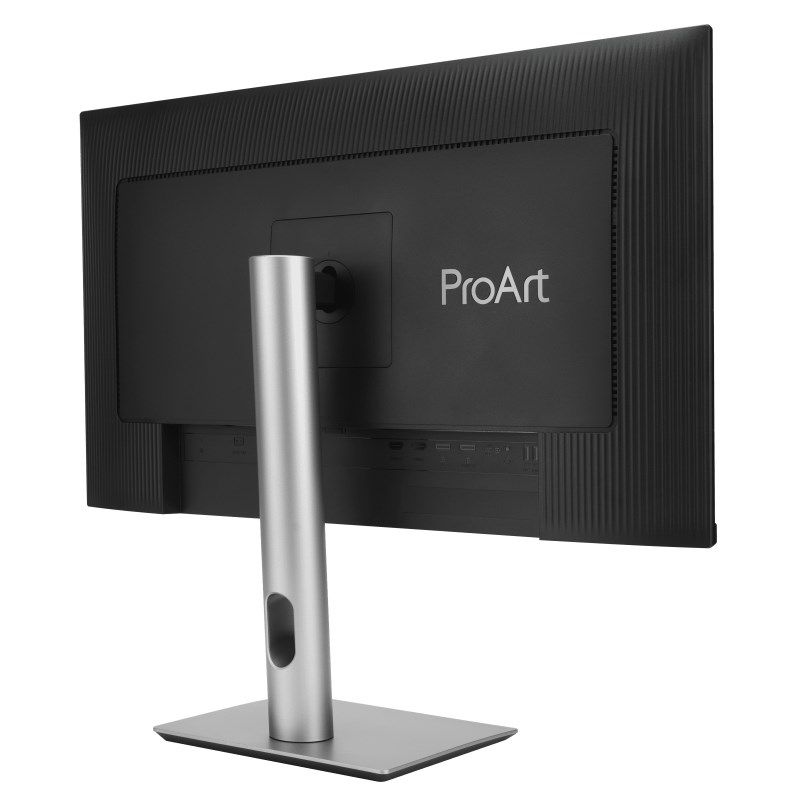
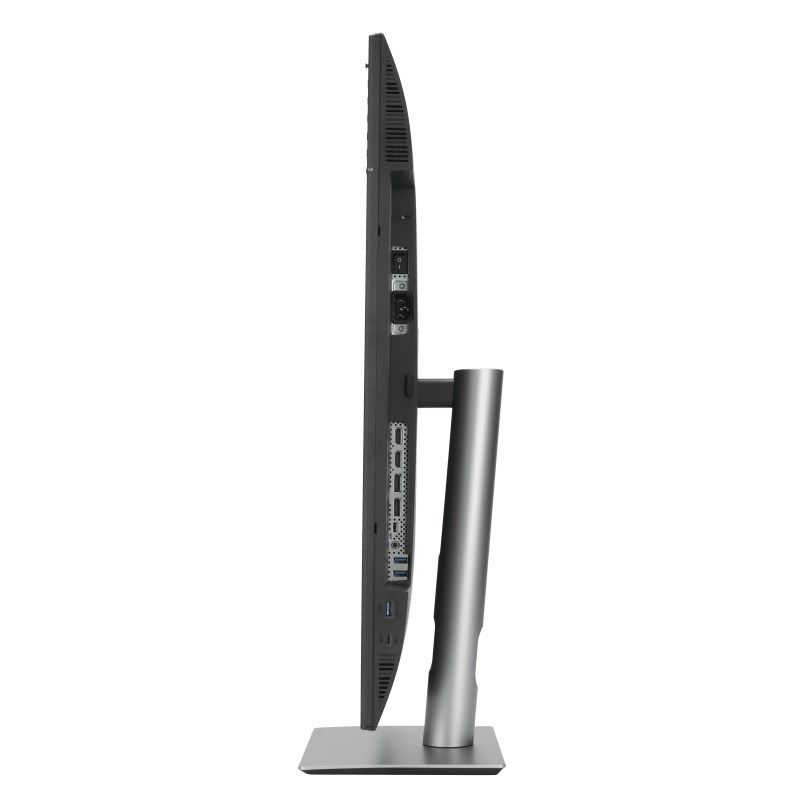
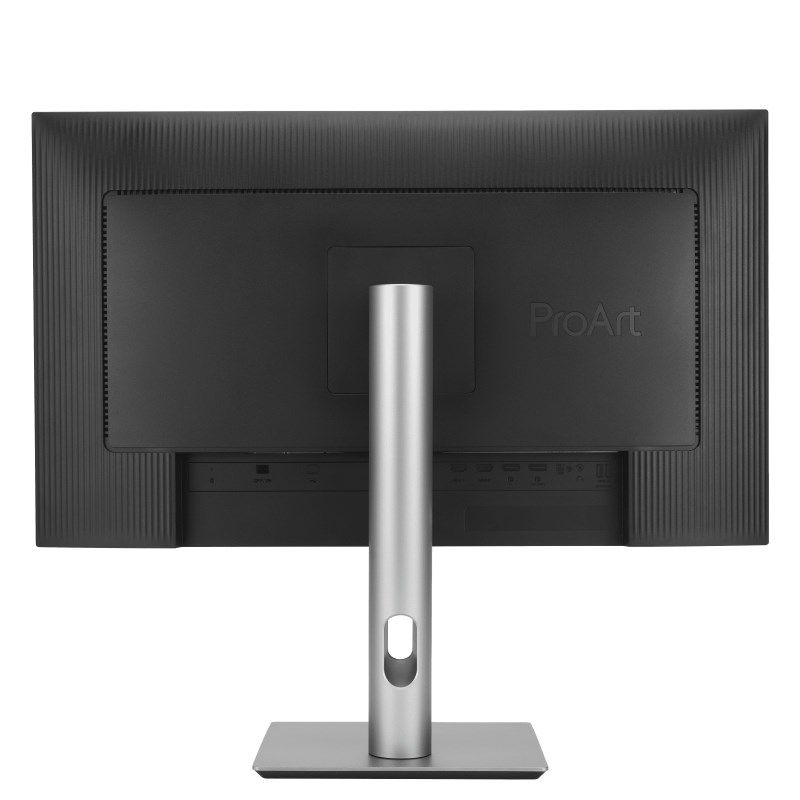
- USB upstream port type: USB Type-C
- DisplayPort USB Type-C Alternate Mode: Yes
- Number of USB Type-C downstream ports: 1
- HDMI: Yes
- USB hub version: 3.2 Gen 1 (3.1 Gen 1)
- HDCP version: 2.2
- USB Power: Yes
- Maximum USB power: 96W
- Headphone output: Yes
- Number of USB Type A downstream ports: 3
- HDMI version: 2.0
- Number of HDMI ports: 2
- Number of DisplayPorts: 2
- DisplayPort version: 1.4
- Charging port type: USB Type-C
- HDCP: Yes
- Headphone outputs: 1
- Built-in USB hub: Yes
- Safety warning
- Warnings
- Do not disassemble the monitor housing to avoid the risk of electric shock.
- Unplug the monitor from the power source before cleaning.
- Place the monitor on a flat and stable surface to avoid tipping and damage.
- Warnings
| Name | Details |
|---|---|
| Category | Computers and accessories |
| Product Type | Monitors |
| Producer | Asus |
| Colour | Black |
| Department | Electronics |