



Blackview 15.3" Portable Dual Monitor DCM8 Pro
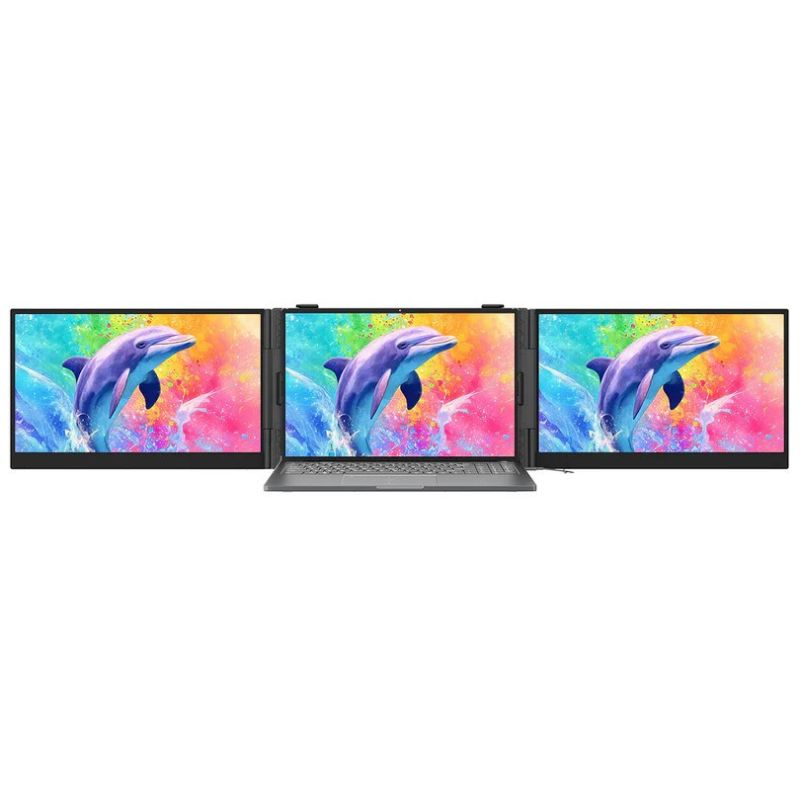
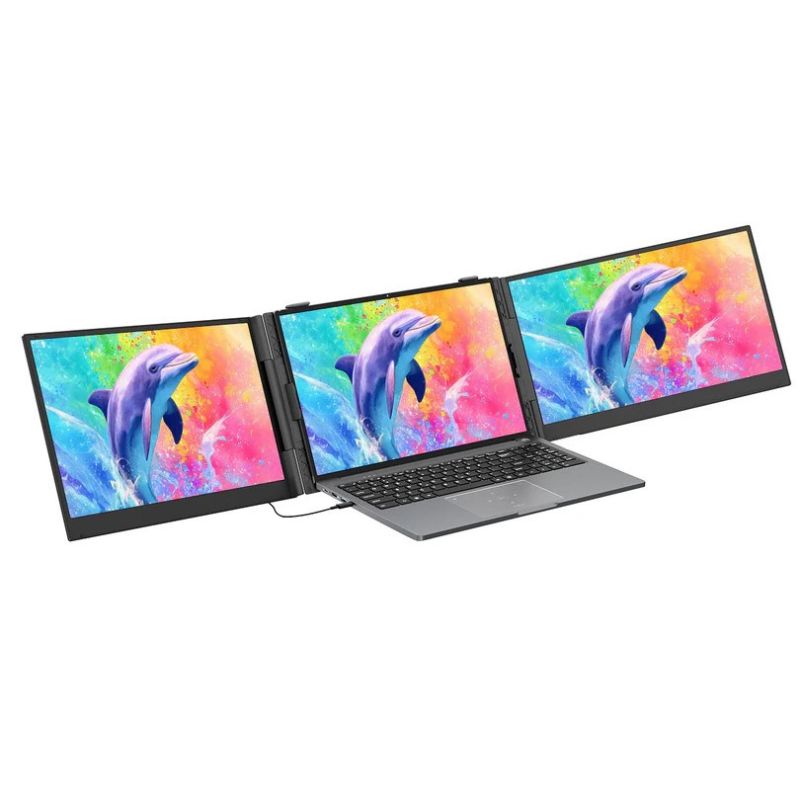
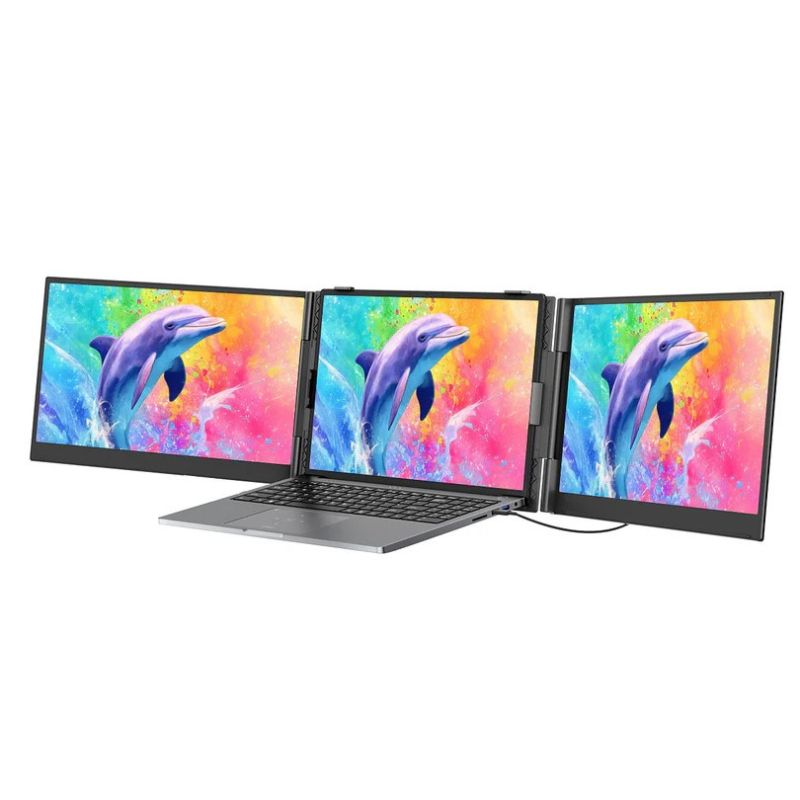
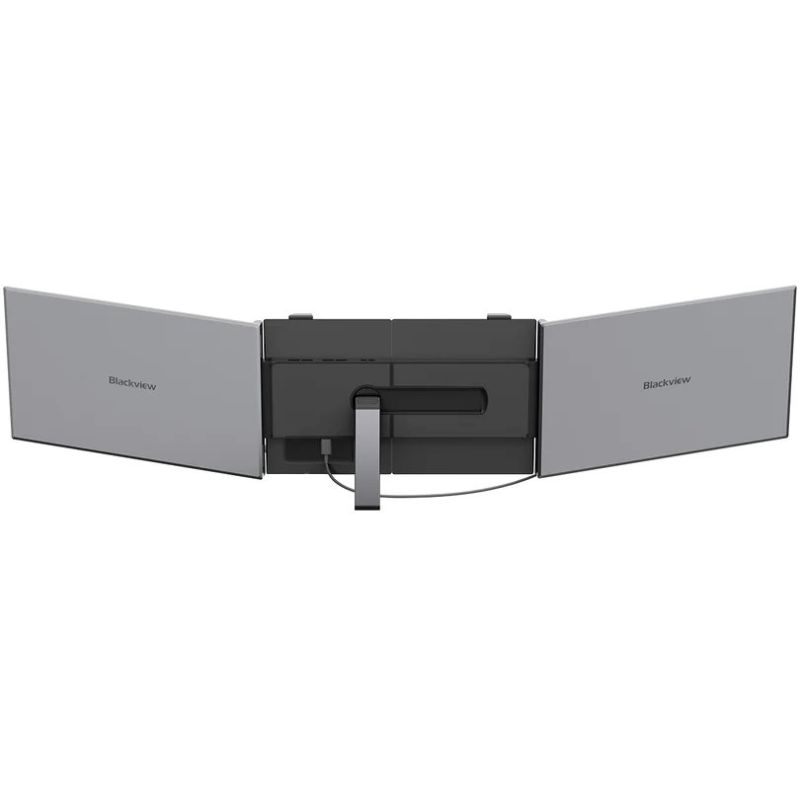
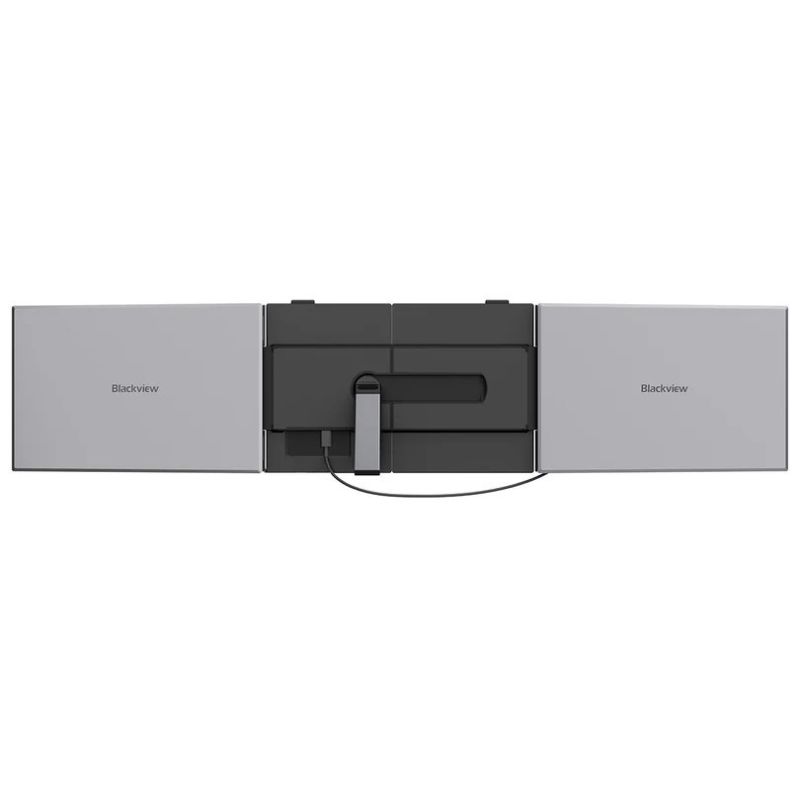
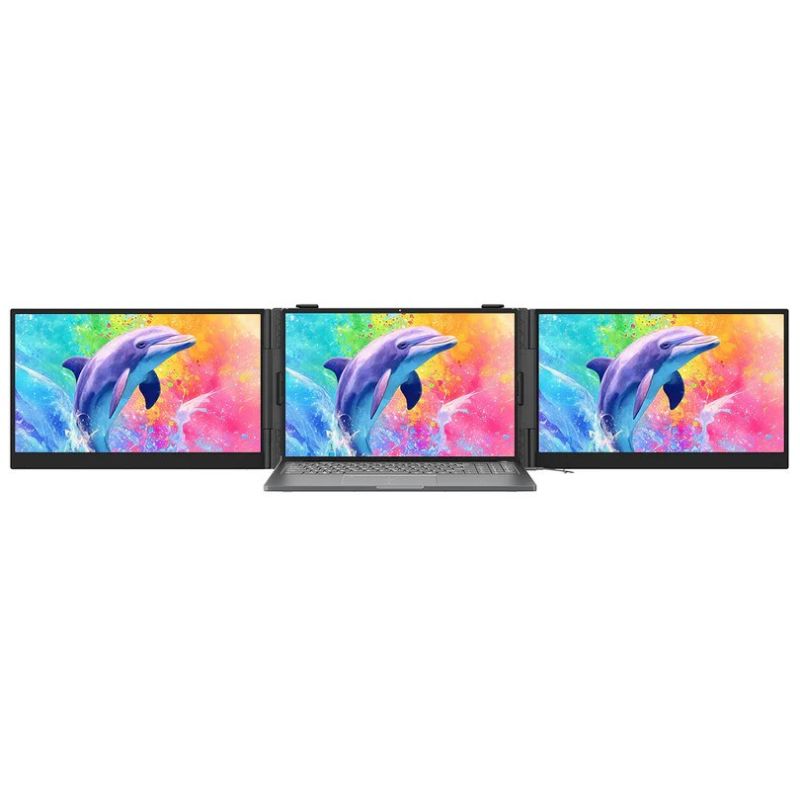
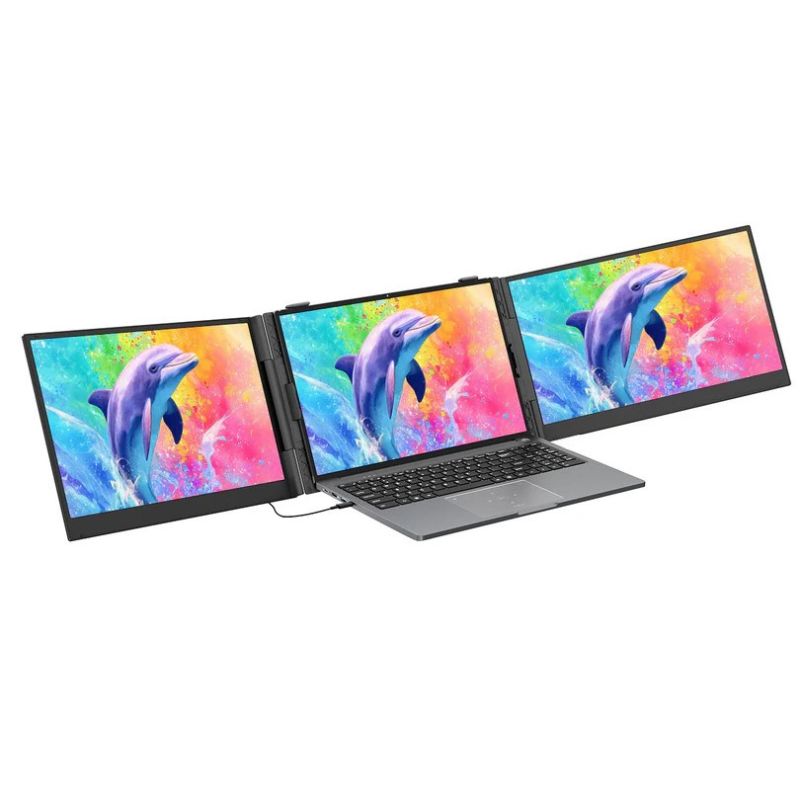
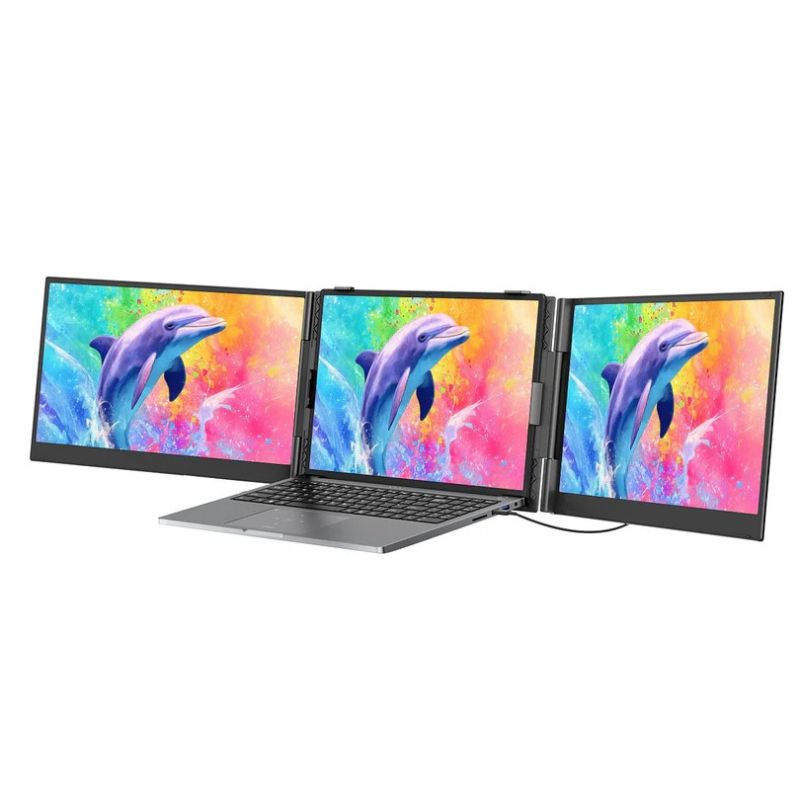
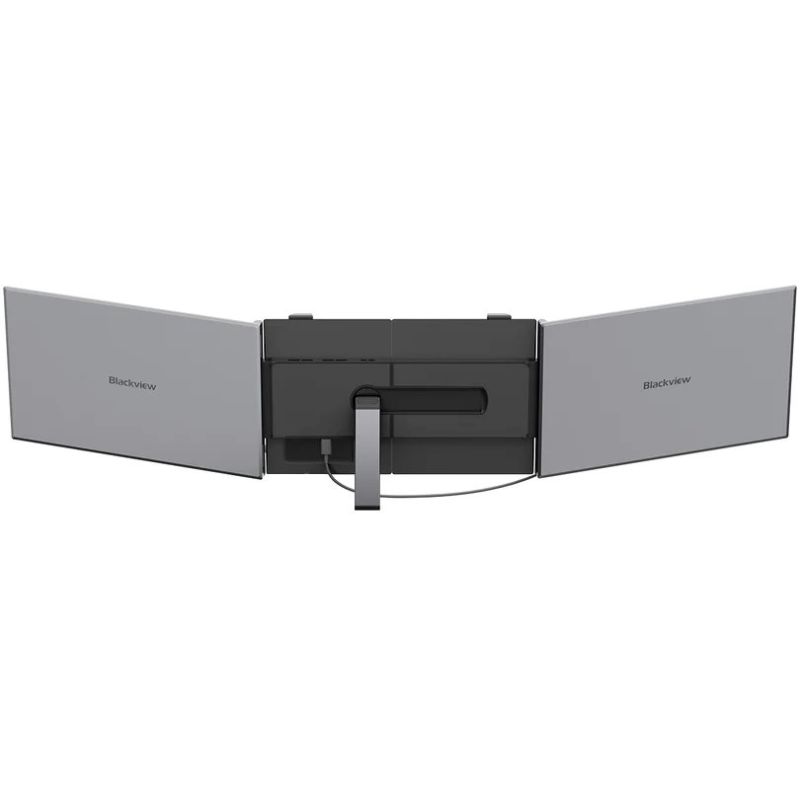
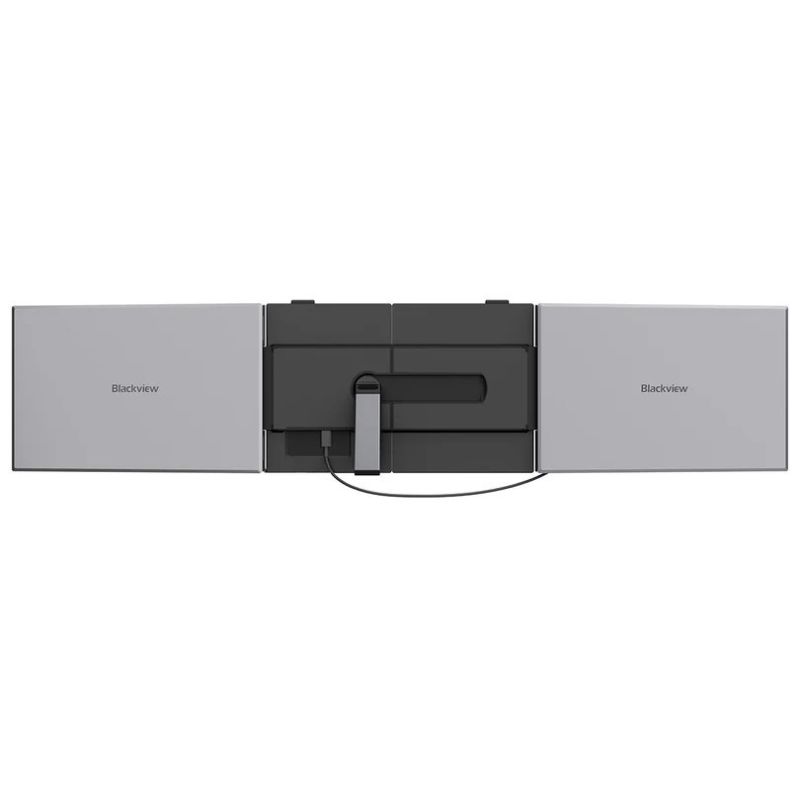
Blackview 15.3" Portable Dual Monitor DCM8 Pro


Blackview 15.3" Portable Dual Monitor DCM8 Pro
PRICE:
404,99
€
IN A WAREHOUSE
above 10 pcs
We'll ship this product in 3 days.
FREE EUROPE SHIPPING FROM 149 €!
30 DAYS FOR A RETURN!
Sign up and unlock up to 10% off!

- Design
- Product color: Gray
- Power
- Off mode: 0.3 W
- Power consumption: 3 W
- Energy consumption per 1000 hours: 3 kWh
- Energy efficiency class (SDR): A
- Weight and dimensions
- Product weight: 1.2 kg
- Product depth: 21 mm
- Product width: 364.4 mm
- Product height: 237.43 mm
- Network
- Wi-Fi: No
- Package contents
- Package contents
- H5-T cable x 1
- User manual x 1
- USB-A to USB-C cable x 1
- Laptop screen extender x 1
- USB-C to C cable x 2
- Storage bag x 1
- Package contents
- Display
- Screen diagonal: 14"
- Response time (typical): 5 ms
- Brightness: 300 cd/m²
- Maximum refresh rate: 60 Hz
- Touchscreen: No
- Resolution: 1920 x 1080 px
- HD type: Full HD
- Screen shape: Flat
- Display technology: LED
- Viewing angle: 178°
- Matrix type: IPS
- Pixel density: 157.35 ppi
- Native aspect ratio: 16:9
- Contrast ratio (typical): 1000:0
- Multimedia
- Built-in camera: No
- Built-in speakers: No
- Ports and interfaces
- Supported USB type: USB Type-C
- USB version: 3.1
- Number of USB ports: 2
- Power Delivery: Yes
- Safety warning
- Warnings
- Do not disassemble the monitor housing to avoid the risk of electric shock.
- Unplug the monitor from the power source before cleaning.
- Place the monitor on a flat and stable surface to avoid tipping and damage.
- Warnings
| Name | Details |
|---|---|
| Category | Computers and accessories |
| Product Type | Monitors |
| Producer | Blackview |
| Department | Electronics |