



Canon i-SENSYS MF275dw Laser A4 2400 x 600 DPI 29 ppm Wi-Fi
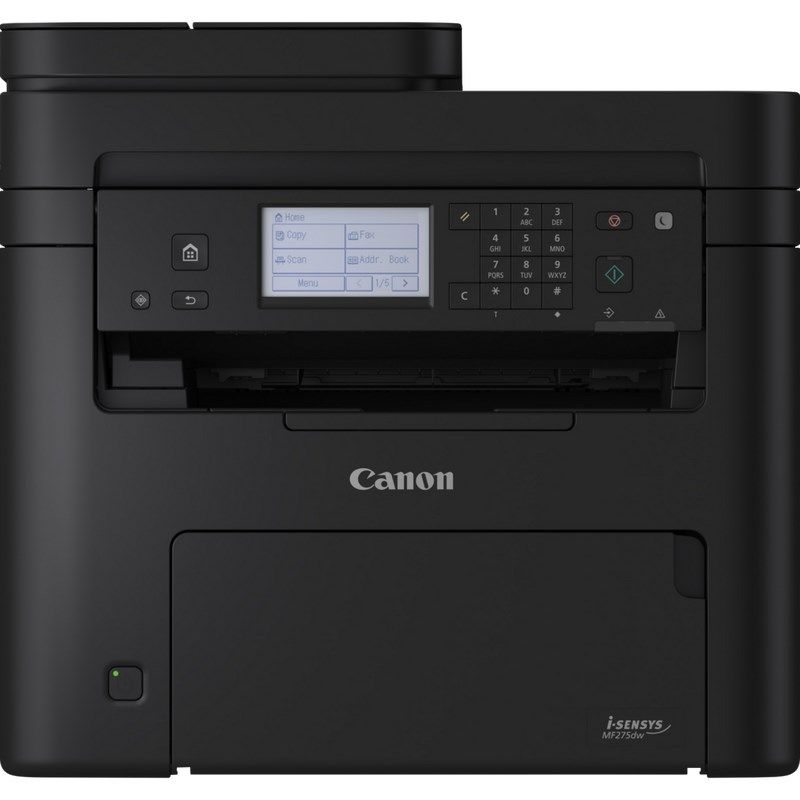
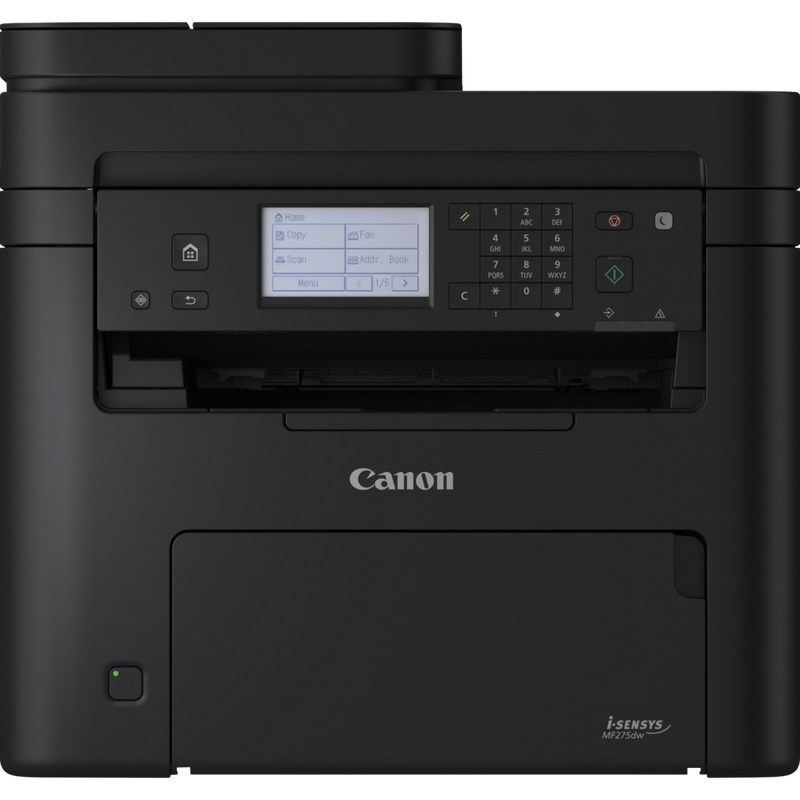
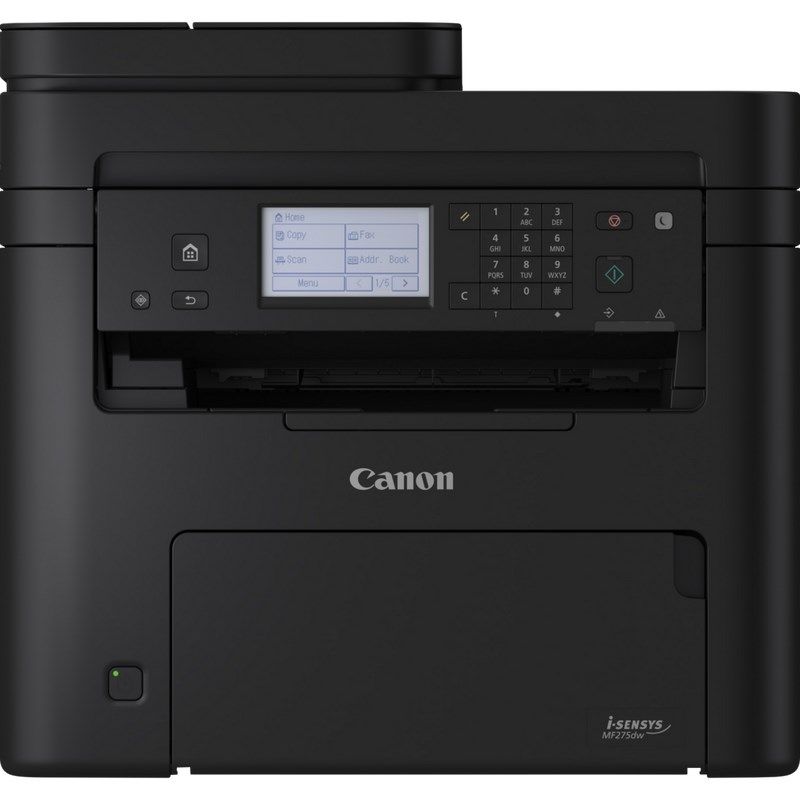
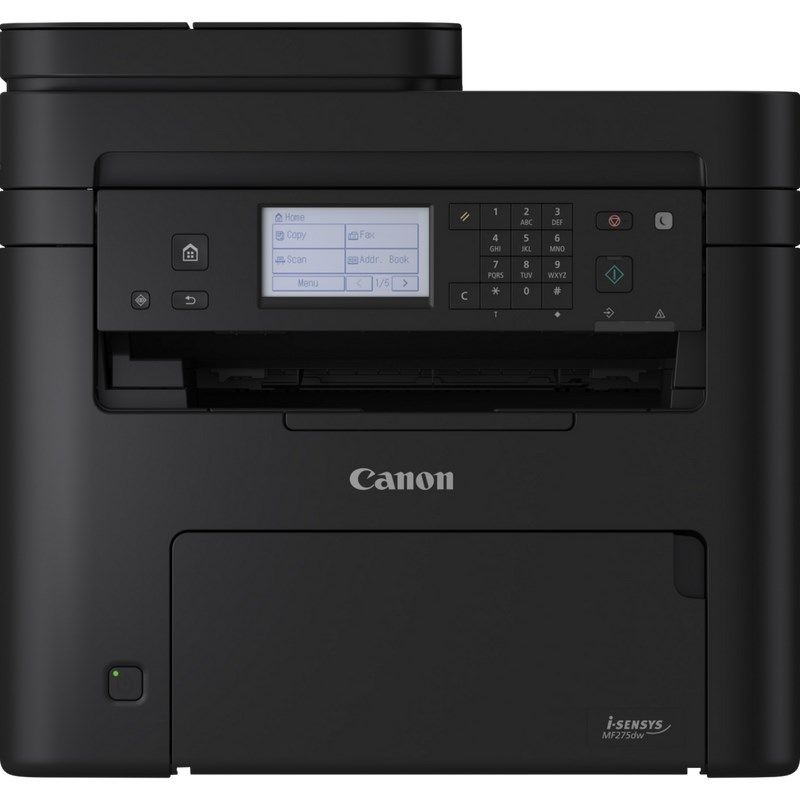
Canon i-SENSYS MF275dw Laser A4 2400 x 600 DPI 29 ppm Wi-Fi


Canon i-SENSYS MF275dw Laser A4 2400 x 600 DPI 29 ppm Wi-Fi
PRICE:
617,99
€
IN A WAREHOUSE
LAST ITEM!
We'll ship this product in 8 days.
FREE EUROPE SHIPPING FROM 149 €!
30 DAYS FOR A RETURN!
Sign up and unlock up to 10% off!

- Characteristics
- Print Cartridge Color(s): Black
- Number of print cartridges: 1
- Maximum duty cycle: 20,000 pages/month
- Duplex function
- Copy
- Fax
- Page description languages: UFRII
- Duty cycle (recommended): 150 - 2000 pages/month
- Design
- Market positioning: Business
- Control Type: Touch
- Built-in display: Yes
- Product color: Black
- Power
- AC input voltage: 220 - 240 V
- Power consumption in standby mode: 4.8 W
- Energy Star Typical Electricity Consumption (TEC): 0.23 kWh/week
- Power consumption (max): 1300 W
- Power consumption (sleep mode): 1 W
- AC input frequency: 50 - 60 Hz
- Average power consumption while printing: 530 W
- Weight and dimensions
- Product weight: 11.4 kg
- Product depth: 374 mm
- Product height: 368 mm
- Product width: 390 mm
- Working conditions
- Temperature range (operation): 10 - 30 °C
- Relative humidity range: 20 - 80%
- Network
- Encryption/Security
- WPA2-AES
- 128-bit WEP
- WPA2-TKIP
- WPA-AES
- WPA-EAP
- WPA-TKIP
- WPA2-PSK
- 64-bit WEP
- WPA-PSK
- WPA2-EAP
- Cabling technology: 10/100Base-T(X)
- Wi-Fi: Yes
- Mobile printing technologies: Apple AirPrint
- Wi-Fi standards
- 802.11b
- 802.11g
- Wi-Fi 4 (802.11n)
- Management protocols: SNMPv1, SNMPv3
- Wired LAN: Yes
- Encryption/Security
- System requirements
- Supported server operating systems
- Windows Server 2012
- Windows Server 2019
- Windows Server 2016
- Windows Server 2012 R2
- Windows Server 2022
- Supported Mac operating systems
- Mac OS X 10.14 Mojave
- Mac OS X 12.0 Monterey
- Mac OS X 10.4 Tiger
- Mac OS X 10.3 Panther
- Mac OS X 10.12 Sierra
- Mac OS X 10.15 Catalina
- Mac OS X 11.0 Big Sur
- Mac OS X 10.8 Mountain Lion
- Mac OS X 10.2 Jaguar
- Mac OS X 13.0 Ventura
- Mac OS X 10.5 Leopard
- Mac OS X 10.15.3 Catalina
- Mac OS X 10.13 High Sierra
- Mac OS X 10.7 Lion
- Mac OS X 10.9 Mavericks
- Linux operating systems supported: Yes
- Supported Windows operating systems
- Windows 11
- Windows 10
- Windows 8.1
- Supported server operating systems
- Efficiency
- Processor clock speed: 1200 MHz
- Built-in processor: Yes
- Internal memory capacity: 256 MB
- Ports and interfaces
- USB port: Yes
- Number of USB 2.0 ports: 1
- Print speed
- Printing technology: Laser
- Dual Printing: Yes
- Duplex printing modes: Automatic
- Printing: Mono printing
- First page out time (A4, black): 5.4 sec
- Maximum resolution: 2400 x 600 DPI
- Print speed (A4/US Letter, black, normal): 29 ppm
- Warm-up time: 7.5 sec
- Copying
- The n-in-one function (N=)
- 4
- 2
- N-in-1 copy function: Yes
- Two-sided copying: Yes
- Maximum number of copies: 999 copies
- ID card copy function: Yes
- Copy reduction/enlargement: 25 - 400%
- Maximum copy resolution: 600 x 600 DPI
- Copy: Mono Copy
- Duplex copy mode: Automatic
- The n-in-one function (N=)
- Input and output power
- Total output capacity: 50 sheets.
- Total number of feeders: 1
- Automatic paper feeder capacity: 35 sheets
- Automatic Document Feeder (ADF): Yes
- Maximum input capacity (sheets): 186 sheets
- Total input capacity: 150 sheets.
- Fax
- Fax: Mono faxing
- Dialing Speed: Yes
- Fax transmission speed: 3 sec/page
- Modem speed: 33.6 Kbit/s
- Fax memory: 256 pages
- Scanning
- Scanner drivers
- TWAIN
- WIA
- Scanner Type: Flatbed Scanner and ADF
- Output color depth: 24 bit
- Input color depth: 24 bit
- Scanning: Color scanning
- Grayscale levels: 256
- Scan to
- Cloud
- PC
- Optical scanning resolution: 600 x 600 DPI
- Scanner drivers
- Paper handling
- Paper tray weight: 60 - 163 g/m²
- ISO A series sizes (A0…A9)
- A4
- A5
- A6
- Envelope sizes
- C5
- Monarch
- DL
- Com-10
- Maximum ISO paper size (A-series): A4
- Non-ISO media sizes
- Oficio
- Executive (184 x 267mm)
- Legal
- Announcement
- Letter
- ISO B series sizes (B0…B9): B5
- Paper tray media types: Plain blank paper
- Maximum print area: 216 x 356 mm
- Safety warning
- Warnings
- Avoid contact with liquids and moisture.
- Do not cover the ventilation holes during operation.
- Plug the device into a grounded electrical outlet.
- Warnings
| Name | Details |
|---|---|
| Category | Computers and accessories |
| Producer | Canon |