



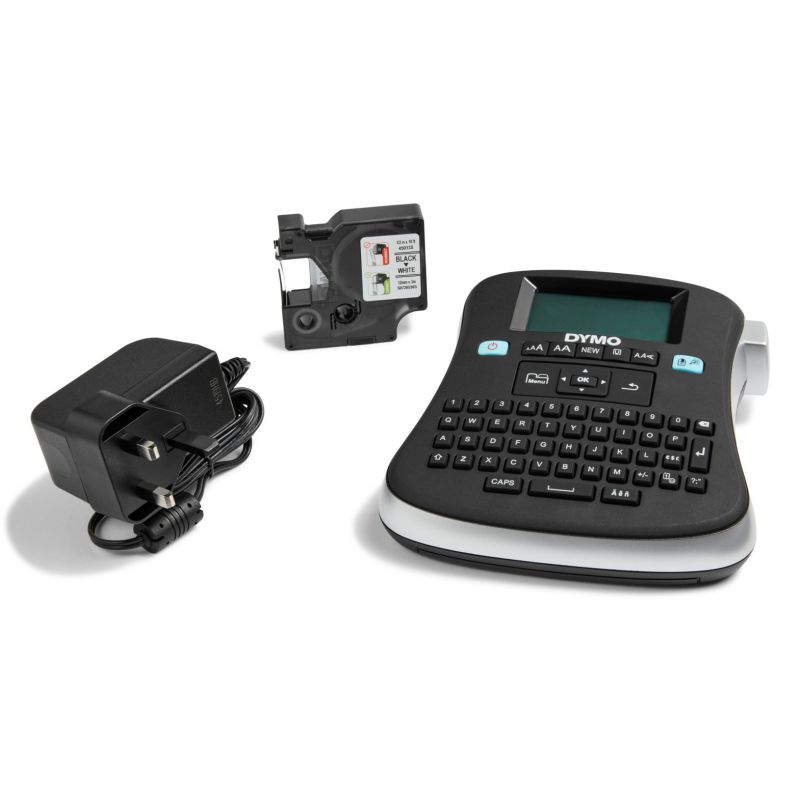
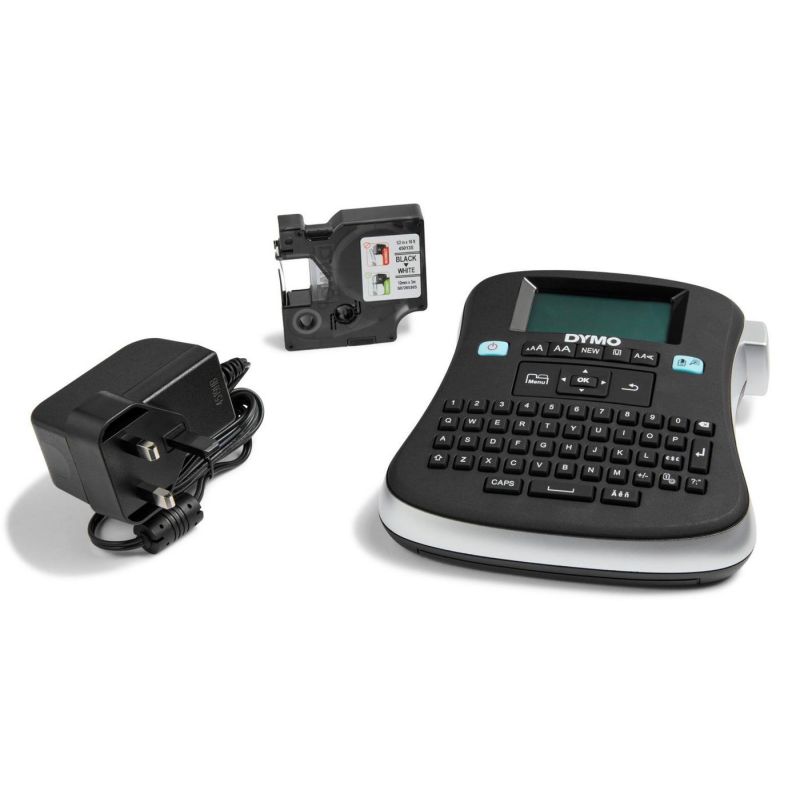
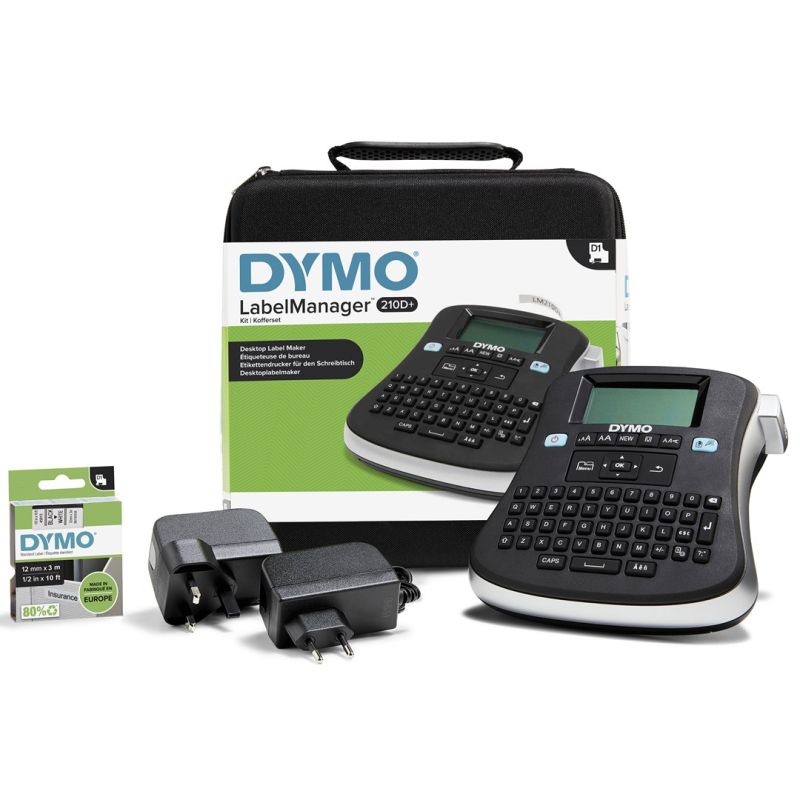
Dymo LM 210D KIT QWERTY label printer

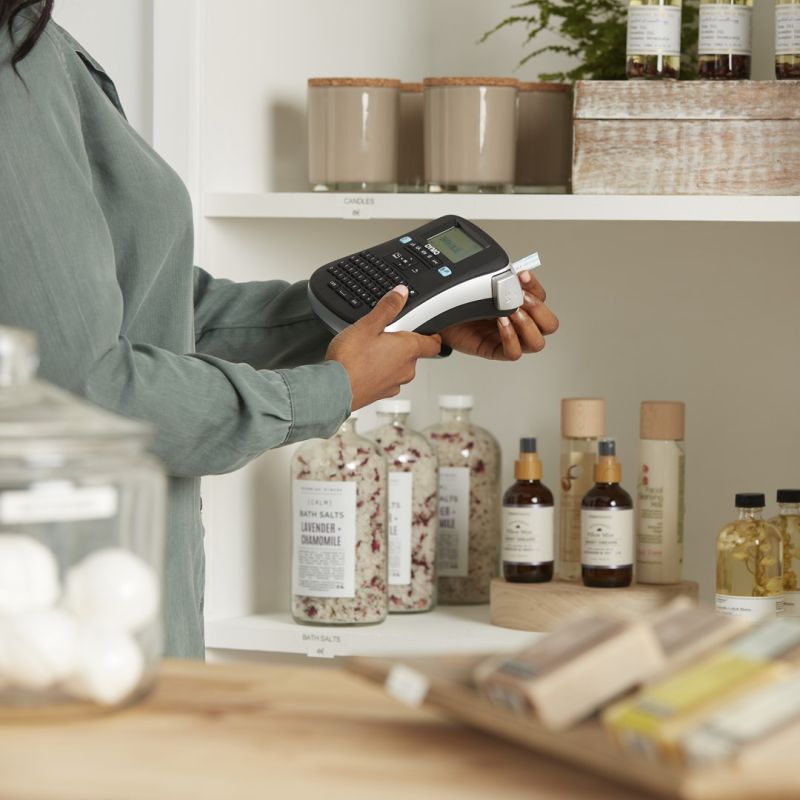
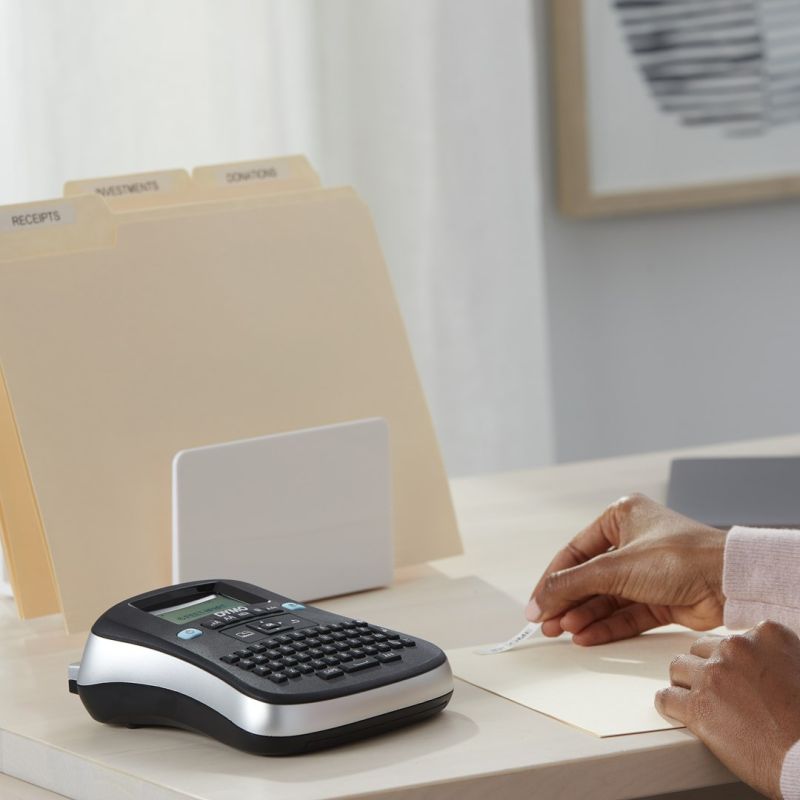
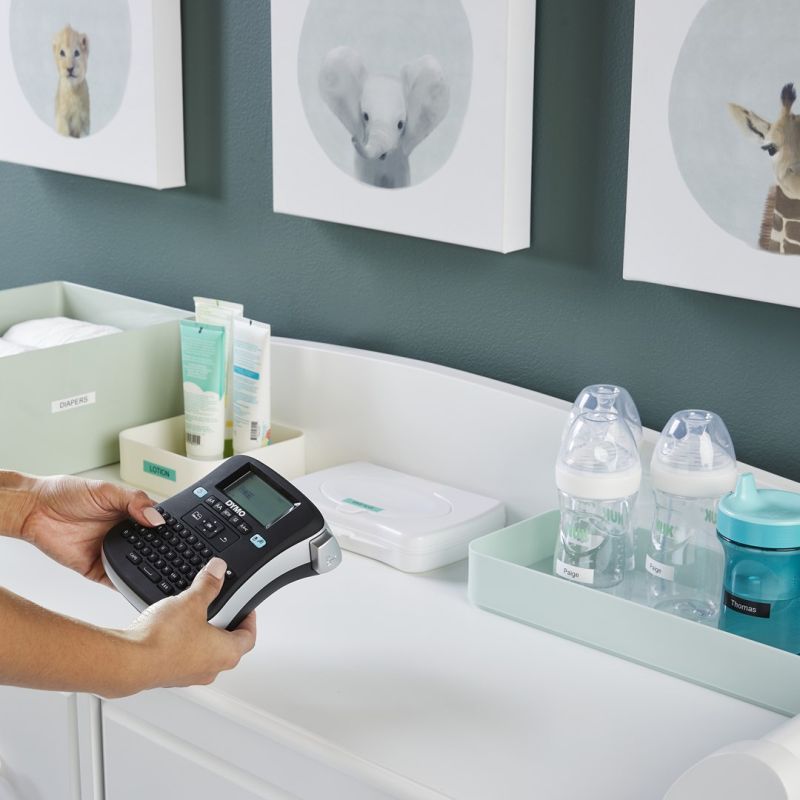
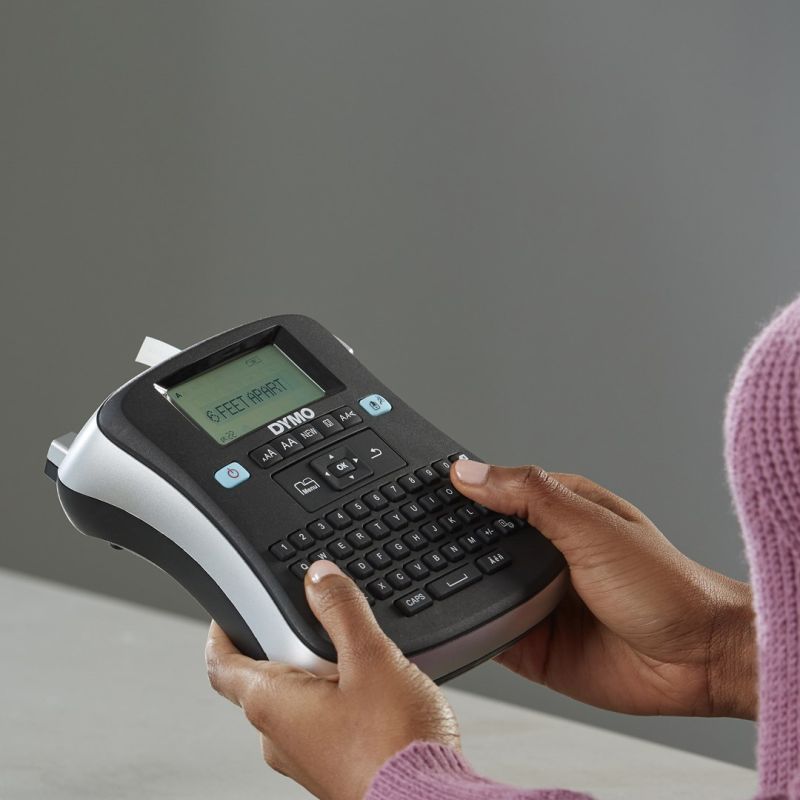
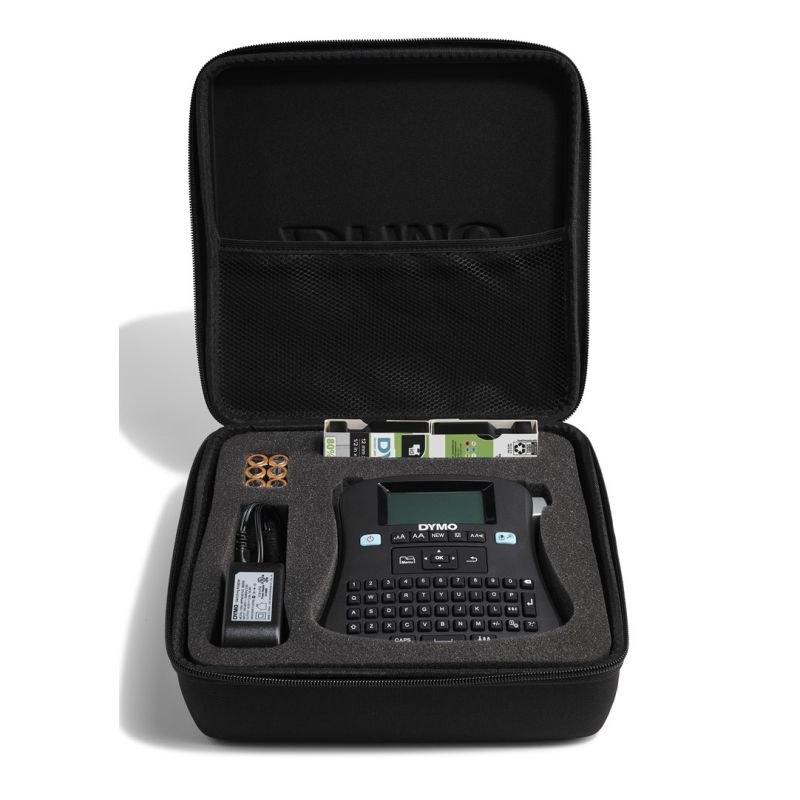
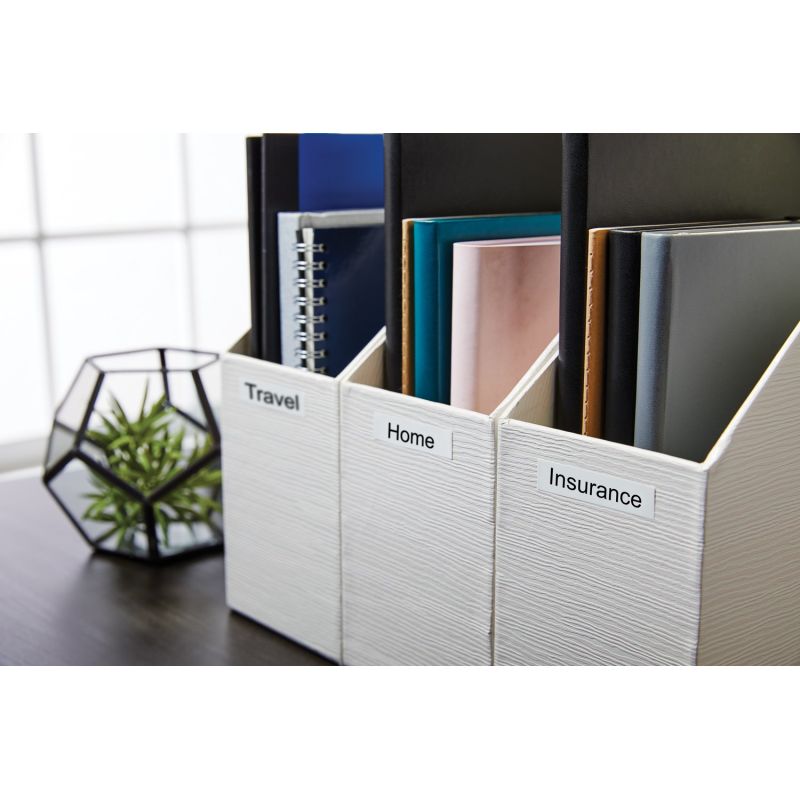
Dymo LM 210D KIT QWERTY label printer


Dymo LM 210D KIT QWERTY label printer
PRICE:
123,99
€
IN A WAREHOUSE
2 pcs
We'll ship this product in 8 days.
FREE EUROPE SHIPPING FROM 149 €!
30 DAYS FOR A RETURN!
Sign up and unlock up to 10% off!

- Technical details
- Environmental certification (sustainability): ENERGY STAR
- Design
- Built-in display: Yes
- Product color
- Black
- Gray
- Screen type: LCD
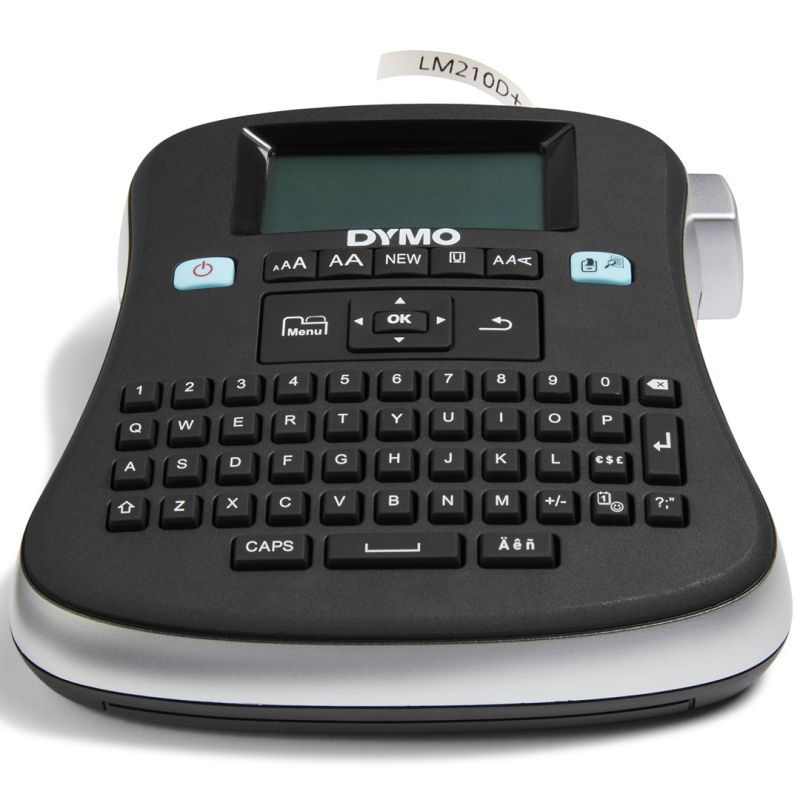
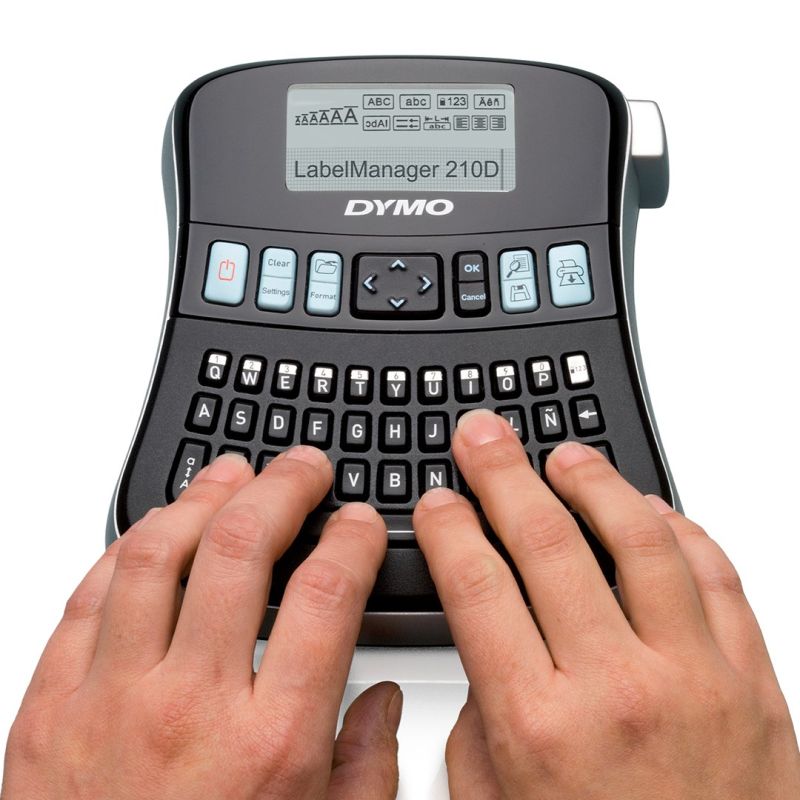
- Keyboard layout: QWERTY
- Power
- Battery type supported: AA
- Auto power off: Yes
- Number of batteries supported: 6
- Efficiency
- Number of fonts: 6
- Tape type: D1
- Number of print lines (maximum): 2
- Number of styles: 7
- Underline: Yes
- Packaging data
- Weight with packaging: 812 g
- Package width: 222 mm
- Package depth: 203 mm
- Packaging type: Elegant box
- Number of pieces: 1
- Package height: 97 mm
- Package contents
- Includes insert(s): Yes
- Ports and interfaces
- Connection method: Wireless
- Wired LAN: Yes
- Other functions
- Label memory: 9 labels
- Plug & Play Support: Yes
- Number of label formats: 9
- Navigation keys: Yes
- Print speed
- Print speed: 12 mm/s
- Printing technology: Thermal transfer
- Maximum resolution: 180 x 180 DPI
- Color: No
- Logistics data
- Harmonized System (HS) code: 84433210
- Paper handling
- Maximum label width: 1.2 cm
- Safety warning
- Warnings
- Avoid contact with hot parts of the printer, they may cause burns.
- Be careful with the moving parts of the printer to avoid injuries.
- Protect the device from the ingress of foreign objects, liquids and dust to prevent damage.
- Warnings
| Name | Details |
|---|---|
| Category | Accessories, Office and advertising |
| Producer | DYMO |