



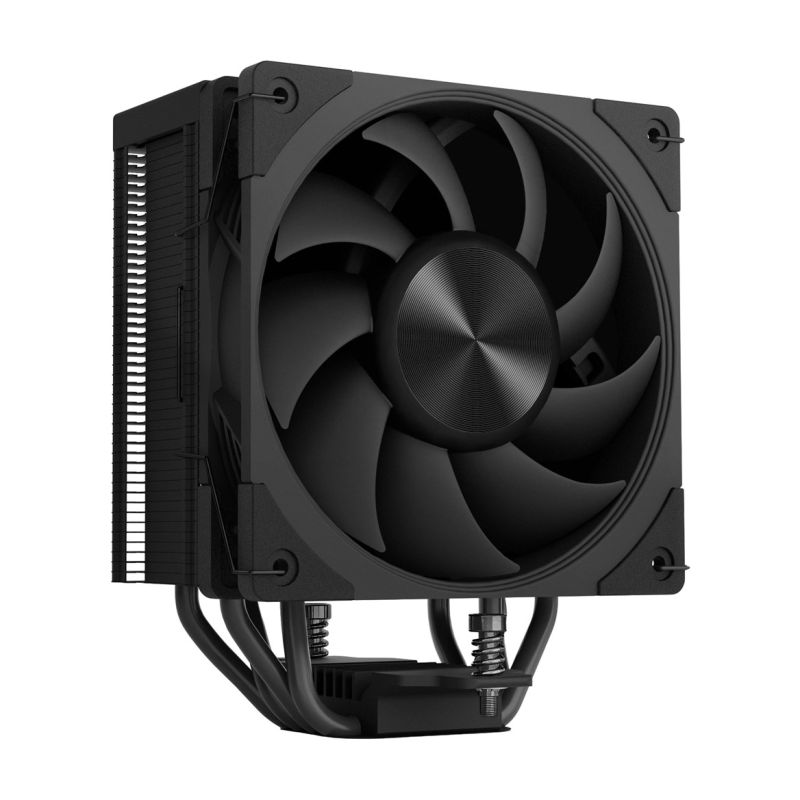
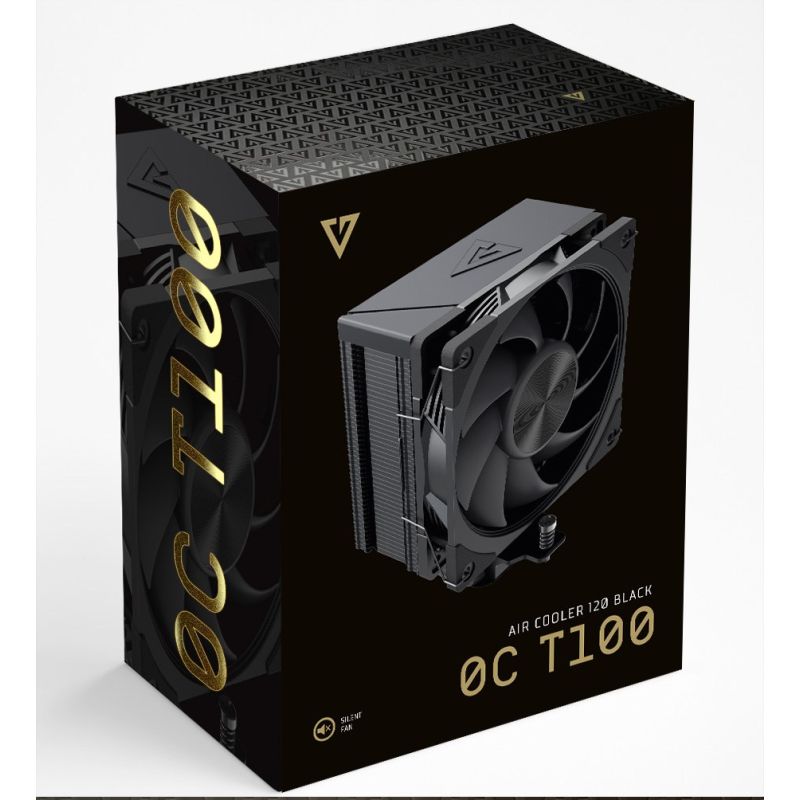
MODECOM CPU COOLER VOLCANO 0C T100 BLACK
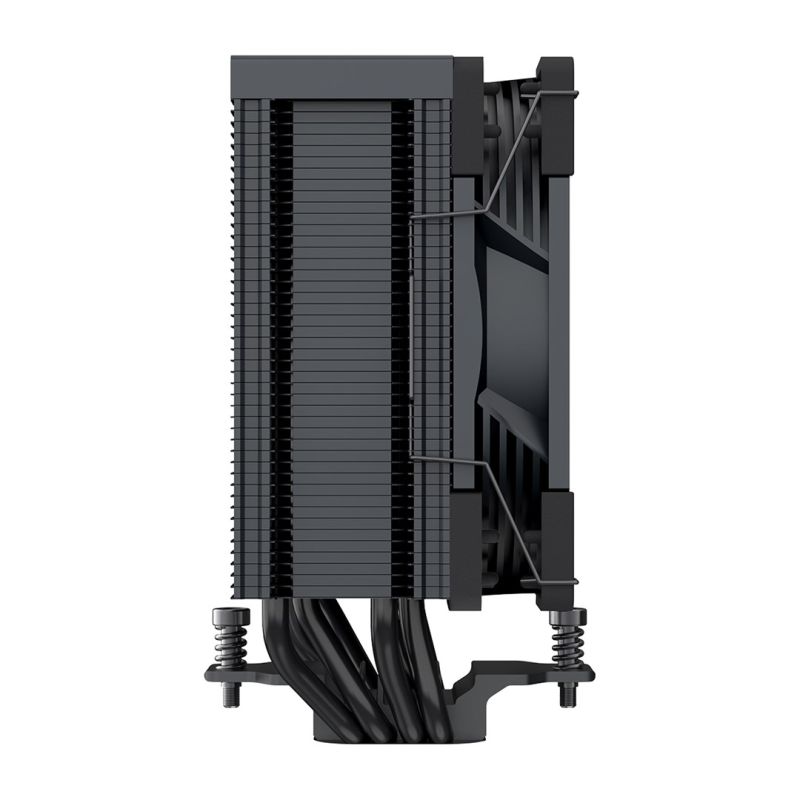
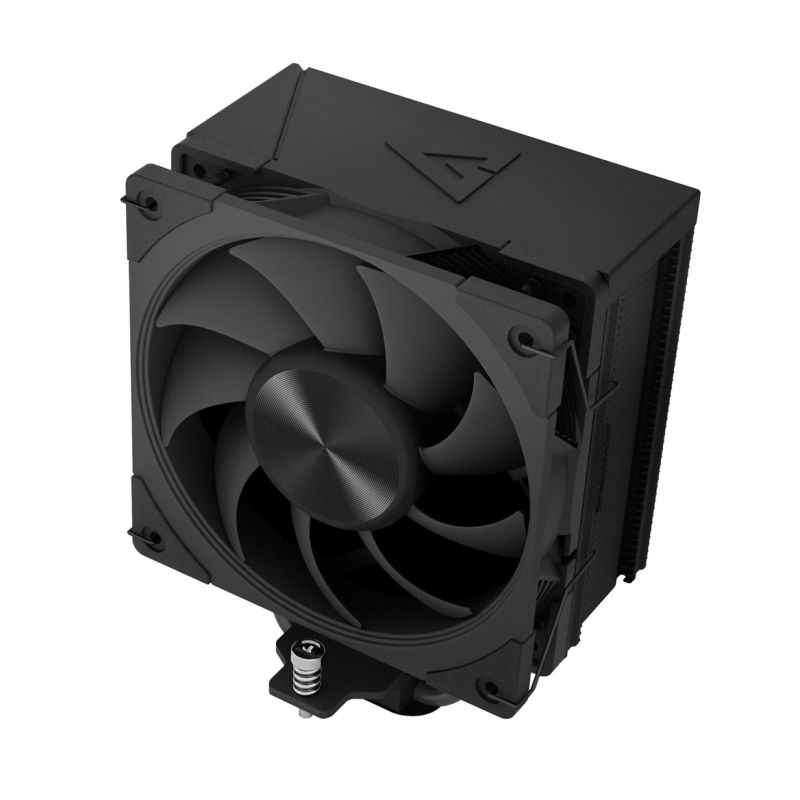
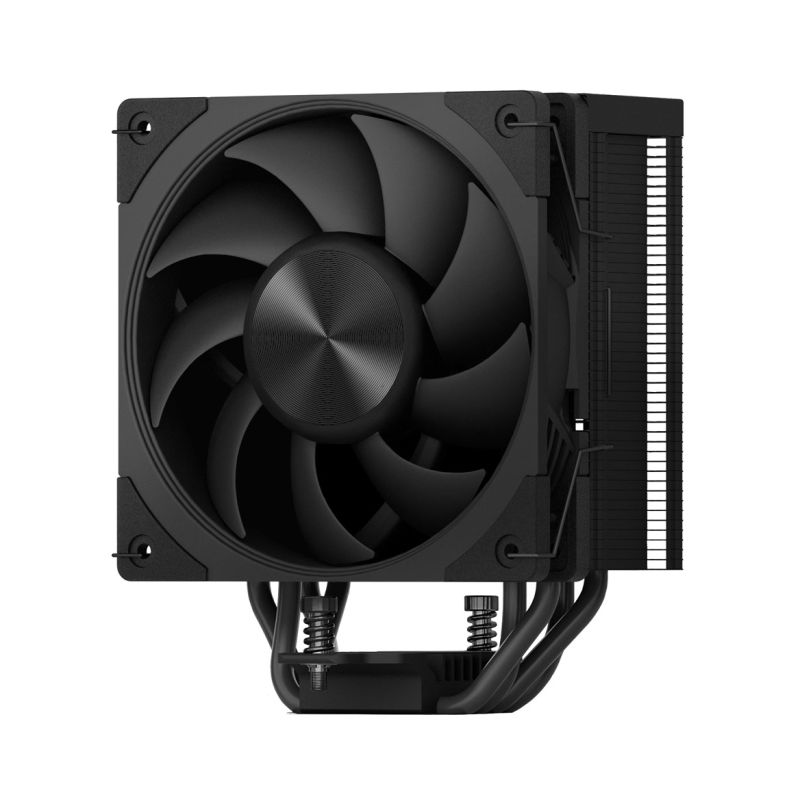
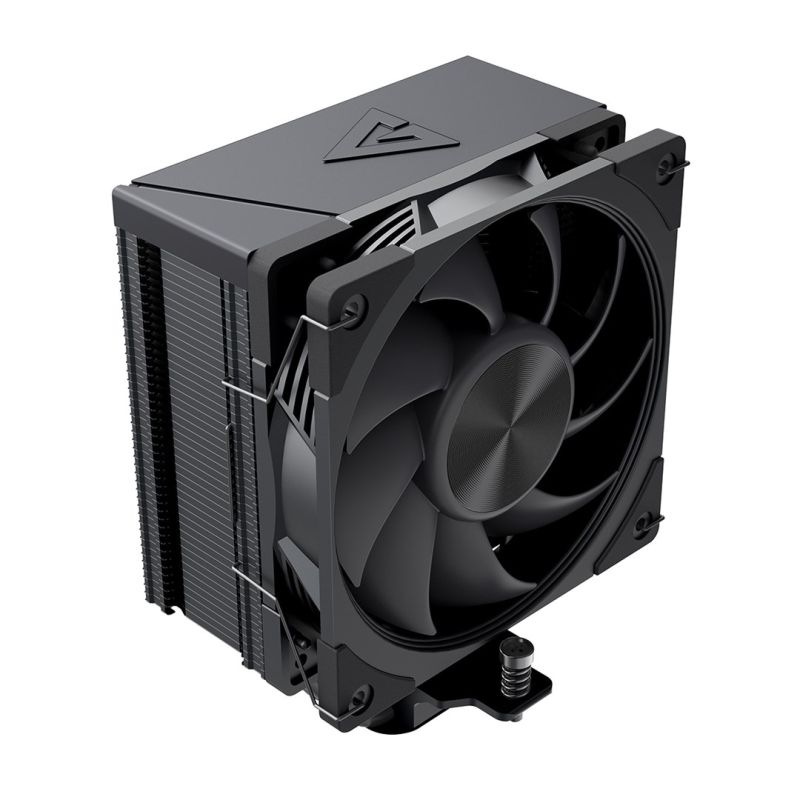
MODECOM CPU COOLER VOLCANO 0C T100 BLACK


MODECOM CPU COOLER VOLCANO 0C T100 BLACK
PRICE:
32,99
€
IN A WAREHOUSE
2 pcs
We'll ship this product in 3 days.
FREE EUROPE SHIPPING FROM 149 €!
30 DAYS FOR A RETURN!
Sign up and unlock up to 10% off!

- Technical details
- Warranty period: 2 years
- Certificates of conformity: CE
- Design
- Product color: Black
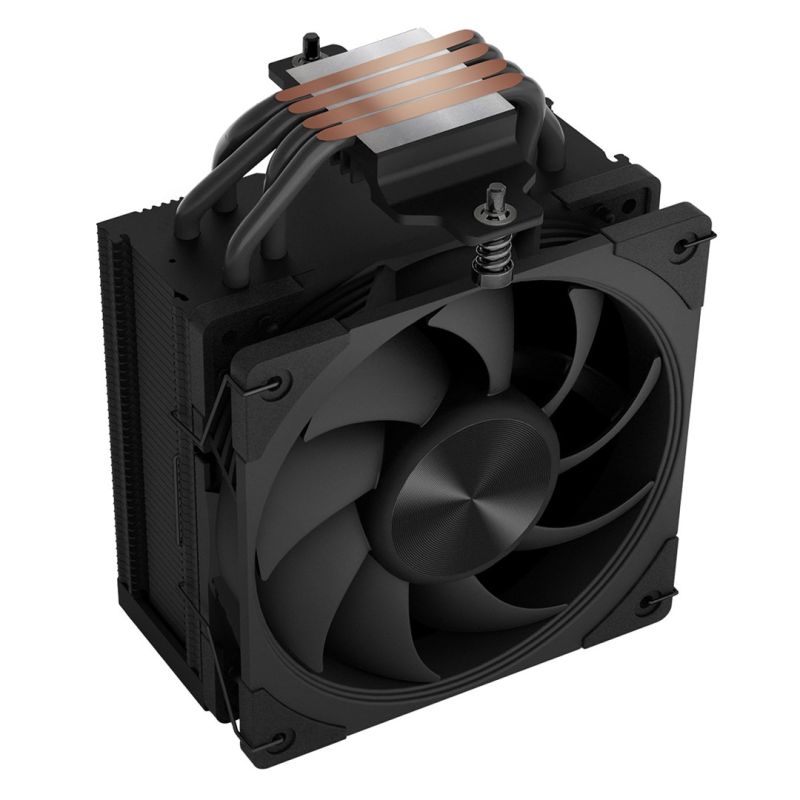
- Number of heat pipes: 4
- Fan connector: 4-pin
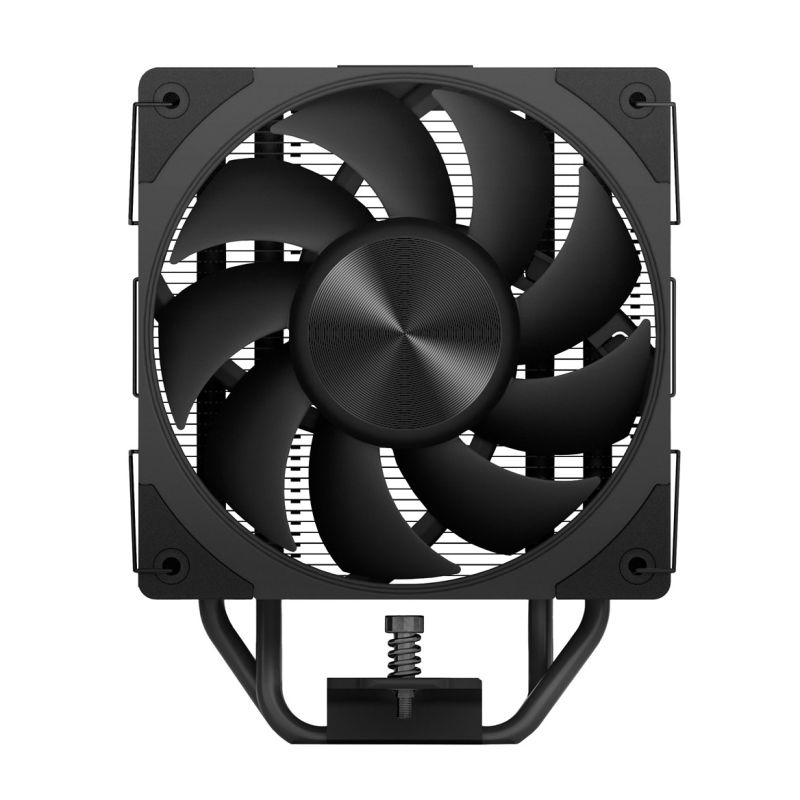
- Number of fans: 1 fan
- Base plate material: Copper
- Ballast material: Aluminum
- Power
- Thermal Design Power (TDP): 190 W
- Nominal voltage: 12 V
- Weight and dimensions
- Product depth: 120 mm
- Package width: 100 mm
- Packaging depth: 145 mm
- Product height: 153 mm
- Weight with packaging: 755 g
- Product width: 73 mm
- Package height: 187 mm
- Product weight: 650 g
- Heat pipe diameter: 6 mm
- Fan dimensions (W x D x H): 120 x 120 x 25 mm
- Efficiency
- Bearing Type: Fluid Dynamic Bearing (FDB)
- Supported CPU sockets
- LGA 1851
- LGA 1366 (Socket B)
- AM5 socket
- LGA 1700
- Socket AM4
- LGA 1200 (Socket H5)
- Model: Air cooler
- Number of pieces: 1
- Air flow: 75 m³/h
- Noise level (high speed): 28 dB
- Rotation speed (max): 2000 RPM
- Pulse Width Modulation (PWM) Support: Yes
- Purpose: Processor
- Fan Mean Time To Last (MTTF): 100,000 h
- Fan bowl diameter: 12 cm
- Package contents
- Mounting kit: Yes
- CPU Bracket(s): Yes
- Screws Included: Yes
- Assembly instructions: Yes
- Number of screws: 8
- Other functions
- Thermal paste: Yes
- Safety warning
- Warnings
- Make sure the device is turned off before installing or removing the cooler.
- Take appropriate precautions during installation to avoid damaging your computer components.
- Do not touch the fan while the device is operating.
- Warnings
| Name | Details |
|---|---|
| Department | Electronics |
| Category | Computers and accessories |
| Product Type | PC cooling |
| Producer | MODECOM |
| Colour | Black |