



Techly ICA-PLB 102S TV Mount Black
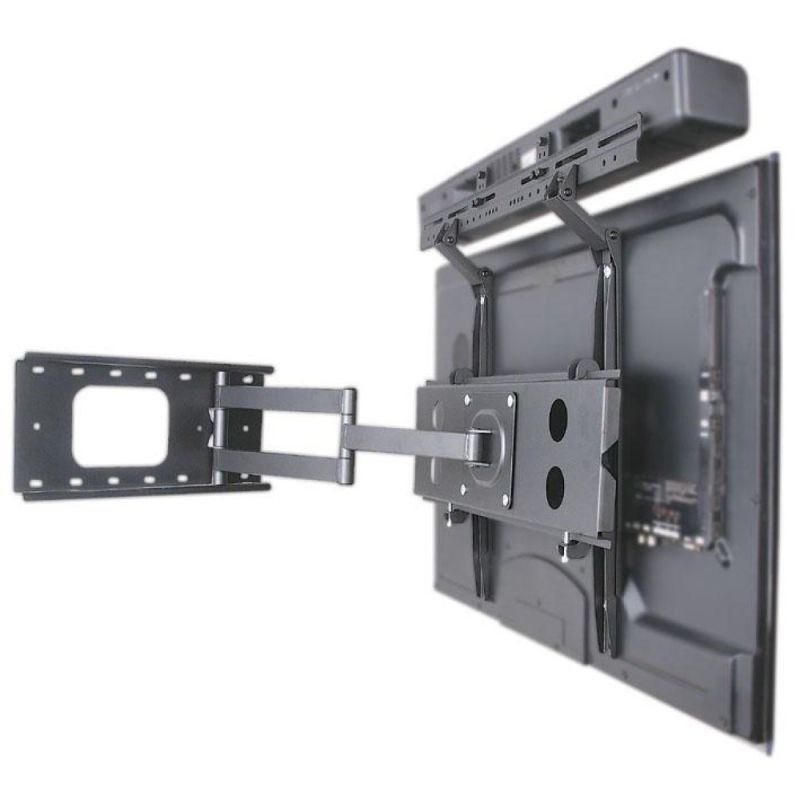

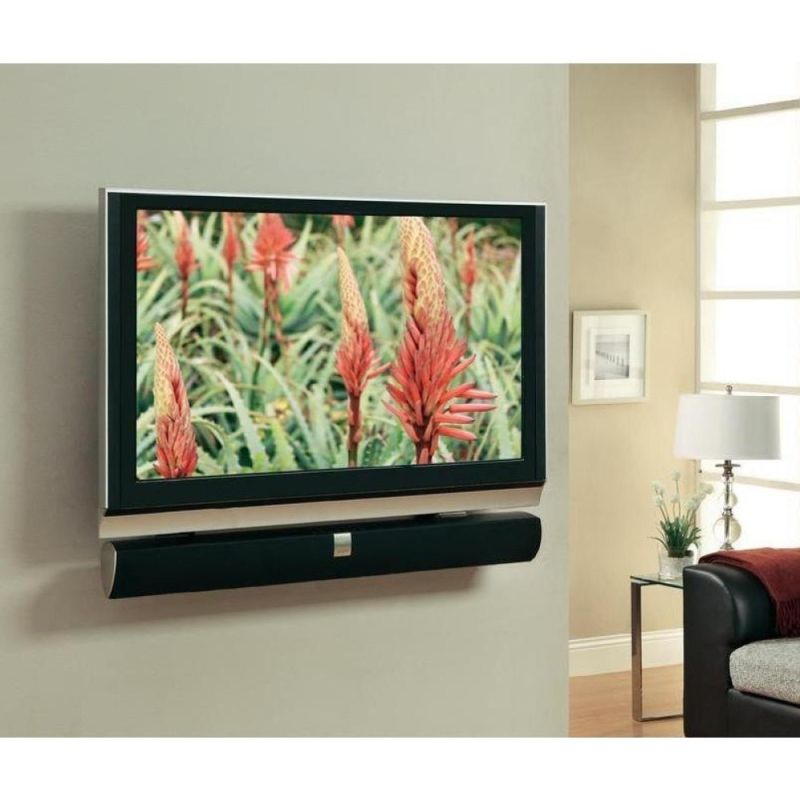
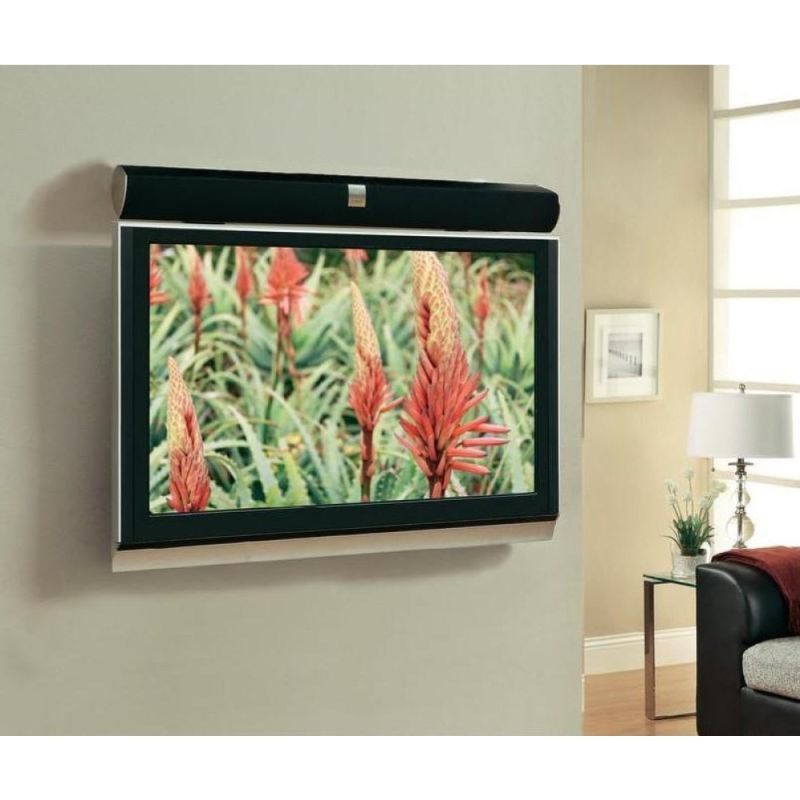
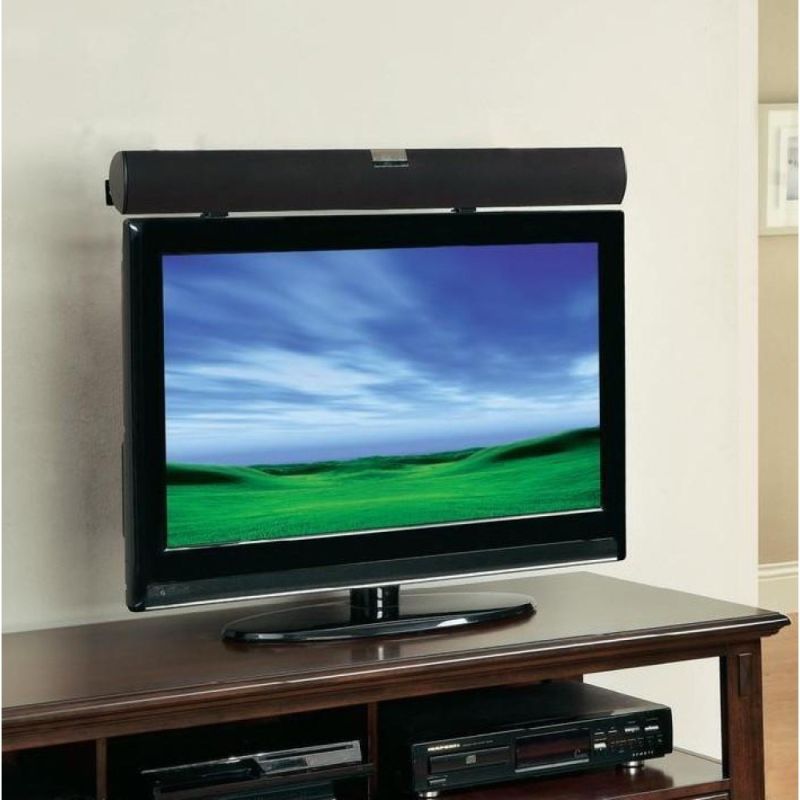
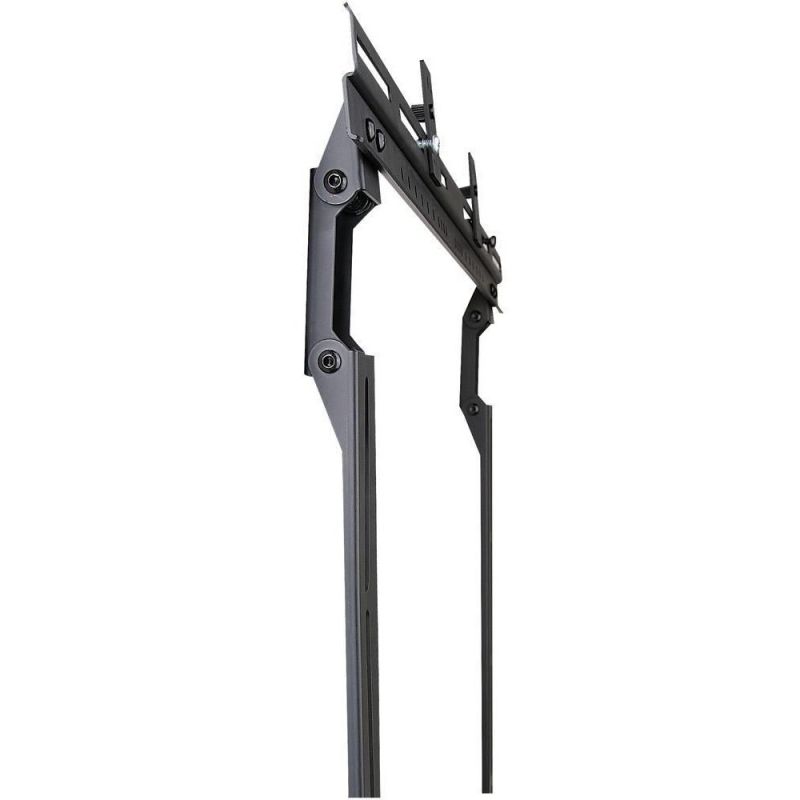
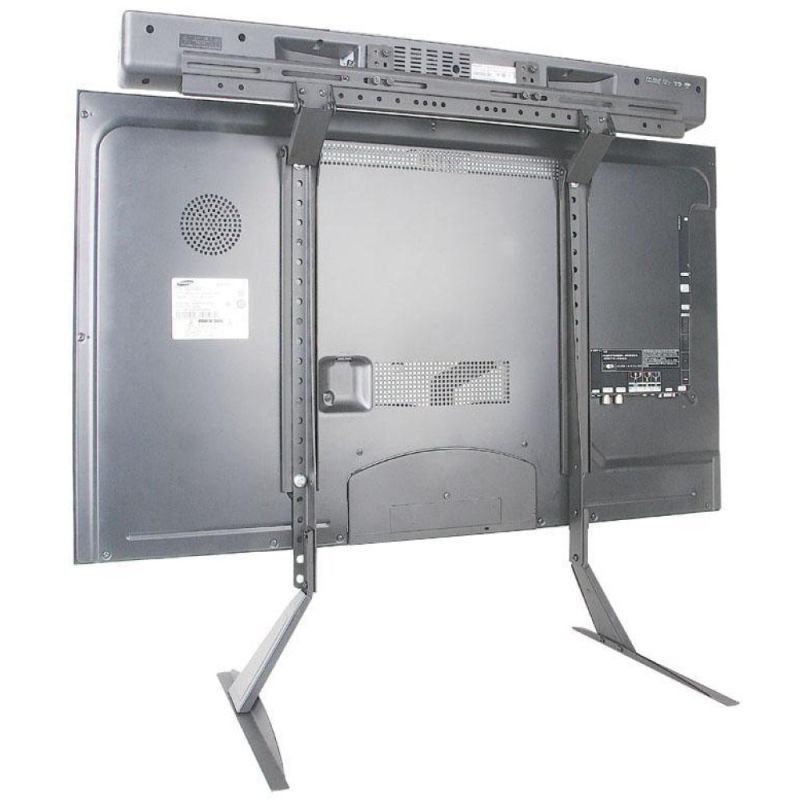
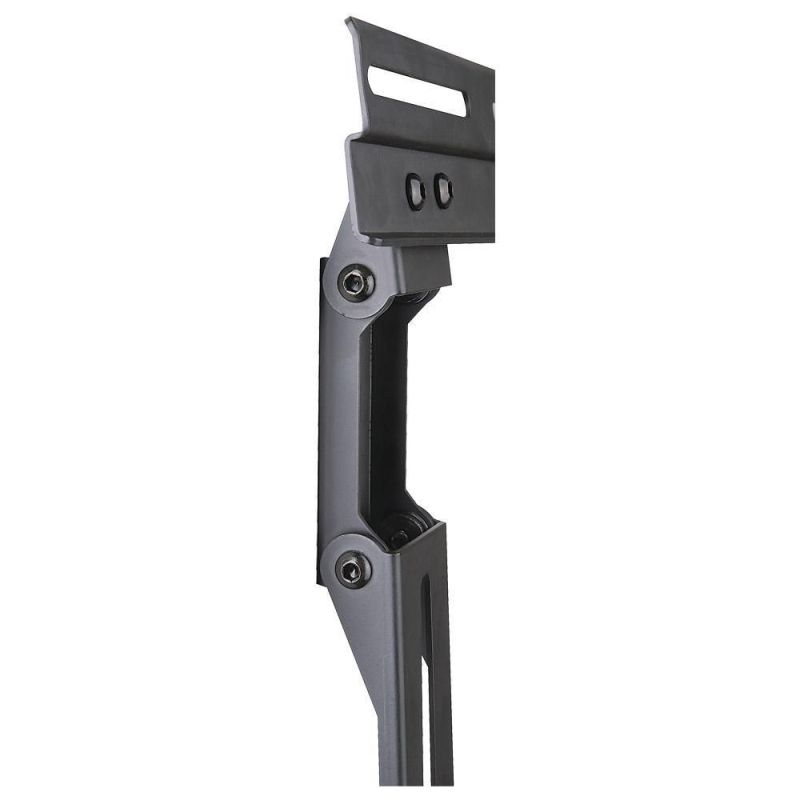
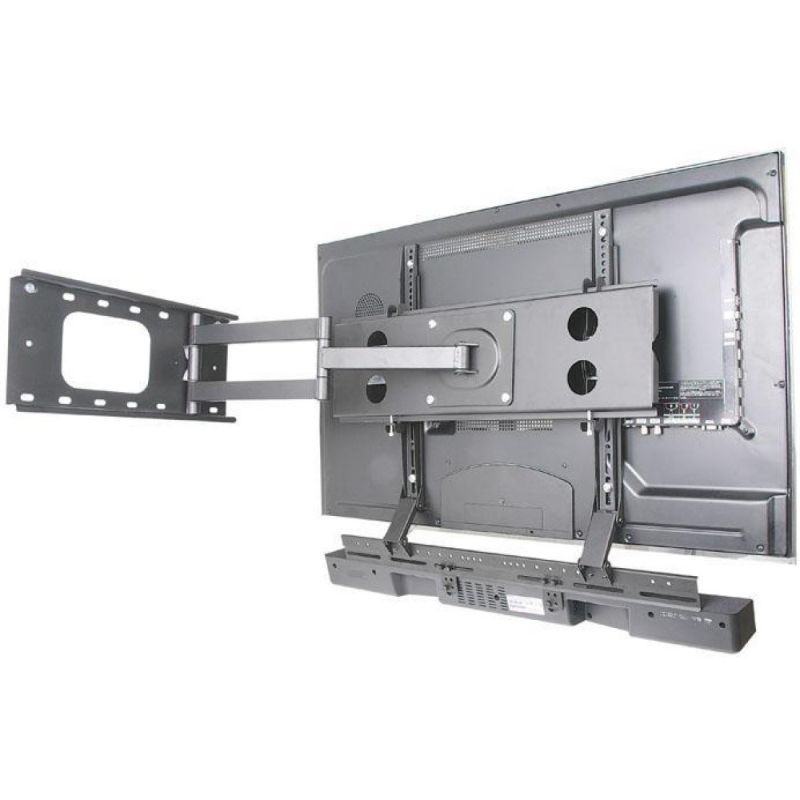
Techly ICA-PLB 102S TV Mount Black


Techly ICA-PLB 102S TV Mount Black
PRICE:
59,99
€
IN A WAREHOUSE
10 pcs
We'll ship this product in 9 days.
FREE EUROPE SHIPPING FROM 149 €!
30 DAYS FOR A RETURN!
Sign up and unlock up to 10% off!

- Technical details
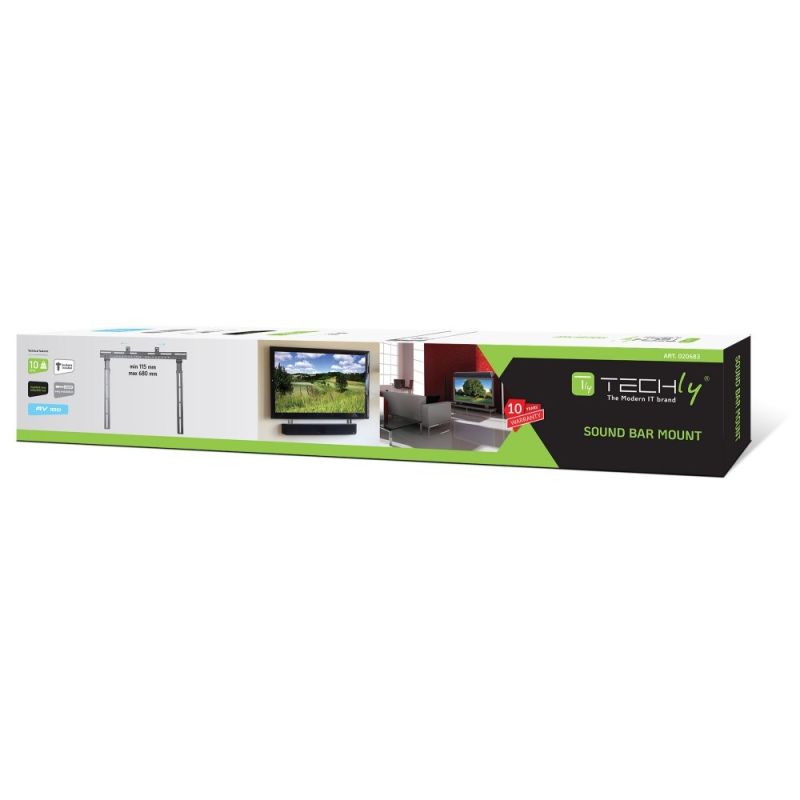
- Warranty period: 10 years
- Design
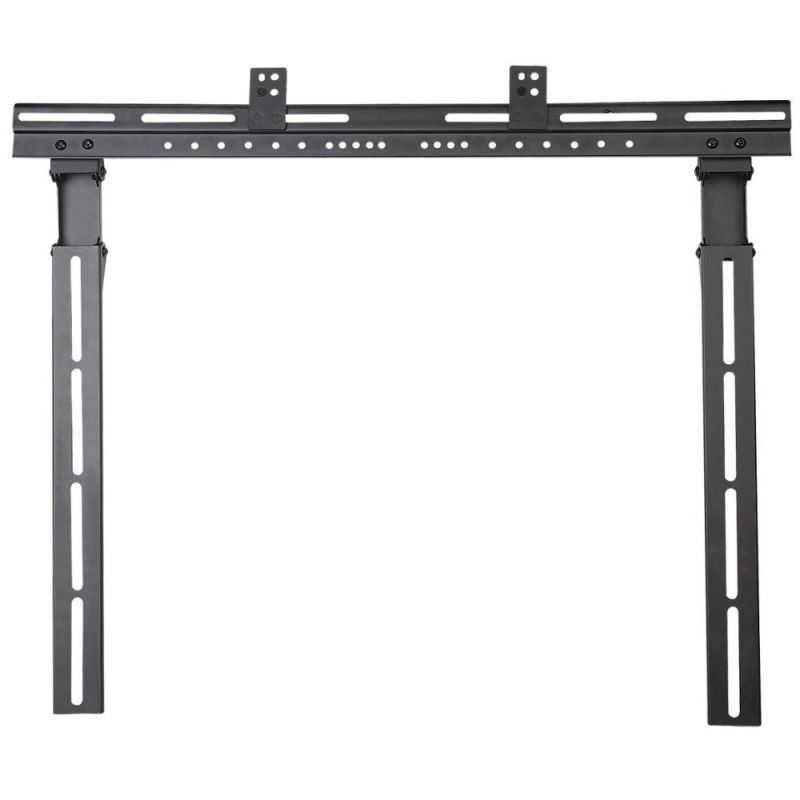
- Product color: Black
- Anti-theft function: No
- Weight and dimensions
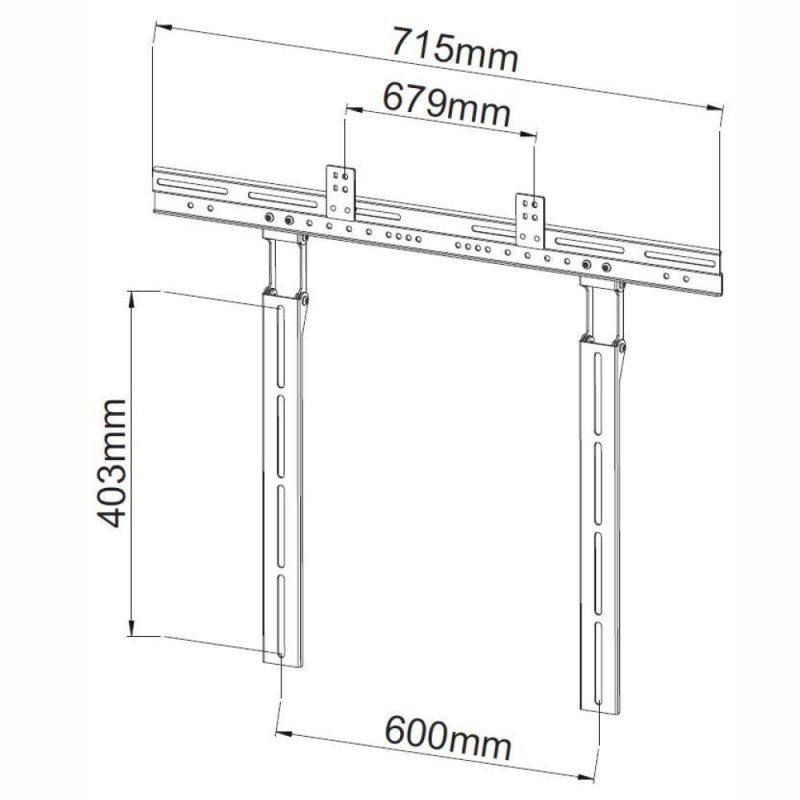
- Product height: 403 mm
- Product width: 715 mm
- Product weight: 2 kg
- Package contents
- User Manual: Yes
- Mounting kit: Yes
- Ergonomics
- Built-in spirit level: No
- Logistics data
- Harmonized System (HS) code: 85299097
- Safety warning
- Warnings
- Do not exceed the maximum weight or screen size allowed for the mount.
- Check the mounting screws regularly and tighten them if necessary to prevent the monitor/TV from falling.
- Ensure the mount is mounted on a suitable wall/desk according to the manufacturer's instructions.
- Warnings
- Installation
- Panel mounting interface
- 200 x 100
- 100 x 100 mm
- 300 x 100
- 30 x 30
- 420 x 240
- 300 x 200
- 200 x 200 mm
- 540 x 360
- 400 x 200
- 100 x 75
- 600 x 300
- 400 x 300
- 50 x 50
- 400 x 800
- 540 x 400
- 600 x 100
- 75 x 75
- 360 x 304
- 420 x 230
- 460 x 640
- 300 x 300
- 600 x 200
- 400 x 600
- 300 x 900
- 420 x 410
- 600 x 400
- 500 x 350
- 120 x 120
- 400 x 400
- 280 x 150
- Maximum load capacity: 10 kg
- Minimum VESA mount: 30 x 30 mm
- Number of displays supported: 1
- Maximum VESA mount: 900 x 300 mm
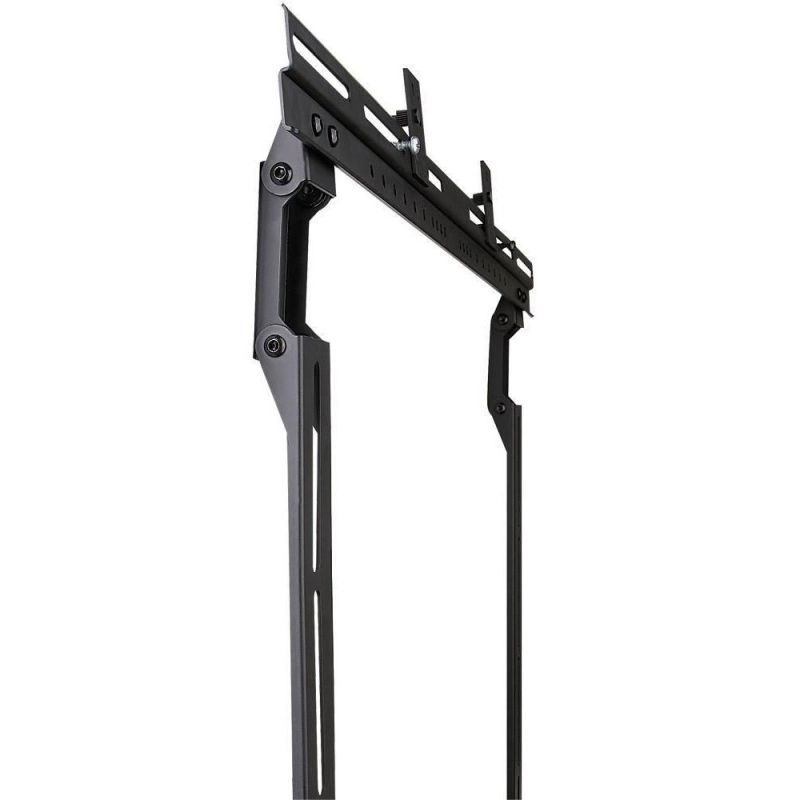
- Mounting type: Wall
- Panel mounting interface
| Name | Details |
|---|---|
| Department | Electronics |
| Category | TV and Video |
| Product Type | TV and monitor mounts |
| Producer | TECHly |
| Colour | Black |