



TP-LINK Archer TX35U Plus network card
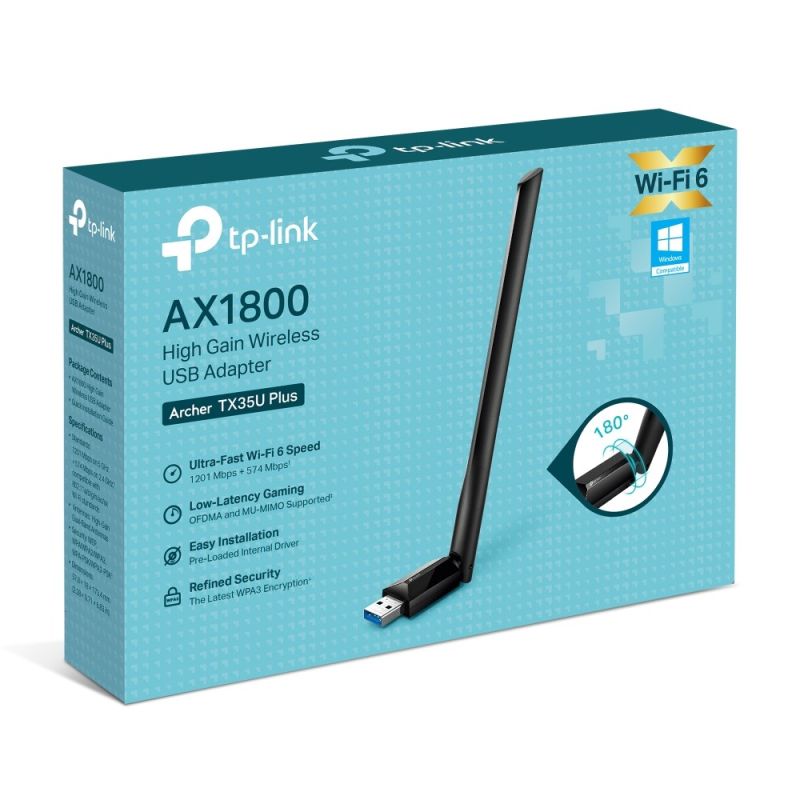
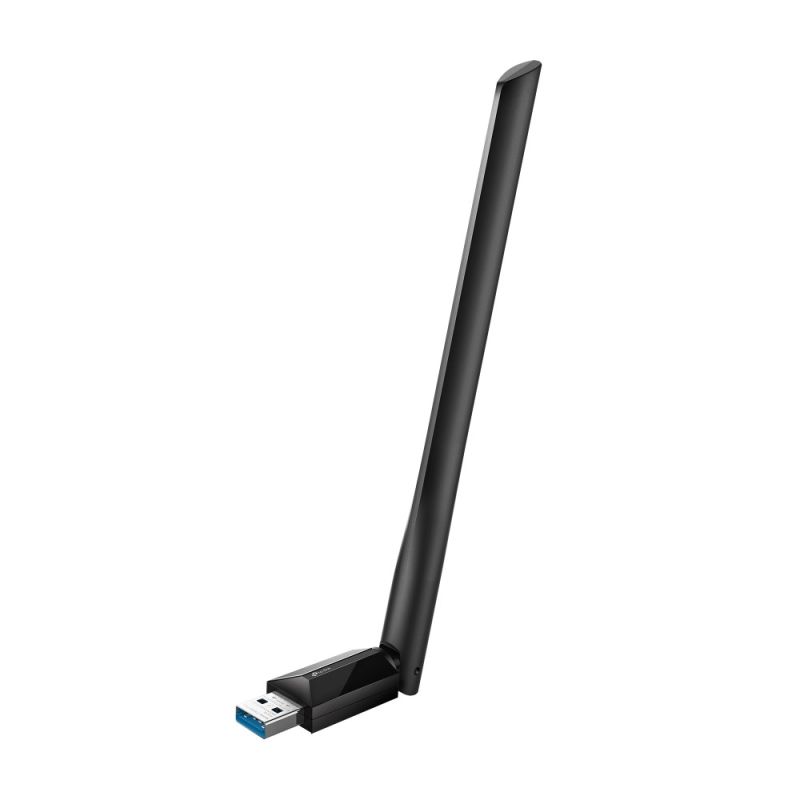
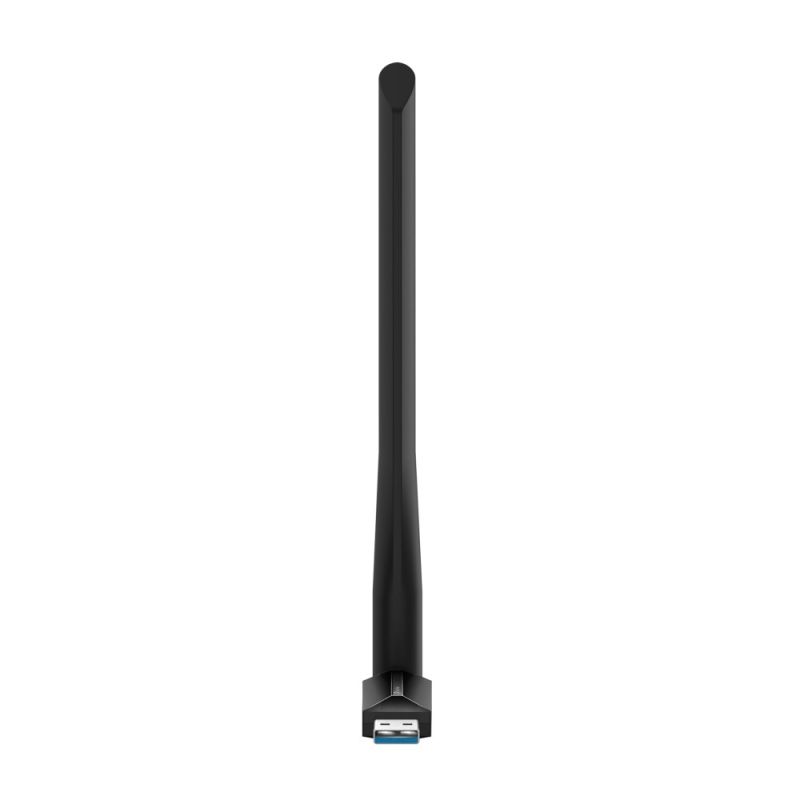
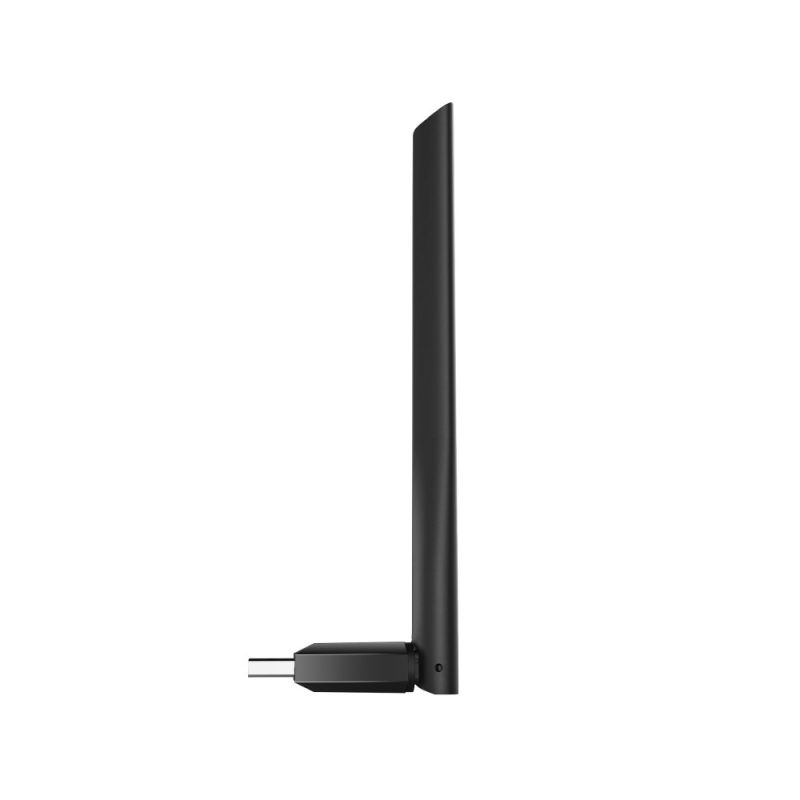

TP-LINK Archer TX35U Plus network card


TP-LINK Archer TX35U Plus network card
PRICE:
39,99
€
IN A WAREHOUSE
above 10 pcs
We'll ship this product in 3 days.
FREE EUROPE SHIPPING FROM 149 €!
30 DAYS FOR A RETURN!
Sign up and unlock up to 10% off!

- Technical details
- Certificates of conformity
- CE
- Federal Communications Commission (FCC)
- RoHS
- Certificates of conformity
- Design
- Product color: Black
- Internal: Yes
- Intended use: Laptop
- LEDs: Status
- Antenna: Yes
- Antenna gain level (max): 5 dBi
- Operating modes: Infrastructure mode
- Plug & Play Support: Yes
- Antenna Construction: External
- Power
- USB Powered: Yes
- Weight and dimensions
- Product height: 173.4 mm
- Product depth: 18 mm
- Product width: 57.8 mm
- Working conditions
- Temperature range (storage): -40 - 70 °C
- Temperature range (operation): 0 - 40 °C
- Relative humidity range: 10 - 90%
- Permissible relative humidity: 5 - 90%
- Network
- Wi-Fi standards
- 802.11b
- Wi-Fi 4 (802.11n)
- Wi-Fi 5 (802.11ac)
- 802.11g
- 802.11a
- Wi-Fi: Yes
- Frequency range: 2.4 - 5 GHz
- Basic Wi-Fi standard: Wi-Fi 6 (802.11ax)
- Communication standards
- IEEE 802.11b
- IEEE 802.11n
- IEEE 802.11g
- IEEE 802.11a
- IEEE 802.11ac
- Encryption/Security
- WPA-PSK
- WPA2-PSK
- WEP
- WPA
- WPA2
- Maximum data transfer rate: 867 Mbit/s
- Wi-Fi standards
- System requirements
- Supported Windows operating systems
- Windows 10
- Windows 11
- Windows 11 Home
- Windows 10 IoT Core
- Windows 10 Education
- Windows 10 Pro
- Windows 10 IoT Enterprise
- Windows 10 Enterprise x64
- Windows 10 Enterprise
- Windows 10 x64
- Windows 10 Home
- Windows 10 Pro x64
- Windows 11 Pro
- Windows 10 Home x64
- Windows 11 x64
- Windows 11 Enterprise
- Windows 11 Enterprise x64
- Windows 10 Education x64
- Supported Windows operating systems
- Packaging data
- Package width: 207 mm
- Package height: 42 mm
- Weight with packaging: 140 g
- Package depth: 148 mm
- Package contents
- Driver CD: Yes
- Quick Installation Guide: Yes
- Ports and interfaces
- Host interface: USB
- Connection method: Wired
- Interface: WLAN
- USB version: 3.0
- Logistics data
- Harmonized System (HS) code: 85176990
- Safety warning
- Warnings
- Do not disassemble or modify the device to avoid damage or electric shock.
- Before use, make sure the device is properly connected to the USB port.
- Protect your device from moisture and extreme temperatures.
- Warnings
| Name | Details |
|---|---|
| Category | Computers and accessories |
| Producer | TP-LINK |
| Department | Electronics |